

BlazePDF
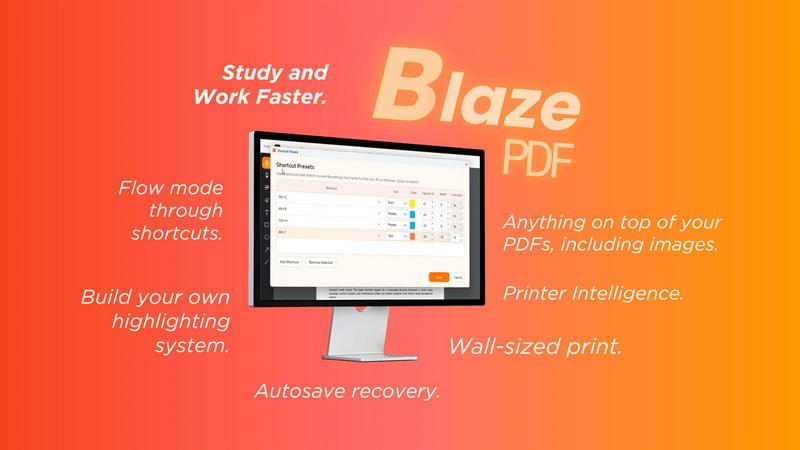
Highlight faster. Study in flow with custom shortcuts and a workflow built around you. Print smarter, or turn any page into a tiled poster.
About BlazePDF
BlazePDF is a fast, intuitive PDF app built around how students actually study. Highlight and annotate faster, add images, use familiar keyboard shortcuts, and move through documents without breaking your flow. BlazePDF focuses on the small interactions students repeat constantly and makes them faster and more natural, with customizable tool switch shortcuts, autosave, and an interface designed especially for laptop-based studying.
Explore more in this category:
Similar to BlazePDF

Safe Outreach
AI-powered platform that evaluates the safety of LinkedIn automation tools and helps reduce the risk of account restrictions.

How Long How Many Tool
Timers and hourly checks to figure how out long until a certain time or how many days away.

Agent Pets
Every Claude Code, Codex, OpenCode and omp session becomes a pet on every page in Chrome. Approve, deny and reply from any tab.


ButterShare
Realtime peer-to-peer file transfer in the browser. Send files directly between devices, no account and no upload to a server.

Emailyy
Free email tools for signatures, subject lines, HTML previews, word counts, and email headers. Browser-based, simple to use, and no signup required.

Uniclip
Clip pages, take full-page screenshots and batch-capture list data to Notion, Feishu, Obsidian, Markdown, CSV or JSON.

TroveKey
Search tabs, Chrome bookmarks and history, run browser commands, and save webpages and social posts locally—no account.