

HappyHorse AI
HappyHorse AI turns written prompts and still images into short video drafts, with selectable models and settings for creative iteration.
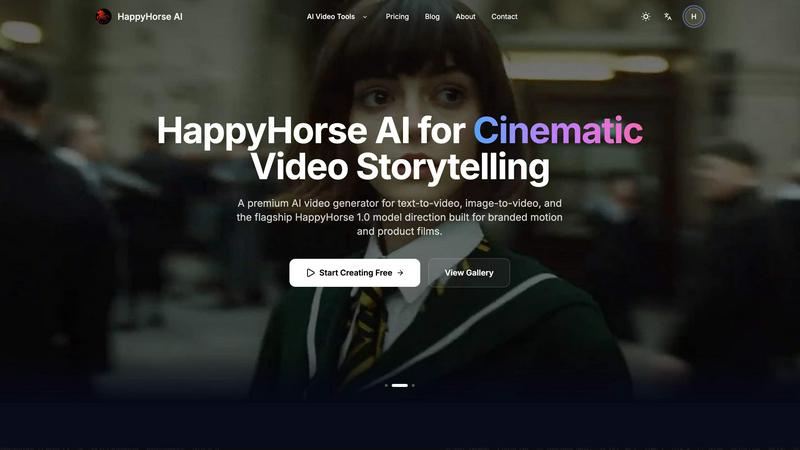
About HappyHorse AI
HappyHorse AI is aimed at people who need motion concepts without setting up a local generation environment. Start with a text prompt for a new scene or upload an image when you want to animate an existing composition. The interface brings model selection, aspect ratio, generation, preview, and export into the same browser flow.
Its examples and use cases lean toward product shots, portraits, campaign ideas, and short social content. Users can rerun a concept with another model or adjust supported settings such as duration and resolution. The site lists MP4 export and up to 1080p on supported models, but capabilities vary across the model selection; audio support is likewise conditional. That makes it practical for exploration and internal review, with output specifications worth checking before relying on a particular workflow.
Features of HappyHorse AI
- Creates clips from text or reference images.
- Includes a multi-model video workspace.
- Provides configurable aspect ratio and model-supported options.
- Exports generated video as MP4.
Use Cases of HappyHorse AI
- Prototype product visuals for a landing page or showcase.
- Create portrait animation concepts from a still.
- Compare visual directions for a campaign.
- Prepare moving samples for internal review.
Frequently Asked Questions
What kinds of inputs can I use?
The site describes written prompts and uploaded reference images for video creation.
Are all settings available for each model?
No. The selected model determines which controls and output options are supported.
What resolution can it produce?
The site lists up to 1080p for supported models.
Pricing of HappyHorse AI
Subscriptions are listed at $41, $83, and $167 per month with yearly billing; credit packs can also be purchased once, starting at $50.
Similar to HappyHorse AI


PdfCraft
PdfCraft is a free, open-source PDF editor for Windows, macOS, Linux and FreeBSD, with page organization and a browser version.


VD6S.online
Use VD6S.online in a browser to save publicly viewable YouTube videos as MP4 or download audio in formats including MP3 and FLAC.

Pavo AI
Pavo AI generates short videos and images from text prompts using four connected models and a shared credit balance.

ButterShare
ButterShare sends large files between browsers with encrypted peer-to-peer streaming and optional expiring links for offline delivery.

GTA 6 All Cheats
A platform-by-platform guide to expected GTA 6 cheat codes, with clear pre-launch status and PS5, Xbox, PC and phone entry formats.

CADCraft
CADCraft is open-source 2D CAD software with an MCP server, JSON control channel and headless CLI for automating drawing tasks.