
MindMap AI
MindMap AI turns your ideas into sleek, editable mind maps with smart co-editing and multi-language support, no stress!.
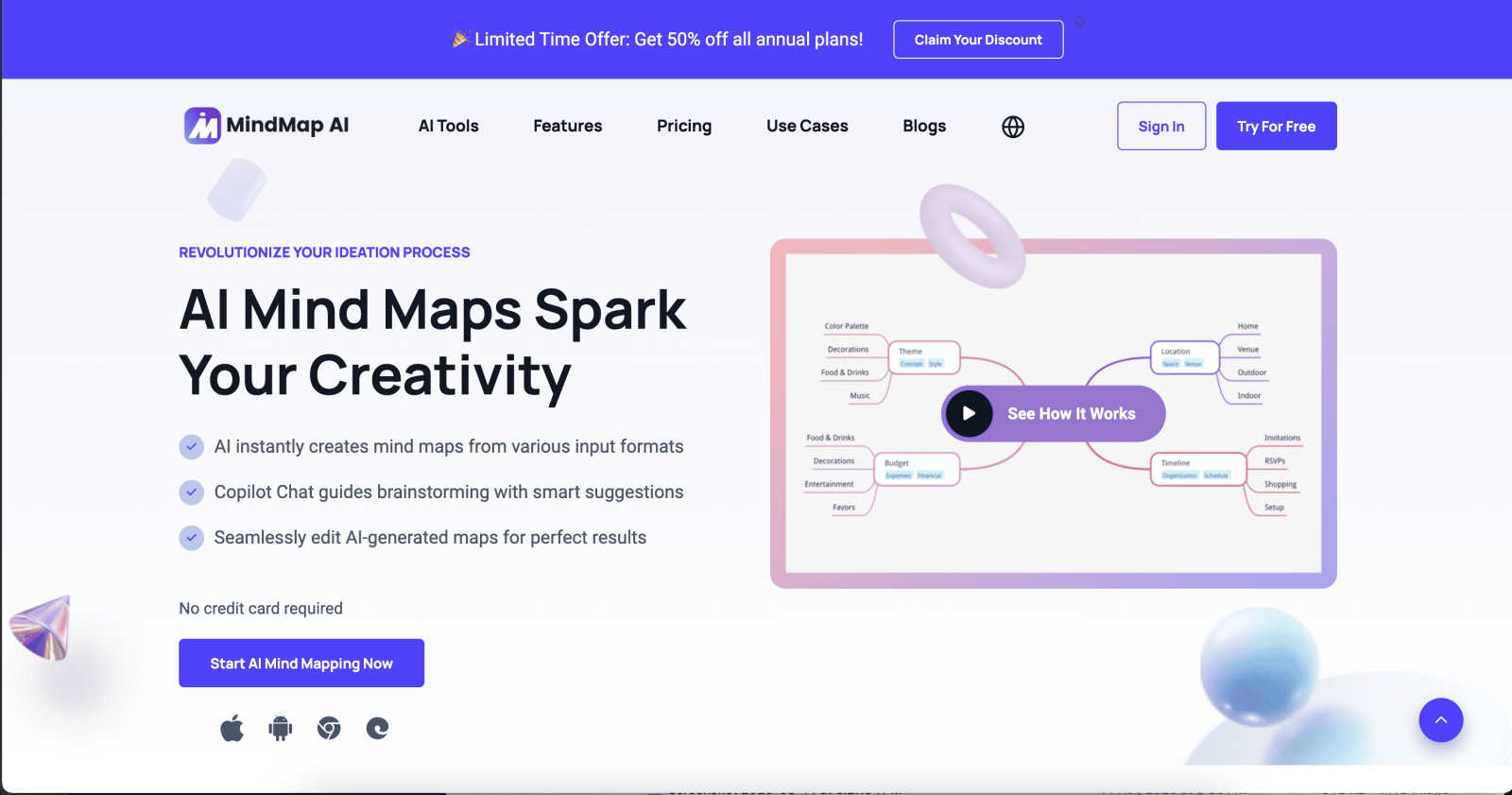
About MindMap AI
MindMap AI is your ultimate sidekick when it comes to transforming messy thoughts into visually stunning mind maps that help you make sense of your ideas, like, instantaneously. Picture this: you're juggling a ton of ideas, whether you're flying solo or brainstorming with your crew. MindMap AI swoops in like a superhero, powered by AI, to help you organize your thoughts in a way that’s not just clear but downright beautiful. This software is a game-changer for professionals craving productivity and clarity. It allows you to convert various inputs—think PDFs, docs, images, and even recordings—into sleek, interactive mind maps. No more wasting time on manual formatting; MindMap AI does the heavy lifting, letting your creativity flourish. Whether you’re part of a corporate team or a creative thinker, this tool helps you turn complex ideas into actionable plans. Get ready to unleash your full potential and watch as chaos transforms into clarity, making you a pro at organizing your thoughts.
Features of MindMap AI
AI Thinking Mode for Accuracy
MindMap AI employs a step-by-step reasoning engine that gets the context, hierarchy, and relationships of your thoughts before crafting your mind map. This means your mind maps are structured and meaningful right from the get-go, not just a jumble of random branches tossed together.
File-to-Map Conversion
With MindMap AI, you can effortlessly convert any content—text, PDFs, images, audio, video, Markdown, or CSV—into a beautiful mind map in an instant. Forget about starting from scratch; dive straight into thinking, planning, and creating as MindMap AI handles the formatting for you.
Multi-Language Support
Create and edit mind maps in over 25 languages without losing accuracy or structure. MindMap AI's multilingual capabilities ensure that your ideas are mapped consistently across languages, keeping the layout and meaning intact.
Continuous Editing
MindMap AI offers a co-editing feature where you can build your mind map your way. Whether you prefer manual tweaks or AI assistance, you have full control to expand, summarize, reorganize, and style your mind map, ensuring it reflects your vision without losing stability.
Use Cases of MindMap AI
Brainstorming Sessions
MindMap AI is perfect for brainstorming sessions, whether you’re flying solo or in a group. Quickly jot down ideas, and let the AI help you visualize and organize them into a coherent mind map, making it easier to identify the best ones.
Project Planning
When it comes to project planning, MindMap AI is a lifesaver. You can convert project documents into interactive mind maps that outline tasks, timelines, and dependencies, making it super easy to keep everyone on the same page.
Research Organization
For students and researchers, MindMap AI helps you compile research findings into structured mind maps. You can turn lengthy articles and papers into concise visual summaries, making it way easier to digest and present information.
Curriculum Mapping
Educators can utilize MindMap AI for curriculum mapping. Organize learning objectives, materials, and assessments into a clear mind map that enhances teaching strategies and ensures that all educational goals are met.
Frequently Asked Questions
How does MindMap AI ensure accuracy in mind mapping?
MindMap AI leverages a step-by-step reasoning engine that understands context and relationships, ensuring that your mind maps are structured and meaningful right from the start.
Can I collaborate with others using MindMap AI?
Absolutely! MindMap AI allows for co-editing, so you can work alongside your team in real-time, respecting individual contributions without overwriting anyone's work.
Is there support for different languages?
Yes! MindMap AI supports over 25 languages, allowing you to create and edit mind maps with the same level of accuracy and structure, regardless of the language you choose.
How does the file-to-map conversion work?
You can easily transform various types of content—like PDFs, images, or audio files—into mind maps instantly. This feature saves you time and allows you to focus on brainstorming and planning rather than formatting.
Explore more in this category:
Similar to MindMap AI

@fuck.it - email with attitude
Private email. Pure. Secure. Exclusive. No ads, no tracking, no data selling. GDPR compliant, EU-hosted.

FreeVideoGenerator
Free AI video generator: turn text prompts and photos into video clips with Sora 2, Veo 3.1, Wan and more. Free starter credits, no watermark download

Novastart
Apps and files on an infinite canvas where people and AI agents work together.

Panzoe
Panzoe is an all-in-one AI platform for personal productivity, business automation, AI assistants, content creation, and custom AI solutions.

AUTOMATER.ai
A tray helper for every AI coding tool: one searchable library of past sessions, waiting alerts and usage across 9 providers.


AI Email Filter
AI Email Filter sorts incoming mail into folders using plain-language prompts you write. Works with any IMAP mailbox; bring your own LLM if you want.