

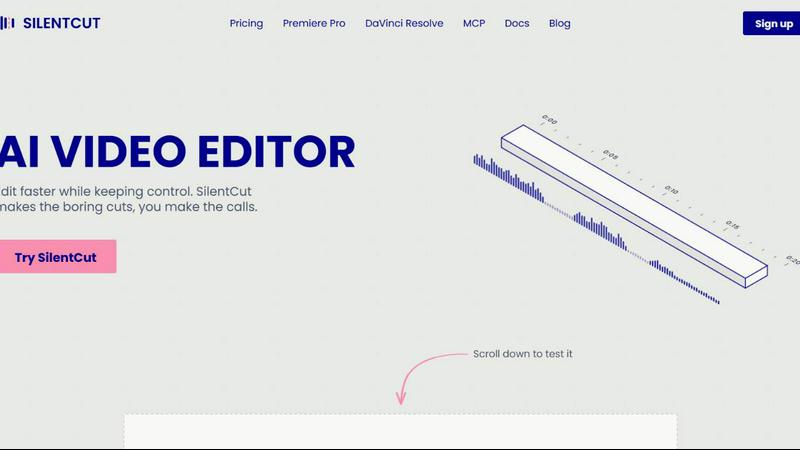
About Silentcut
SilentCut is an AI video editing plugin for editors who cut talking-head videos, podcasts and creator content. It runs inside Premiere Pro and DaVinci Resolve (free edition and Studio), and in the browser with SilentCut Studio.
Three tools take the tedious part out of an edit:
- Silence Remover finds and cuts the silent gaps, with sensitivity and minimum gap length under your control.
- Speech Cleanup removes filler words, stutters, false starts, unfinished sentences and repetitions.
- Best-Take Selector highlights every version of a repeated sentence, so you keep one take and cut the rest.
SilentCut makes the boring cuts and you make the calls. Your video stays on your machine: only the audio is uploaded.
The Silence Remover is free, with no limit. The Editor plan ($29/mo) and the Agency plan ($79/mo) add Speech Cleanup and the Best-Take Selector, with a 14-day money-back guarantee.
Similar to Silentcut

Leadeon
AI growth tool for X and LinkedIn: write posts in your voice, schedule at your best times, find leads on X and see what works.

Genjutsu AI
Genjutsu AI turns your ideas into cinematic videos, product ads, social media shorts, and high-quality images in minutes.

hotel-lobby
Two-person AI video concepts with warm, natural call-and-response scenes.


LTX 2.3 Free
LTX 2.3 prompts, workflows, demos, and practical AI video guidance.


TryKlingAI
Create Kling AI videos from text, images, audio, and motion references with Kling 3.0, Motion Control, Lip Sync, and API access.