
Singify AI Vocal Remover
Singify AI Vocal Remover lets you instantly strip vocals from any track, turning your karaoke fantasies into reality!.
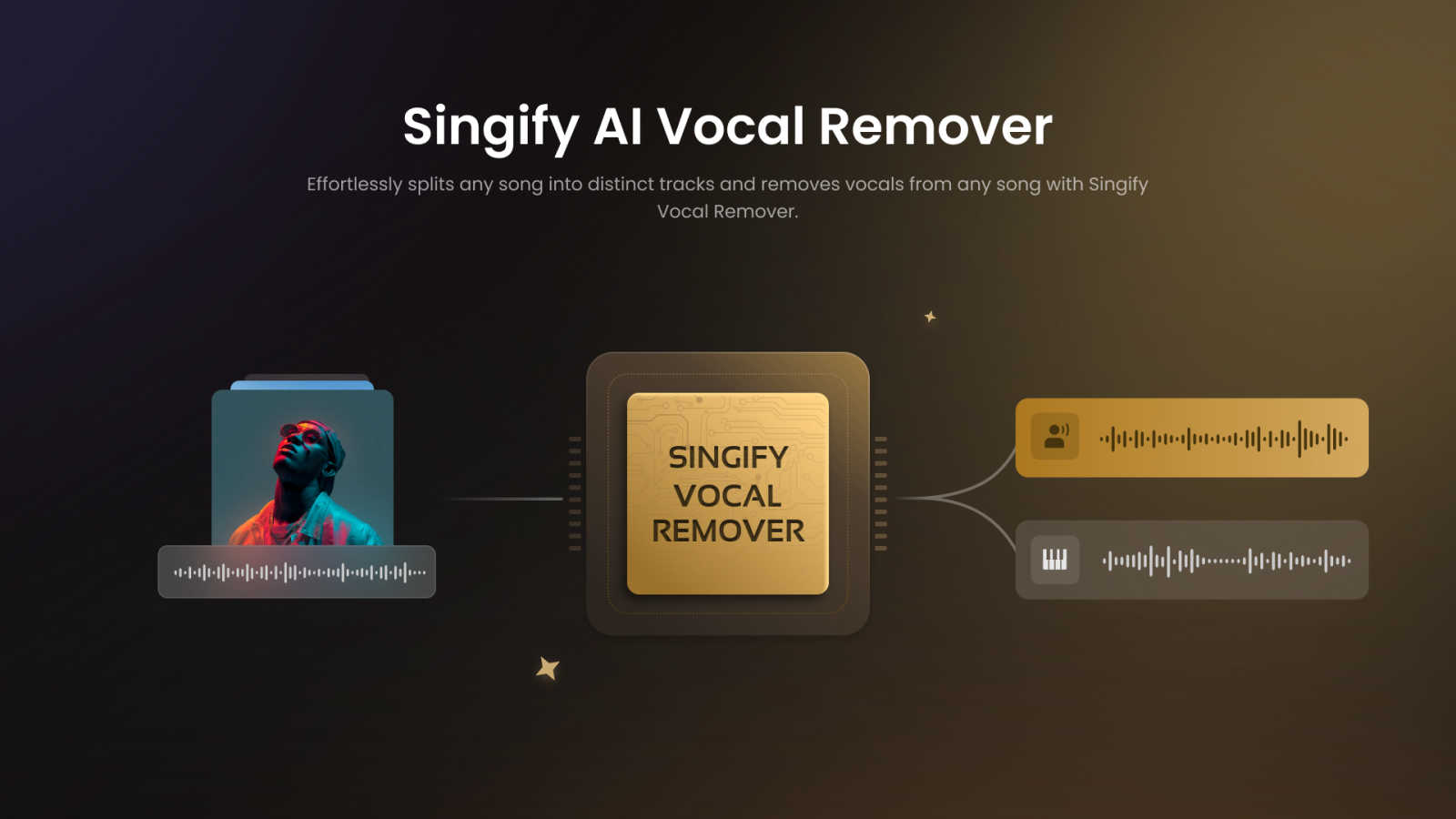
About Singify AI Vocal Remover
Yo, music aficionados! Let’s dive into the world of Singify AI Vocal Remover, the ultimate tool for anyone looking to remix or create music like a pro. This innovative software uses advanced AI technology to separate vocals from any track, giving you the freedom to work with just the instrumentals or isolate different elements like drums, bass, or synths. It's perfect for DJs, music producers, and even casual creators who just want to jam out to their favorite tunes without the original vocals getting in the way. The beauty of Singify lies in its user-friendly interface and lightning-fast processing, making it ridiculously easy to achieve high-quality results without any complicated setup. Say goodbye to clunky software and hello to effortless creativity! Whether you want to create karaoke tracks, remixes, or just explore the music you love, Singify AI Vocal Remover is your go-to solution for high-quality audio manipulation.
Features of Singify AI Vocal Remover
8-Stem Separation Technology
Singify's cutting-edge 8-stem separation technology allows you to extract individual elements from your favorite tracks. Whether it’s vocals, drums, bass, or synths, this feature ensures that you get clear, high-quality sound without any distortion. It’s perfect for those detailed audio projects where every instrument matters.
Effortless and Free to Use
No hidden fees or complicated processes here! Singify makes audio separation accessible to everyone, providing a seamless experience that lets you focus on your creativity. Just upload your track, and let the AI do the heavy lifting. It’s as simple as that!
High-Quality Multi-Format Audio Output
Export your separated tracks in various formats like MP3, WAV, M4A, and more. This flexibility allows you to choose the best format for your needs, whether you're sharing your creations online or using them in professional settings. Quality is never compromised with Singify!
Cross-Platform Support
No matter what device you’re using, Singify has got your back! It works flawlessly on any browser or operating system, including web, iOS, Android, and macOS. This means you can create and remix music on the go, without being tied down to a specific setup.
Use Cases of Singify AI Vocal Remover
Create Karaoke Tracks
Want to belt out your favorite songs at home or during a party? Use Singify to remove vocals and create your very own karaoke tracks. It’s perfect for gatherings where everyone wants to show off their singing skills without the original artist stealing the spotlight.
Remix Your Favorite Songs
For DJs and music producers, Singify is a game changer. You can effortlessly isolate instrumentals and remix tracks to create new, unique versions of your favorite songs. It opens up endless possibilities for creativity and innovation in your music projects.
Music Practice and Learning
If you're a musician looking to practice, Singify lets you isolate specific instruments. This way, you can play along with just the drums or bass, making it easier to learn your favorite tunes and improve your skills without distractions.
Analyze Music for Production
Music producers can use Singify to dissect tracks and understand their structure better. By isolating different elements, you can analyze how a song is built, which can inspire your own productions and help you develop your sound.
Frequently Asked Questions
How does Singify AI Vocal Remover work?
Singify uses advanced AI models to analyze and separate audio tracks into distinct elements. By employing sophisticated algorithms, it can effectively remove vocals or isolate instruments while preserving audio quality.
Are there any limits on file size or duration?
Yes, you can upload audio files with a maximum duration of 20 minutes and a maximum file size of 30MB. This ensures that you can work with most songs without hassle while keeping the processing efficient.
Can I remove vocals from YouTube videos?
Absolutely! Just paste the YouTube video URL into Singify, and it will extract the audio for you. This feature makes it super easy to access and manipulate music tracks from your favorite online videos.
Is Singify free to use?
Yes, Singify is free to use! There are no hidden charges, and the process is straightforward. Just upload your track and start creating without worrying about costs or complicated software.
Explore more in this category:
Similar to Singify AI Vocal Remover


AI Image Remover
AI Image Remover is a free browser tool for erasing people and objects from photos. Upload an image, brush a mask over the distraction


InstaSong - AI song and beat maker
Turn your wildest text ideas into full-blown songs with beats, vocals, and cover art in seconds, no credit card needed.

MusicAny AI Music Generator
MusicAny lets you turn text into fire songs, beats, and video-ready audio for free, no cap.

cleanvideoaudio.com
CleanVideoAudio wipes out fan hum and room tone from your clips so you actually sound crisp without paying for a subscription.

AI Music Generator
Type a vibe and get a banger in 60 seconds, royalty-free and yours to keep forever.