

TeamSlide
TeamSlide lets your team build on-brand presentations instantly by syncing approved slides from your content system directly into PowerPoint.
About TeamSlide
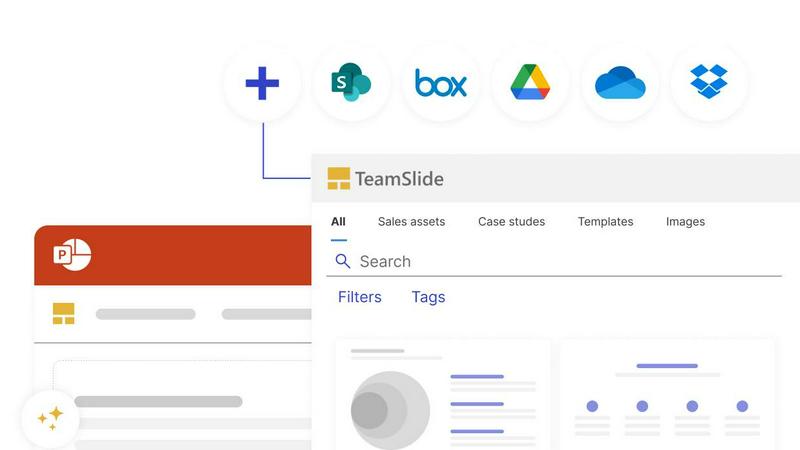
If you have ever wasted time digging through old PowerPoint decks to find that one perfect slide, or worried about sending a presentation with outdated branding, TeamSlide is built for you. TeamSlide is a PowerPoint-native slide library and presentation governance platform that transforms how teams create, manage, and share presentations. It connects directly with your existing content systems like SharePoint, OneDrive, Box, Google Drive, and Dropbox, so your entire library of approved slides, images, and videos is always available right inside PowerPoint. No more switching between apps or hunting through folders.
The platform is designed for teams in consulting, sales, finance, and marketing who need to build professional presentations quickly while staying on brand. With full-text search that works slide by slide, you can find content inside tables, diagrams, and notes instantly. TeamSlide also enforces brand consistency through template management, automated slide checks for formatting and branding errors, and version control that flags outdated slides the moment a source file changes. An AI slide generator even turns rough notes into polished, consulting-grade slides using your approved brand templates. Whether you deploy in the cloud or on-premise, TeamSlide keeps your data secure with encryption at rest and in transit. It is a practical, friendly tool that helps your team present with confidence, every time.
Explore more in this category:
Similar to TeamSlide


ButterShare
Realtime peer-to-peer file transfer in the browser. Send files directly between devices, no account and no upload to a server.

Emailyy
Free email tools for signatures, subject lines, HTML previews, word counts, and email headers. Browser-based, simple to use, and no signup required.

Uniclip
Clip pages, take full-page screenshots and batch-capture list data to Notion, Feishu, Obsidian, Markdown, CSV or JSON.

TroveKey
Search tabs, Chrome bookmarks and history, run browser commands, and save webpages and social posts locally—no account.

Screen Issues
Free Online Screen Test Tool - Instantly diagnose dead pixels, lines, color issues, and flickering. Multiple test modes, no download needed.

Context Board
Context Board brings your numbers, docs, clients, content and day into one workspace that Claude and Codex can read and update.

@fuck.it - email with attitude
Private email. Pure. Secure. Exclusive. No ads, no tracking, no data selling. GDPR compliant, EU-hosted.