
Alternatives to AI Filter
Explore the best alternatives and competitors to AI Filter.
Explore 20 alternatives to AI Filter. Compare features, pricing, and find the best fit for your needs.
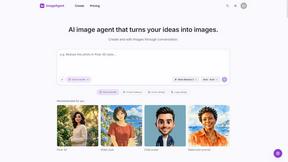
ImageAgent
Create and edit AI images through conversation, using text or reference images and refining results in chat.
GenX
All-in-one AI workspace to generate images, videos, and audio with multiple leading AI models.
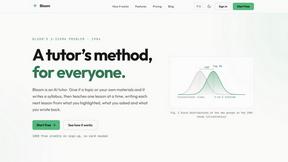
Bloom
An adaptive AI tutor that turns topics or your materials into courses, lessons, and answers tailored to how you learn.
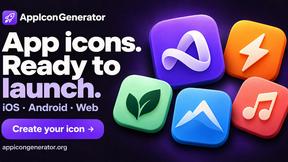
AppIconGenerator
Generate iOS and Android app icons from any image and export all platform sizes for free.

Design.com AI Image Generator
Turn text prompts into polished, copyright-safe visuals that plug directly into branded templates
Nano AI
Create and edit AI images, generate videos, and compare models in one creative workbench.
LightScreen
Free light screen tool online. Turn any display into a flashlight, ambient light, or solid-color screen. No download or sign-up.

Tip Toe AI
Upload a Dancer photo and a Partner photo and get your own AI Tip Toe barn-dance video. Free 5s preview, 12s HD from $4.90. No subscription.
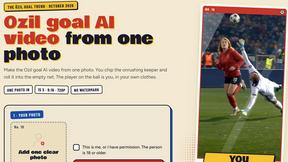
Ozil AI
Ozil AI turns one photo into the famous Ozil goal video. You chip the keeper and score in a 15 second vertical clip with sound and no watermark.

FreeVideoGenerator
Free AI video generator: turn text prompts and photos into video clips with Sora 2, Veo 3.1, Wan and more. Free starter credits, no watermark download
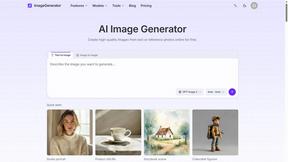
ImageGenerator
Create and edit AI images online with multiple models, text-to-image, image-to-image, background removal, and upscaling.
SightRadar
Face recognition API, a drop-in replacement for AWS Rekognition. Index, search, compare and detect faces, billed per photo with no subscription.
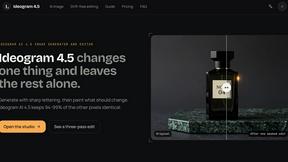
Ideogram 4.5
AI image generation and editing with precise typography, native 2K output, and localized edits.
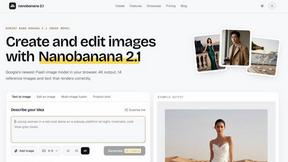
nanobanana 21
Fast, simple AI image studio for creating and editing high-quality images with readable text, consistent characters, and up to 14 reference images.
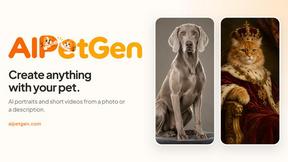
AIPetGen
AIPetGen turns a photo of your dog, cat, or other pet, or a written description, into a new picture or a short animation.


About AI Filter Alternatives
Yo, so let’s dive into what AI Filter is all about. This dope tool belongs to the AI Assistants category, and it’s your go-to for transforming any basic pic into something wild, like anime or pixel art, in just a couple of clicks. It’s a total game-changer for anyone looking to spice up their social media feed without breaking a sweat. But, of course, not everyone sticks with one tool forever. Users often search for alternatives due to pricing, specific features, or compatibility with different platforms. When you’re on the hunt for a new option, keep an eye out for user-friendly interfaces, a variety of styles, and any cool features that enhance the creative process. You want something that keeps the fun alive while offering flexibility to match your vibe.
FAQs about AI Filter Alternatives
What is AI Filter?
AI Filter is a free online tool that instantly transforms your pictures into various artistic styles like anime, clay, and pixel art using advanced AI technology.
Who is AI Filter for?
AI Filter is perfect for anyone with a phone and a desire to unleash their creativity, from total beginners to seasoned creators.
Is AI Filter free?
Yes, AI Filter is completely free to use, making it accessible for everyone looking to elevate their photo game.
What are the main features of AI Filter?
The main features include a diverse style library, one-click transformation, and the ability to add prompts for more tailored results.