
Alternatives to BlitzCut
Explore the best alternatives and competitors to BlitzCut.
Explore 20 alternatives to BlitzCut. Compare features, pricing, and find the best fit for your needs.

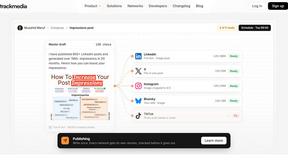
TrackMedia
Your Social Media Content Engine That Drives Revenue. Distribute your content to every social media platform and track it in real time. Use Ai agents

Reelslaunch
AI video platform for faceless Reels: cinematic clips with native audio and auto-posting
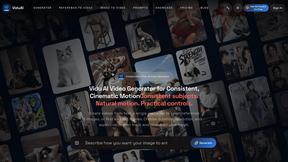
ViduAI
Create consistent videos from text, images, up to seven references, or first and last frames with ViduAI, a practical Vidu video generator powered by

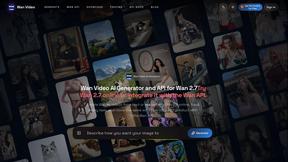
Wan Video
Create Wan AI videos from text, images, references, and clips with Wan 2.7 workflows, task history, previews, and API access.

TryKlingAI
Create Kling AI videos from text, images, audio, and motion references with Kling 3.0, Motion Control, Lip Sync, and API access.

Happy Horse AI
AI video generation from text, images, and references with 720P/1080P output, optional audio, task tracking, downloads, and API workflows.
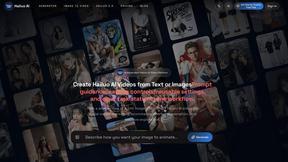
Hailuo AI
Create high-quality Hailuo AI videos from text or images with guided prompts, motion and camera controls, flexible settings, task tracking, and downlo
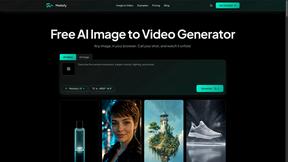
Motiofy
Motiofy is an AI creative workspace that helps creators and teams turn ideas into polished visual stories.
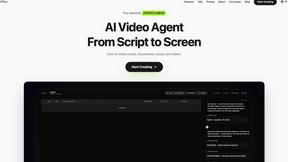
Pixo
Pixo is an AI video director that turns a prompt or script into a storyboard, consistent scenes, voiceover, and an edited final cut.

ProfileLoom
ProfileLoom turns one photo into platform-ready AI portraits for professional, social, and creator profiles, with presets and built-in editing.
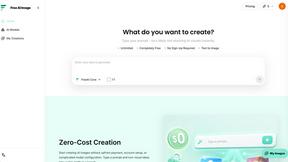
Free AI Image
Free AI Image is a free text-to-image AI generator for creating clean visual drafts from prompts with no sign-up required.

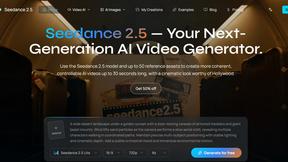
Seedance 2.5
Seedance 2.5 is a multimodal AI video generator by ByteDance for 30-second, high-fidelity cinematic video creation and AI video editing.
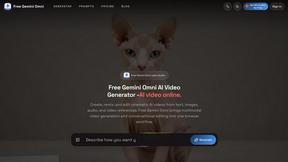
Free Gemini Omni
Create, remix, and edit cinematic AI videos online with Free Gemini Omni using text, image, audio, and video prompts.


About BlitzCut Alternatives
So you've heard about BlitzCut, the AI video editor that's all about speed, cutting out silences and slapping on captions so you can post daily without losing your mind. It's part of the new wave of mobile-first, AI-powered editing tools built for the grind of the creator economy. But maybe you're scrolling through the app store or doing a deep dive because you need something different. People look for other options for all sorts of reasons. Maybe the price isn't quite right for your budget, or you're editing on a Windows PC and need a desktop app. Perhaps you need more advanced features for longer videos, or you just wanna test a few tools to see which one vibes with your specific workflow. It's totally normal to shop around. When you're on the hunt, think about what really matters for your content. Is it raw speed and a dead-simple mobile workflow? Do you need pro-level controls, or is "good enough" AI that saves you hours the real win? Getting clear on your non-negotiables—whether it's cost, platform, or specific features—will help you cut through the noise and find your perfect editing sidekick.
FAQs about BlitzCut Alternatives
What is BlitzCut?
BlitzCut is an AI-powered video editor that automatically removes silences, transcribes speech, and burns stylish subtitles into your videos to help you create content fast.
Who is BlitzCut for?
It's built for social media creators who need to edit and post videos quickly, focusing on making professional editing accessible and saving time on tedious tasks.
What are the main features of BlitzCut?
The key features are automatic silence removal, AI-generated captions with high accuracy, text-based editing from transcripts, and a mobile-first design for iPhone, iPad, and Mac.
Why choose BlitzCut?
Choose BlitzCut if you want to cut your editing time down to about 2 minutes per video, automate the boring stuff like silence cutting and captions, and post daily without burning out.