
Alternatives to Refbox
Explore the best alternatives and competitors to Refbox.
Explore 20 alternatives to Refbox. Compare features, pricing, and find the best fit for your needs.
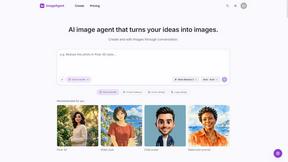
ImageAgent
Create and edit AI images through conversation, using text or reference images and refining results in chat.


Uniclip
Clip pages, take full-page screenshots and batch-capture list data to Notion, Feishu, Obsidian, Markdown, CSV or JSON.
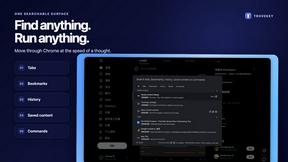
TroveKey
Search tabs, Chrome bookmarks and history, run browser commands, and save webpages and social posts locally—no account.
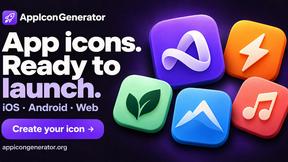
AppIconGenerator
Generate iOS and Android app icons from any image and export all platform sizes for free.

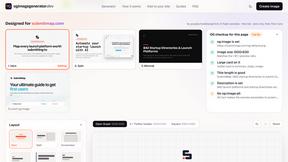
ogimagegenerator.dev
Paste a URL and AI designs on-brand Open Graph images from your page's colours, fonts and logo. Free, no sign-up.
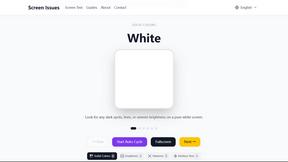
Screen Issues
Free Online Screen Test Tool - Instantly diagnose dead pixels, lines, color issues, and flickering. Multiple test modes, no download needed.
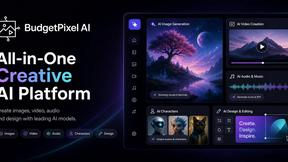
Budgetpixel AI
Create and edit AI images, videos, music, and designs in one workspace, with multiple models, reusable characters, and API access.

Context Board
Context Board brings your numbers, docs, clients, content and day into one workspace that Claude and Codex can read and update.

@fuck.it - email with attitude
Private email. Pure. Secure. Exclusive. No ads, no tracking, no data selling. GDPR compliant, EU-hosted.
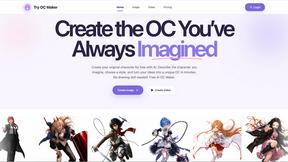
Try OC Maker
Create OCs from text or images, customize their look, and turn them into animated videos with AI.
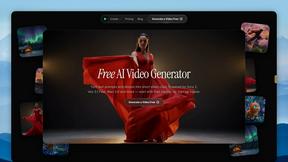
FreeVideoGenerator
Free AI video generator: turn text prompts and photos into video clips with Sora 2, Veo 3.1, Wan and more. Free starter credits, no watermark download
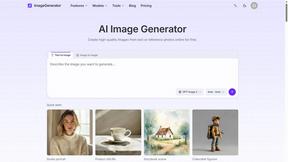
ImageGenerator
Create and edit AI images online with multiple models, text-to-image, image-to-image, background removal, and upscaling.

Panzoe
Panzoe is an all-in-one AI platform for personal productivity, business automation, AI assistants, content creation, and custom AI solutions.
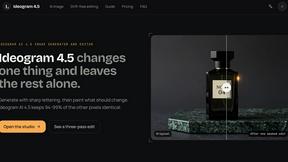
Ideogram 4.5
AI image generation and editing with precise typography, native 2K output, and localized edits.

AUTOMATER.ai
A tray helper for every AI coding tool: one searchable library of past sessions, waiting alerts and usage across 9 providers.

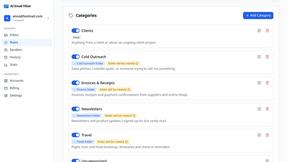
AI Email Filter
AI Email Filter sorts incoming mail into folders using plain-language prompts you write. Works with any IMAP mailbox; bring your own LLM if you want.
About Refbox Alternatives
Refbox is that goated floating reference app for creatives who need their inspo on deck. It lives in the productivity and workspace management category, basically your digital sidekick for keeping images, videos, and notes pinned above everything else so you can cook without constantly tab-switching. People hunt for alternatives for all the usual reasons. Maybe the price isn't right for their budget, or they need it on a different platform like Linux. Sometimes they're after a super specific feature Refbox doesn't have, or they just want to see what else is out there before committing. When you're shopping around for a different tool, think about your main vibe. Do you absolutely need that always-on-top magic? How do you like to organize your references—simple grids or fancy layouts? Check if it plays nice with your OS and other apps, and of course, make sure the cost doesn't give you sticker shock. The goal is to find something that fits your workflow like a glove.
FAQs about Refbox Alternatives
What is Refbox?
Refbox is a floating reference app that keeps images, videos, and notes in always-on-top windows so creatives can access inspiration without switching apps.
Who is Refbox for?
It's built for creatives like designers, animators, and artists who need instant access to references and notes while they work in their main creative software.
Is Refbox free?
The provided content does not specify pricing, so you would need to check their official website for current plans and pricing details.
What are the main features of Refbox?
Key features include always-on-top frames, Masonry and Gallery view modes, markdown-enabled notes, and handy keyboard shortcuts for frame management.