
Alternatives to vaethat
Explore the best alternatives and competitors to vaethat.
Explore 20 alternatives to vaethat. Compare features, pricing, and find the best fit for your needs.
ImageAgent
Create and edit AI images through conversation, using text or reference images and refining results in chat.

GenX
All-in-one AI workspace to generate images, videos, and audio with multiple leading AI models.

AppIconGenerator
Generate iOS and Android app icons from any image and export all platform sizes for free.
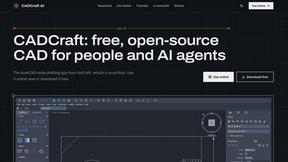

Design.com AI Image Generator
Turn text prompts into polished, copyright-safe visuals that plug directly into branded templates
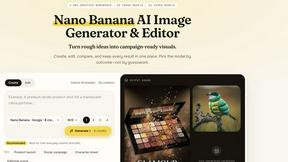
Nano AI
Create and edit AI images, generate videos, and compare models in one creative workbench.

ogimagegenerator.dev
Paste a URL and AI designs on-brand Open Graph images from your page's colours, fonts and logo. Free, no sign-up.
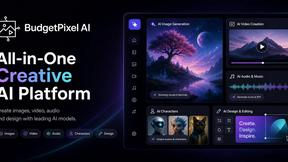
Budgetpixel AI
Create and edit AI images, videos, music, and designs in one workspace, with multiple models, reusable characters, and API access.
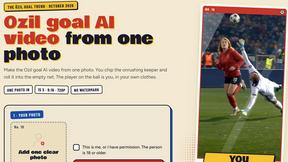
Ozil AI
Ozil AI turns one photo into the famous Ozil goal video. You chip the keeper and score in a 15 second vertical clip with sound and no watermark.
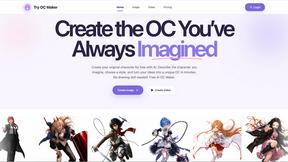
Try OC Maker
Create OCs from text or images, customize their look, and turn them into animated videos with AI.

FreeVideoGenerator
Free AI video generator: turn text prompts and photos into video clips with Sora 2, Veo 3.1, Wan and more. Free starter credits, no watermark download
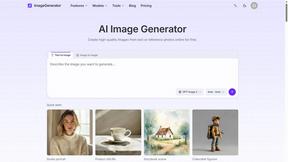
ImageGenerator
Create and edit AI images online with multiple models, text-to-image, image-to-image, background removal, and upscaling.
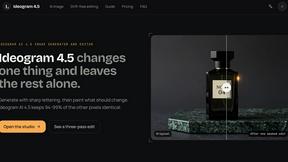
Ideogram 4.5
AI image generation and editing with precise typography, native 2K output, and localized edits.
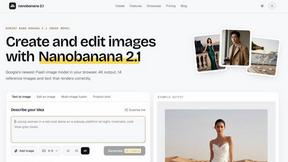
nanobanana 21
Fast, simple AI image studio for creating and editing high-quality images with readable text, consistent characters, and up to 14 reference images.
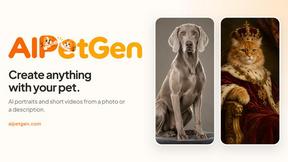
AIPetGen
AIPetGen turns a photo of your dog, cat, or other pet, or a written description, into a new picture or a short animation.
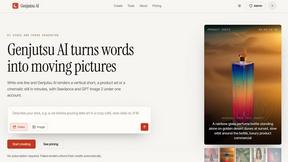
Genjutsu AI
Genjutsu AI turns your ideas into cinematic videos, product ads, social media shorts, and high-quality images in minutes.
About vaethat Alternatives
Alright, so you're in the archviz game and you've heard the buzz about vaethat. It's basically that AI-powered sidekick that takes your 3D renders from "good enough" to "holy smokes, is that a photo?" It lives in the world of design tools, specifically built to upscale your images, clean up noise, and make all those tiny details pop without messing with your original vision. People start hunting for other options for all the usual reasons. Maybe the price tag doesn't fit your current hustle, or you need a feature it doesn't have. Sometimes it's just about platform—you might live and breathe in a specific software ecosystem and need a tool that plugs right in. It happens to the best of us. When you're scoping out other tools, keep your eyes on the prize. You wanna make sure it can actually handle the heavy lifting of architectural images, keeps your design intent locked down, and doesn't make you jump through a million hoops to get a clean, portfolio-ready result. The workflow's gotta be smooth, or it's just not worth the headache.
FAQs about vaethat Alternatives
What is vaethat?
Vaethat is an AI tool built for archviz pros to upscale and enhance 3D renders, improving clarity, sharpness, and realism.
Who is vaethat for?
It's created specifically for architectural visualization professionals who need to polish their renders for presentations, portfolios, and client approvals.
What are the main features of vaethat?
Its key features include AI render upscaling, detail refinement, material/lighting enhancement, noise cleanup, and a simple upload-and-export workflow.
Does vaethat change my original design?
No, a core feature is design intent preservation, meaning it enhances the image while maintaining your original composition and design.