
Alternatives to Vivideo
Explore the best alternatives and competitors to Vivideo.
Explore 20 alternatives to Vivideo. Compare features, pricing, and find the best fit for your needs.
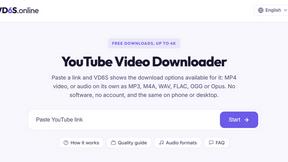
VD6S
VD6S is a free online YouTube video downloader that supports HD, 4K and up to 8K downloads. Save videos in MP4 or audio in multiple formats.

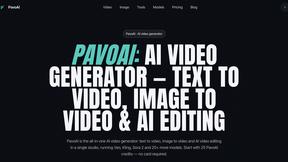
PavoAI
All-in-one AI video studio for text-to-video, image-to-video, editing, avatars, music, subtitles, and upscaling.

Tip Toeing in My Jordans
Put your photo in the viral Rumpelstiltskin tip toe meme and get a 12-second AI video, with an optional friend as the woman in the hay.
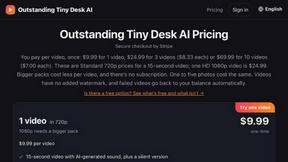
Outstanding Tiny Desk AI
Put you and a friend in the Outstanding Tiny Desk meme: upload photos, get a 15-second 9:16 AI video with sound for TikTok, Reels and Shorts.

Crazy Frog AI
Turn 1–2 photos into the viral Crazy Frog invisible-moped chase video in seconds.
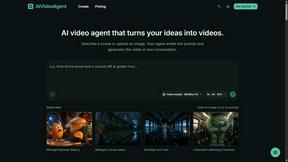
AIVideoAgent
Turn text ideas or reference images into videos through conversation, with agent-assisted prompts and a choice of video models.
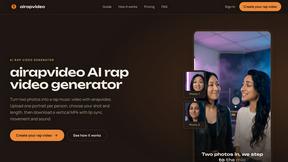
airapvideo
AI rap video generator that turns two portraits into a vertical, lip-synced rap music video. Pick framing and length, get a shareable MP4.
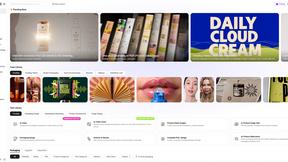
Rhinobird
AI video ads, UGC-style videos, and product visuals for cross-border sellers and e-commerce brands.
GenX
All-in-one AI workspace to generate images, videos, and audio with multiple leading AI models.
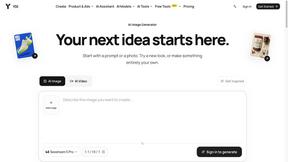
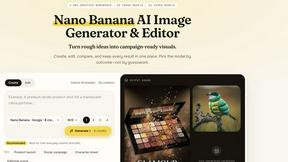
Nano AI
Create and edit AI images, generate videos, and compare models in one creative workbench.




Gas Station Dance AI Generator
Recreate the viral gas station dance from 1 to 3 photos, no filming.



Genjutsu AI
AI video-to-video: Motion Transfer & Object Swap. Preview the credit cost, pay once. No subscription.
About Vivideo Alternatives
Alright, so you’ve been vibing with Vivideo, right? It’s that slick AI tool that takes your boring text or random images and magically spits out fire videos for TikTok, Reels, or YouTube Shorts. Basically, it’s an AI video generator that does all the heavy lifting—think auto voiceovers, captions, transitions, and even music—so you don’t have to stress about editing. It’s perfect for creators, marketers, and anyone trying to go viral without becoming a pro editor overnight. But let’s be real, sometimes the price tag, the feature set, or just the platform’s vibe doesn’t hit the same for everyone. So why do people start looking for other options? Usually, it’s because they want more control over the final cut, cheaper plans, or maybe they need a tool that handles a specific niche like long-form tutorials or super niche stock footage. Others just want something that doesn’t feel as “canned” or that integrates better with their existing workflow. When you’re hunting for a replacement, keep an eye on the AI model quality, how fast it renders, if it offers multilingual voiceovers (huge for global reach), and whether the export quality goes up to 4K. Also, check if the free tier actually lets you do something useful before you whip out your wallet.
FAQs about Vivideo Alternatives
What is Vivideo?
Vivideo is an advanced AI video generator that lets you turn text, scripts, or images into high-quality videos in minutes. It automatically creates visuals, voiceovers, subtitles, music, and transitions, making professional video production accessible to everyone. The platform is powered by multiple AI video models and a massive library of stock assets, so you can produce content for social media, marketing, tutorials, and more without needing any editing skills.
Who is Vivideo for?
Vivideo is designed for creators, marketers, businesses, and educators who need to produce engaging video content quickly. Whether you're making TikTok clips, Instagram Reels, YouTube Shorts, product promos, or educational tutorials, the tool streamlines the entire process. It’s especially useful for people who don’t have time to learn complex editing software but still want professional-looking results.
Is Vivideo free?
Vivideo typically offers a free tier or trial that lets you test basic features, like generating short videos with limited exports or lower resolution. However, for full access to HD/4K exports, longer videos, premium voiceovers, and more advanced AI models, you’ll need to subscribe to a paid plan. Always check their current pricing page for the most up-to-date info on what’s included in the free version.
What are the main features of Vivideo?
Key features include text-to-video and image-to-video generation, multilingual AI voiceovers, automatic captions and subtitles, customizable aspect ratios for different platforms, and HD/4K export options. The platform also offers an intuitive editing workflow, millions of stock assets, and support for multiple AI video models to ensure your content looks fresh and engaging. It’s built to handle everything from quick social posts to full marketing campaigns.