
DreamASMR vs Seedance 2.0 AI
Side-by-side comparison to help you choose the right AI tool.

DreamASMR
DreamASMR instantly cooks up fire Veo3 ASMR videos with binaural audio from a single text prompt.
Last updated: March 1, 2026

Seedance 2.0 AI
Turn your text or pics into fire AI videos instantly, no cap.
Last updated: February 27, 2026
Visual Comparison
DreamASMR
Seedance 2.0 AI
Feature Comparison
DreamASMR
Veo3-Powered Visual Generation
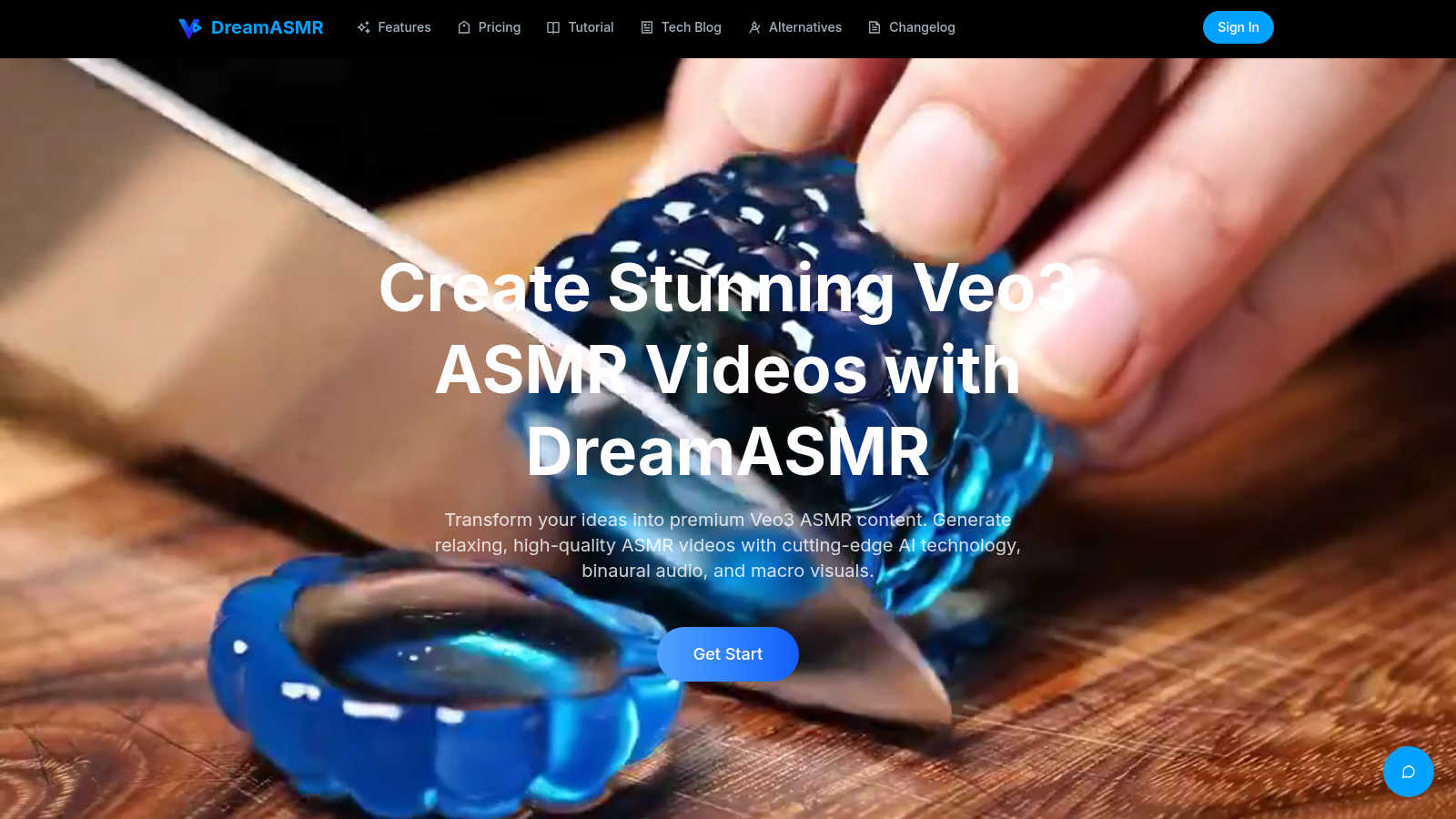
This is the magic behind the visuals. DreamASMR taps into Google's next-level Veo3 AI model to create your videos. This isn't some basic text-to-video; it's generating those hyper-realistic, macro close-up shots that are pure ASMR catnip. Think extreme details on bubble wrap, light glinting off a glass strawberry, or the slow ooze of a runny yolk. It turns your simple text prompt into stunning, studio-quality visuals that look like they took hours to film and light.
True Binaural Audio Engine
The sound isn't an afterthought—it's core to the experience. DreamASMR doesn't just add a stock sound effect. It generates authentic binaural audio that's spatially aware. Pop on your headphones, and you'll hear the sounds of cutting, tapping, or crinkling moving around you in a 3D space, from left to right, near to far. This is what creates that deep, immersive, brain-tingling sensation that separates amateur stuff from the real-deal ASMR content.
Prompt-to-Production in 30 Seconds
The speed is absolutely wild. You go from a random idea in your head to a finished, downloadable 1080p video in roughly half a minute. No waiting for renders, no fiddling with audio syncing, no sourcing clips. You type your vibe, hit generate, and before you can even check your notifications, your premium ASMR clip is ready to roll. It completely obliterates the traditional production timeline.
Full Commercial Rights & Usage
You make it, you own it, you can monetize it. Every video you generate with DreamASMR comes with full commercial rights. That means you can slap it on your YouTube channel, use it in a paid app, feature it in a social media ad campaign, or sell it as part of a content pack. There are no hidden licenses or royalties. It's your content to do with whatever you want, which is a game-changer for creators and businesses.
Seedance 2.0 AI
Text-to-Video Magic
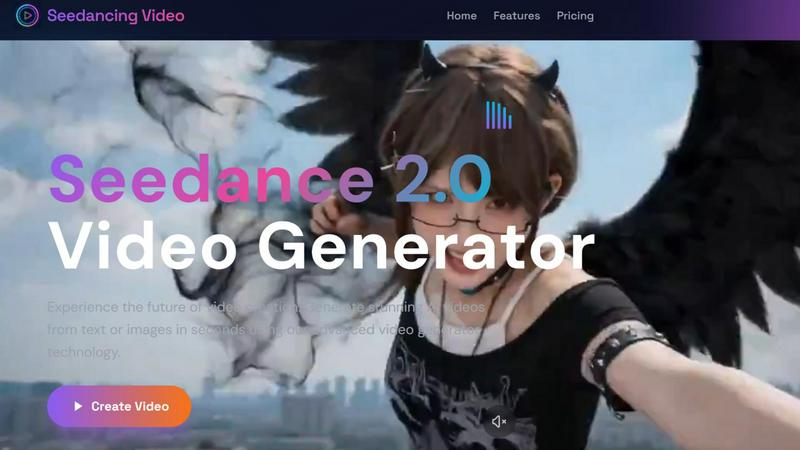
Just type what you see in your head and watch it come to life. This isn't some basic clip art generator; it's powered by advanced AI that actually understands your vibes. Describe a "cyberpunk cat drinking coffee in a rainy neon city" or "a serene timelapse of a mountain landscape," hit generate, and boom – you've got a stunning 3-30 second video. It handles natural language like a champ, so you don't need to speak robot.
Image-to-Video Animation
Got a fire photo, a product shot, or a digital artwork just sitting there? Don't let it be basic. Upload it to Seedance 2.0 and let the AI add motion. It brings your static images to life with smooth animation, all while preserving the original quality. It's like giving your pictures a soul. Perfect for turning a logo into an intro, making a product photo pop, or animating your latest art piece for Instagram.
All-in-One AI Model Hub
This is the mega-feature. Instead of jumping between a dozen different AI video apps, Seedance 2.0 is your one-stop shop. It gives you access to powerhouse models like OpenAI's Sora for that cinematic feel, Google's Veo3 for insane quality, and Kling, all through a single, clean interface. You get to pick the best tool for the job without the subscription chaos.
Creator-First Interface
They kept it stupid simple. The interface is so intuitive, you'll be making videos before you finish your coffee. It's literally: 1) Type your prompt or drop your image, 2) Choose your AI model (or let the platform suggest the best one), 3) Click "Generate Video." No confusing menus, no timeline to wrestle with. It's designed for speed so you can focus on your ideas, not the software.
Use Cases
DreamASMR
For ASMRtists & Content Creators
Perfect for ASMRtists who want to scale their content creation without burning out. Can't film a 10-hour session? Generate a library of unique, high-quality visual and audio loops for your streams, YouTube shorts, or TikTok. Use it for B-roll, intro sequences, or to experiment with new triggers you don't have the physical props for. It's a limitless idea generator and production assistant.
For App & Game Developers
Ideal for devs building meditation, sleep, or focus apps. Need a ton of unique, calming visual and audio loops for different scenes (rainforest, library, cosmic sounds)? DreamASMR lets you generate custom, royalty-free ASMR assets on-demand. Create specific sounds for in-game actions (like opening a magical book or crafting an item) with matching visuals, all without hiring a Foley artist.
For Social Media & Digital Marketers
A goldmine for marketers trying to stop the scroll. Use generated ASMR clips for ultra-engaging, visually satisfying Instagram Reels, TikTok ads, or YouTube pre-roll. Showcase a product's texture (like cutting a sleek phone box or unboxing a parcel) in the most satisfying way possible. This kind of content grabs attention and boosts watch time like nothing else.
For Wellness & Meditation Brands
Create instant, professional ambiance. Generate custom background videos and sounds for guided meditation tracks, sleep stories, or relaxation playlists. Want a "crystal cleansing" soundscape or a "forest stream" visual with perfect binaural audio? Describe it and get it in seconds, ensuring your brand's audio-visual content is consistently high-quality and on-brand.
Seedance 2.0 AI
Social Media Content Grind
TikTok, Reels, YouTube Shorts – the hunger for video is real. Seedance 2.0 is built for this. Need a week's worth of engaging, viral-worthy short clips fast? Describe your concepts, animate your pics, and generate a batch of attention-grabbing videos in minutes. Keep your feed fresh and your audience hooked without burning out.
Marketing & Ad Video Production
Small business or big brand, professional marketing videos can cost a fortune. Not anymore. Transform your product images into slick promotional videos, create eye-catching ads from a simple text brief, or animate your explainer graphics. It's like having a video production team in your pocket, ready 24/7.
Animated Art & Visual Storytelling
For digital artists and storytellers, this tool is a game-changer. Breathe life into your illustrations and paintings. Turn a written scene from your story into a visual mood board or a short animated sequence. It unlocks a whole new dimension for creative projects, letting you explore motion and narrative in ways that were previously super technical.
Educational & Explainer Content
Teachers, coaches, and course creators, listen up. Explaining a complex topic? Generate a quick, engaging video to illustrate the point. Need to spice up a training module? Create custom animated clips in seconds. It makes producing high-quality educational content faster and more accessible than ever before.
Overview
About DreamASMR
Alright, let's get into it. DreamASMR is basically your on-demand, AI-powered ASMR factory. You know that feeling when you need some top-tier, relaxing content but don't have the budget for a studio, a 3D mic setup, and hours of editing? This tool solves that. It's the cheat code for creating pro-level ASMR videos at scale. You just type in a simple idea—like "person gently popping bubble wrap"—and in about 30 seconds, it spits out a full-blown, 1080p ASMR video. And we're not talking janky stock footage with sound slapped on top. This thing uses Google's insane Veo3 model to render those hyper-detailed, macro close-up visuals that make your brain tingle. Plus, it generates true binaural audio, so when you listen with headphones, the sounds move around you in 3D space. It's built for creators, marketers, app developers, or literally anyone who needs a constant stream of chill, high-quality content without the hassle. You only pay when a video successfully generates, you get full commercial rights to use it anywhere, and you manage everything from a slick, modern dashboard. It's the end of the "I wish I could make that" era for ASMR.
About Seedance 2.0 AI
Alright, let's break it down. Seedance 2.0 AI is your new secret weapon for making videos without any of the usual headache. Think of it as the ultimate cheat code for video creation. You know that feeling when you have a killer idea for a TikTok, a product promo, or a piece of animated art, but the thought of opening a complicated editing suite makes you want to close your laptop? Yeah, Seedance 2.0 is here to delete that feeling. It's a dedicated AI video creation platform that's all about speed and simplicity. You can go from a text description or a single image to a full-blown, high-res (we're talking at least 720px) video in literal seconds. The magic is in its advanced engine that keeps your image quality crispy while adding smooth, natural motion. It's built for the modern creator, marketer, or anyone who needs to pump out professional-looking content fast. No fancy skills required. Over 5,000 creators are already using it to absolutely slay their content game, skipping the complex editing and getting straight to the good stuff: awesome videos that get views.
Frequently Asked Questions
DreamASMR FAQ
How long does it take to generate a video?
It's stupid fast. From the moment you hit the "Generate Veo3 ASMR Video" button, it typically takes about 30 seconds to process and deliver your finished 1080p video. You get pro-level results in less time than it takes to microwave popcorn.
What kind of prompts work best?
The key is detail for ASMR. Don't just say "cutting." Go deep: "Extreme macro shot of a sharp knife slowly slicing through a flawless glass strawberry on a warm wooden board, with crisp shattering sounds and soft light." Describe the sounds, textures, movements, and lighting for the best, most tingle-inducing results.
Do I own the videos I create?
Absolutely, 100%. You get full commercial rights to any video you successfully generate. You can use them on your monetized YouTube channel, in paid apps, in ads, or sell them as assets. They're yours to keep and use forever, no strings attached.
What is Veo3 and why is it a big deal?
Veo3 is Google's latest and most advanced video generation AI model. It's a major step up in understanding prompts and creating coherent, detailed, and realistic video. For DreamASMR, this means the visuals are next-level—think hyper-realistic textures, accurate physics, and those perfect macro close-ups that are essential for top-tier ASMR content.
Seedance 2.0 AI FAQ
How long does it take to generate a video?
It's crazy fast. We're talking seconds, not minutes or hours. You type your prompt or upload your image, hit the button, and the AI gets to work. In a blink, your high-resolution video is ready to download. Perfect for when you're in a content crunch or just have a sudden burst of inspiration.
What video quality can I expect?
You're getting solid HD quality here. All videos are generated at a minimum of 720px resolution, and the tech is built to preserve details, especially when you're animating from an image. It's quality that's totally good enough for social platforms, marketing, and web use. No blurry, pixelated nonsense.
Do I need video editing skills to use this?
Nope, zero, zilch, nada. That's the whole point! Seedance 2.0 is designed so anyone can create. There's no complex timeline, no need to cut clips or adjust keyframes. If you can describe something or upload a picture, you can make a video. It's all the power without the steep learning curve.
Which AI models can I use with Seedance 2.0?
You get access to the big leagues through one dashboard. The platform integrates top models like OpenAI's Sora (for that epic, cinematic style), Google's Veo3 (known for its high-quality and realistic generations), and Kling. You can choose the model that best fits the vibe you're going for in your video.
Alternatives
DreamASMR Alternatives
DreamASMR is your go-to AI sidekick for whipping up insane ASMR videos. It lives in the AI assistant category, basically acting as a one-click studio that uses Google's Veo3 to turn a simple text prompt into a full-blown, tingle-inducing video with true 3D audio. It's the ultimate tool for creators who need that pro-level content without the pro-level hassle. So why are people hunting for other options? It's the usual suspects. Maybe the credit-based pricing doesn't fit their specific workflow, or they need a different feature set DreamASMR doesn't cover. Some folks might just want to test the waters with a free tier first, or they need their tool to play nice with other platforms in their tech stack. When you're scouting for a different tool, you gotta know what's non-negotiable for you. Zero in on the video quality—are you getting those crisp, macro close-ups? Is the audio truly binaural for that immersive headphone experience? And of course, peep the pricing model and licensing terms to make sure you can actually use the content you make. It's all about finding the right vibe for your setup.
Seedance 2.0 AI Alternatives
Alright, so you've heard about Seedance 2.0 AI, the go-to tool that magically turns your text or a still pic into a slick, moving video in seconds. It's basically your shortcut to creating fire content for socials, ads, or just flexing your visual storytelling skills without needing to be a video editing pro. It sits in that sweet spot of AI video generators and creative assistants, making high-res clips a total breeze. But let's keep it a buck, no single app is the perfect fit for everyone. Maybe the price point isn't hitting right for your budget, or you need videos longer than 30 seconds. Perhaps you're looking for some super niche feature, or you just vibe better with a different platform's interface. It's all good, the hunt for the right tool is part of the creator's journey. When you're scoping out other options, you gotta know what's important to you. Think about your wallet first—what's the subscription damage? Then, peep the feature list: video length limits, output quality, and what kind of magic it can actually do (like, can it animate your grandma's cat photo?). Don't sleep on the user experience either; you want something that feels intuitive, not like you're solving a puzzle. Get clear on your non-negotiables before you dive in.