
FineVoice vs Lyria 3 Pro
Side-by-side comparison to help you choose the right AI tool.

FineVoice
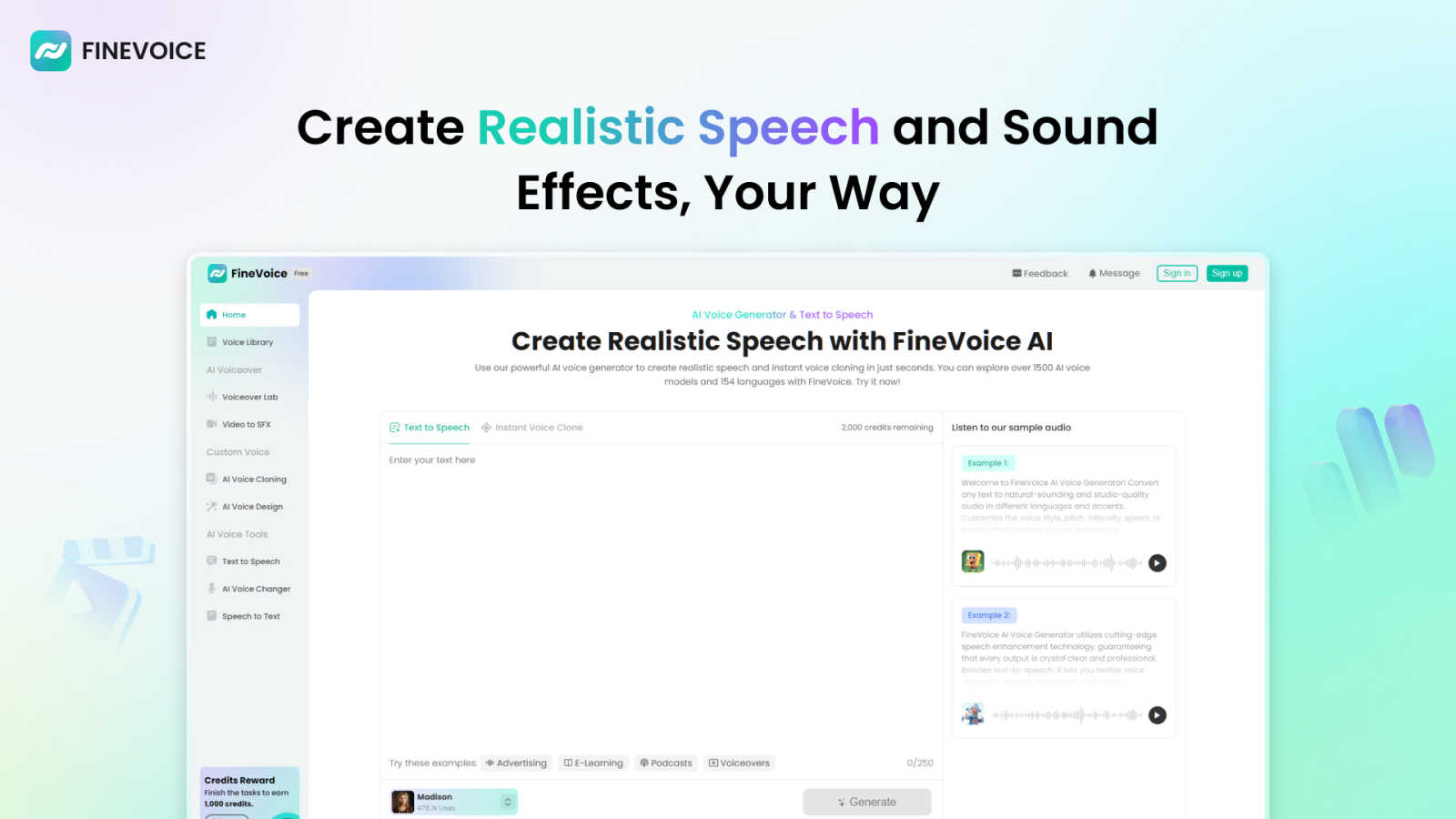
FineVoice is your AI sidekick for instantly cloning voices and creating fire audio for videos, podcasts, and more.
Last updated: March 1, 2026

Lyria 3 Pro
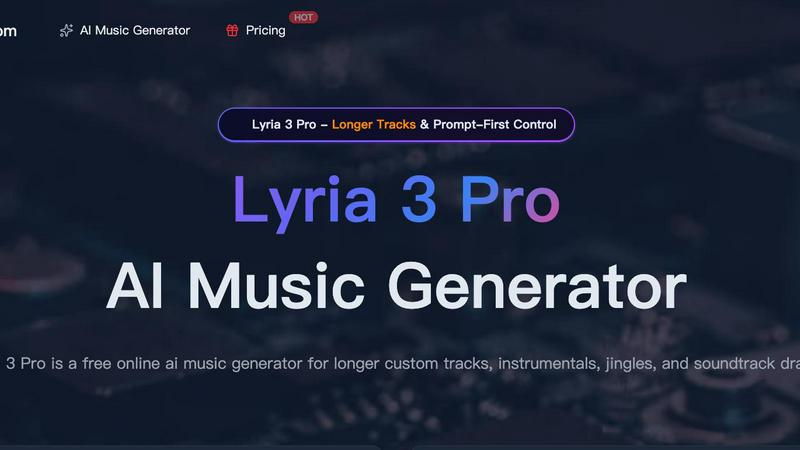
Lyria 3 Pro is your AI music genie for crafting longer, pro-level tracks that actually vibe with your creative vision.
Last updated: April 4, 2026
Visual Comparison
FineVoice
Lyria 3 Pro
Feature Comparison
FineVoice
Hyper-Realistic Text-to-Speech
This is your bread and butter. Type in any script, and FineVoice will spit out audio that sounds like a real human said it, not a robot from a 90s movie. We're talking a massive library of over 2,000 voice models in all sorts of styles—friendly, dramatic, you name it. You can tweak the emotion, speed, and tone across 154+ languages and accents to get the perfect vibe for your project, whether it's a spicy ad read or a chill e-learning module.
Instant AI Voice Cloning
Got a voice you love? Maybe it's your own, or a famous one, or even your grandma's. With FineVoice's cloning feature, you can replicate it in seconds. Just feed it a short sample, and boom, you've got a digital double ready to read your scripts or transform your live voice. It's perfect for keeping a consistent brand voice across all your content or creating unique character voices without hiring a whole cast of actors.
AI Sound Effects & BGM Generator
Need a "swoosh" for your transition or some epic background music for your vlog? Instead of digging through sketchy free sound websites, just tell FineVoice what you need. Describe a sound with text or even upload a video, and it'll generate unique, royalty-free sound effects and music tracks for you. This means no more copyright strikes or licensing drama, just pure creative freedom.
All-in-One Voice Changer & Toolkit
FineVoice is stacked with practical tools that go beyond just generating speech. The AI voice changer lets you morph your live or recorded voice into something else entirely in real-time. Plus, there's speech-to-text for transcription, custom voice design where you can build a voice from scratch using text prompts, and more. It's a whole suite of audio power tools in one neat platform.
Lyria 3 Pro
Prompt-First Control: Your Wish is Its Command
This is the secret sauce. You don't just type "happy song." You steer Lyria 3 Pro with concrete musical language. Tell it "90s hip-hop beat, 95 BPM, melancholic synth lead, heavy bass, with a catchy vocal hook about rainy nights." The more specific you get with genre, mood, instruments, and structure, the closer the output lands to what's in your head. It's like having a conversation with a producer who actually listens.
Longer, Structured Tracks (No More Loops!)
Tired of AI music that just loops after 45 seconds? Lyria 3 Pro builds actual songs. We're talking up to three-minute drafts with intros, verses, choruses, bridges, and endings that feel complete. This is huge for video soundtracks, songwriting demos, or any project where a short, repetitive clip just won't cut it. You get a full musical idea, not just a fragment.
Dual Mode: Instrumentals & Lyrics
Need a chill lo-fi beat for your study stream? Flip to Instrumental mode. Want to draft a full song with vocals? Switch to Lyrics mode. This flexibility means one tool can handle your background scoring and your pop ballad ambitions. It’s perfect for creating soundscapes for voiceovers or generating full musical pieces with hooks and melodies.
Visual Inspiration with Reference Images
Stuck on the vibe? Upload up to 10 images to guide the track's feel. Planning a cyberpunk-themed video? Upload some neon-drenched cityscapes. Making a travel vlog? Throw in your beach sunset pics. Lyria 3 Pro uses these visuals to influence the cover art and, more importantly, the overall atmosphere and palette of the music it generates. It's a next-level way to spark creativity.
Use Cases
FineVoice
YouTube & Social Content Creation
For creators drowning in the algorithm, FineVoice is a lifesaver. Generate engaging voiceovers for your videos, create attention-grabbing ad reads, or design unique character voices for your animations. The ability to clone your own voice means you can "narrate" videos without actually recording, saving you hours of editing and re-takes. Make your content pop and keep your audience hooked with pro-level audio.
E-Learning & Educational Materials
Teachers and course creators, listen up! Turn dry textbooks into engaging audio lessons with natural, friendly AI voices. You can create content in multiple languages and accents to reach a global student base. The emotional control feature is key here—add the right tone of excitement or seriousness to make the material more relatable and easier to digest for learners of all ages.
Podcasting & Audiobooks
Level up your podcast production without a fancy studio. Use FineVoice to generate intro/outro segments, create ads, or even produce an entire episode with AI co-hosts using different cloned voices. For audiobooks, you can create consistent character voices and narrate long chapters without vocal fatigue. It's like having a full production team at a fraction of the cost.
Game Development & Animation
Indie game devs and animators, this one's for you. Quickly generate voices for a whole cast of characters, from heroes to villains, using the voice cloning and design features. Create immersive soundscapes with custom sound effects for spells, environments, and UI interactions. It massively speeds up production and lets you prototype audio ideas without waiting on voice actors or sound designers.
Lyria 3 Pro
Soundtracking Your YouTube & Social Content
Every creator knows the struggle: finding copyright-free music that doesn't sound like elevator tunes. Lyria 3 Pro is your fix. Generate a custom, unique track in minutes that perfectly matches the pace and mood of your vlog, tutorial, or Reel. Need an upbeat track for a product reveal? A suspenseful cue for a cliffhanger? Done. Your content gets a professional audio upgrade that's totally yours.
Drafting Songs & Beats for Musicians
Hit a creative block? Use Lyria 3 Pro as your brainstorming partner. Feed it a detailed prompt to generate a full song structure with chords and melodies you might not have thought of. It's perfect for sketching out ideas, getting over writer's block, or creating quick demos to share with your band. It's like having a co-writer who works at the speed of light.
Crafting Jingles & Brand Audio
Small businesses and indie brands, listen up. You can now prototype professional-sounding audio logos, podcast intros, and commercial jingles without hiring a composer. Describe your brand's energy (e.g., "trustworthy, acoustic, warm, 70 BPM") and iterate on tracks until you get the perfect sonic identity. It's affordable, fast, and gives you full control over your brand's sound.
Generating Mood Music for Streams & Focus
Gamers, streamers, and work-from-home warriors, this is for you. Create endless, royalty-free background music tailored to any vibe. Want "epic orchestral for a boss battle backdrop"? Or "calm ambient piano for a coding session"? Generate a long, evolving track that sets the perfect atmosphere without worrying about DMCA strikes or repetitive playlists. Your stream, your rules.
Overview
About FineVoice
Alright, let's break it down. FineVoice isn't just another AI voice tool; it's basically your new creative sidekick for anything audio. Think of it as the ultimate digital sound studio that lives in your browser. Whether you're a YouTuber trying to make your videos slap, a podcaster looking for that perfect intro voice, a game dev needing unique character sounds, or just someone who wants to prank their friends with a flawless celebrity impression, FineVoice has your back. Its main flex is making pro-level voice and sound creation stupidly easy and accessible for everyone, no fancy degrees or tech skills required. With over 10 million users worldwide, it's clearly doing something right. The platform lets you generate hyper-realistic AI voices from text, clone any voice in like a minute, change your voice in real-time, and even cook up custom sound effects and background music. It's the all-in-one audio playground you didn't know you needed, helping you elevate your content from "meh" to "must-watch" without the headache.
About Lyria 3 Pro
Alright, let's cut through the noise. Lyria 3 Pro isn't just another AI music bot that spits out generic 30-second loops. Think of it as your on-demand music producer, chilling in your browser, ready to cook up full-length, structured tracks from a simple text prompt. Whether you're a YouTuber scrambling for a banger intro, a streamer needing fresh background vibes, a marketer crafting that perfect jingle, or just someone who wants to see if "synthwave cowboy funeral dirge" is a viable genre (spoiler: it is), this tool is for you. Its whole vibe is built on two things: giving you control and delivering tracks that actually feel finished. Forget vague, wishy-washy AI outputs. You tell it the genre, BPM, mood, instruments, and even the song structure, and it gets to work, building tracks up to three minutes with proper verses, choruses, and bridges. It's the difference between a sketch and a song, designed to fit right into real creator workflows without needing a degree in music theory.
Frequently Asked Questions
FineVoice FAQ
Is FineVoice really free to use?
Kinda, but there's a catch. FineVoice offers a free trial that lets you test the waters, usually with a limited number of characters for text-to-speech (like 250 to start). To unlock the full power—like unlimited generation, access to all 2000+ voices, and premium features like advanced cloning—you'll need to jump on one of their paid plans. It's free to try, but pro features cost.
Can I use the voices I create for commercial projects?
Totally! One of the biggest Ws with FineVoice is that the audio you generate is royalty-free for you to use. That means you can slap those voices and sound effects into your YouTube videos, podcasts, ads, or video games and monetize them without worrying about paying extra fees or getting hit with copyright claims. Just create and profit.
How accurate and fast is the voice cloning?
It's scarily fast and pretty accurate. The "Instant Clone" tech claims to clone a voice from a short sample in just seconds. The quality depends on the clarity and length of the sample you provide, but for most purposes—like narration or basic voiceovers—it gets super close. It's perfect for maintaining a consistent voice across your content without needing the original speaker present every time.
Does FineVoice work on mobile or just desktop?
While they have dedicated desktop apps for a smoother, more powerful experience (especially for real-time voice changing), you can absolutely access the core FineVoice platform online through your web browser on both computers and mobile devices. So you can brainstorm and create audio ideas on the go from your phone or tablet.
Lyria 3 Pro FAQ
Is Lyria 3 Pro really free to use?
Kinda! You start with free credits to test the waters and see if it vibes with your workflow. This lets you play with the prompts and features. When you're ready to generate more tracks or use them in commercial projects, you'll move onto their paid plans. So it's free to try, then scales up with you.
What's the best way to write a prompt for good results?
Ditch the vague stuff. Google themselves recommend being super specific. Think like a music brief: include Genre (synthwave), Mood (nostalgic, driving), Instruments (pulsing bass, analog drums), Tempo/BPM (128), and Structure (intro, verse, chorus). The more musical language you use, the better Lyria 3 Pro can cook.
Can I use the music I make for commercial projects (YouTube, podcasts, etc.)?
Yes, but check the fine print on the specific plan you're on. The free credits are usually for personal testing. Once you're on a paid plan, you typically get a license to use the tracks in commercial projects like videos, podcasts, and games. Always double-check the licensing terms on their site before you publish.
How long does it take to generate a track?
It's pretty quick! We're talking a few minutes, not hours. You punch in your detailed prompt, hit generate, and grab a coffee. By the time you're back, you'll have a full track ready to preview, tweak, and download. It's designed for speed so you can iterate fast and keep your creative flow going.
Alternatives
FineVoice Alternatives
Alright, so you've heard the buzz about FineVoice, the AI voice wizard that's all about turning your text into hyper-realistic speech and cloning your own voice in like, a minute. It's a major player in the audio and music tool scene, letting creators, streamers, and basically anyone add some serious sonic flair to their projects without needing a studio. But hey, maybe it's not your exact vibe. People hunt for alternatives for all sorts of reasons—maybe the price tag has you side-eyeing your budget, or you need a specific feature it doesn't have. Sometimes you just want something that works natively on your phone or integrates directly with your favorite editing software. It's all about finding the right tool for your specific creative hustle. When you're on the hunt for a different option, think about what really matters for your workflow. Is it all about voice quality and naturalness, or are you deep in the voice-changing meme game? Do you need a massive library of pre-made voices, or is a powerful cloning feature your non-negotiable? Getting clear on your non-negotiables will help you sift through the noise and find your audio soulmate.
Lyria 3 Pro Alternatives
So you've heard the buzz about Lyria 3 Pro, the AI music gen that's basically giving everyone producer powers. It's a top-tier tool in the AI music generator space, letting you cook up full-length tracks from a single text prompt. It's for anyone who wants to make music without needing a PhD in music theory or a garage full of gear. But let's keep it a hundred—not every tool is the perfect fit for every creator. Maybe the subscription price has you side-eyeing your budget, or you're just curious what else is out there in the sonic playground. Some folks might need features Lyria doesn't have, or they're locked into a specific platform. It's all about finding your vibe. When you're shopping around for a different AI music maker, think about what matters to you. Is it all about that bottom line and getting the most bang for your buck? Do you need super-specific controls, or are you cool with something more simple and vibe-based? Check the output quality, how long the tracks can be, and what kind of musical styles you can actually make. Don't sleep on the user experience either—if the app feels like a chore, you just won't use it.