
FLUX Context vs SparkPix
Side-by-side comparison to help you choose the right AI tool.

FLUX Context
FLUX Context turns your text into stunning visuals in a snap, making creativity effortless and super fun.
Last updated: March 1, 2026

SparkPix
Transform your photos with SparkPix by typing your edits—remove backgrounds, enhance quality, and unleash your creativity for free!.
Last updated: March 11, 2026
Visual Comparison
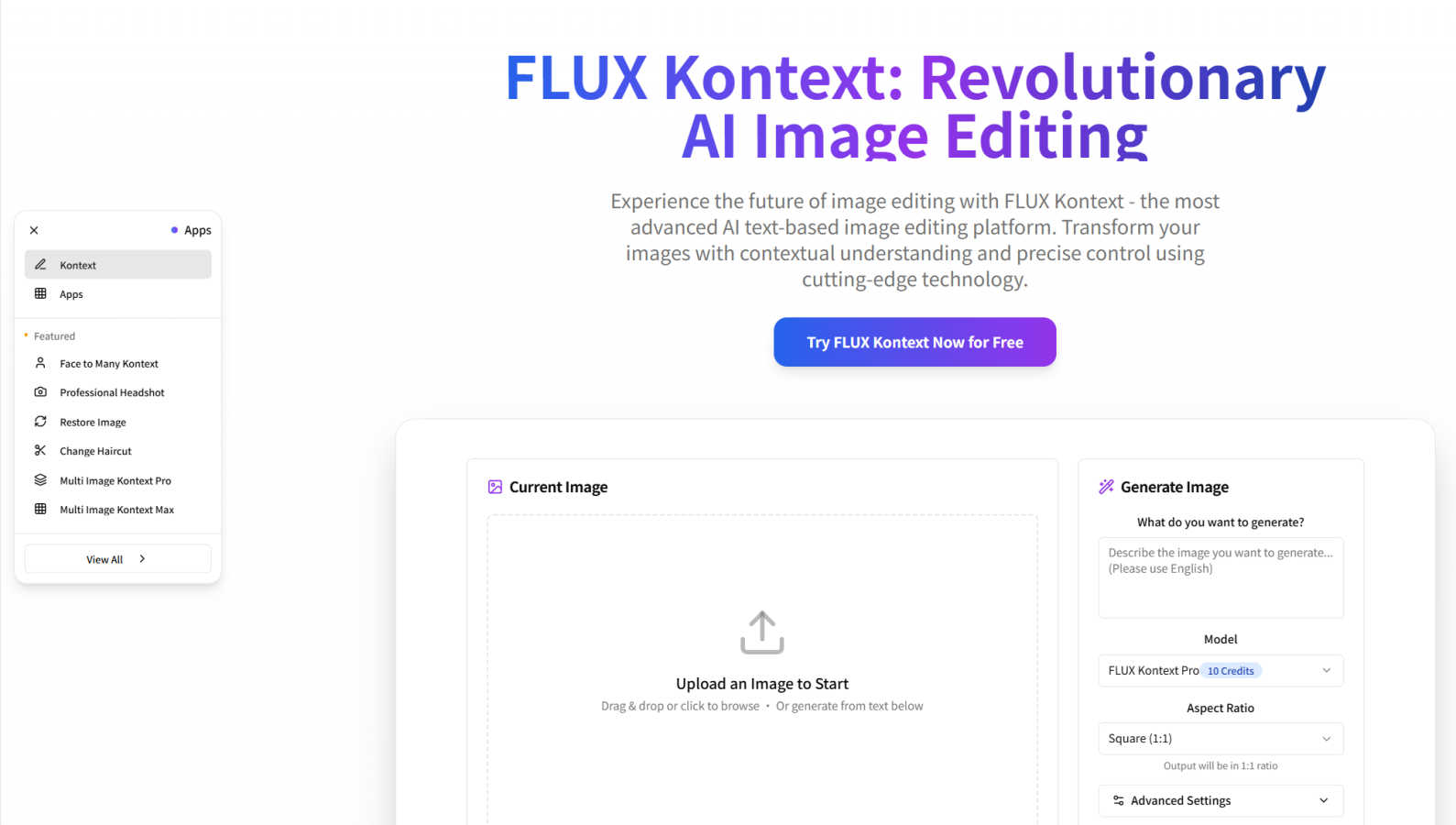
FLUX Context
SparkPix

Feature Comparison
FLUX Context
Advanced Image Generation Technology
FLUX Context harnesses enterprise-grade AI to turn your detailed text prompts into mind-blowing visuals in a snap. With this powerful tech, you'll get images that look like they've been crafted by a pro, all while you kick back and watch the magic unfold.
Comprehensive Style Controls
With FLUX Context, you have the power to fine-tune every aspect of your generated images. Play around with styles, colors, and elements to ensure that each visual aligns perfectly with your creative vision, giving you ultimate control over the final output.
Seamless Workflow Integration
FLUX Context has an API and infrastructure that make it super easy to integrate into your existing workflow. This means you can start using it right away without any complicated setups, keeping your creative process smooth and uninterrupted.
Contextual Intelligence
Unlike standard image generators, FLUX Context boasts a sophisticated AI that understands the relationships between visual elements. This allows it to maintain thematic coherence across images, enabling you to tell multi-scene stories that resonate with your audience.
SparkPix
AI Photo Editor
This feature is a game changer! Just type what you want to change in your photo, like "remove background" or "sharpen this image," and watch as SparkPix's AI works its magic in under 30 seconds. It takes the hassle out of photo editing, meaning you can focus on what really matters—getting your pics looking stunning!
Background Remover
Say goodbye to messy backgrounds! With just one click, SparkPix can remove backgrounds from portraits, product photos, and even complex scenes. Whether you want a clean, transparent background for professional use or a fun new backdrop for your social posts, this feature makes it as easy as pie.
Unblur Image
Ever taken a shot that turned out all fuzzy? No worries! The unblur image feature uses AI to fix motion blur, out-of-focus shots, and compression artifacts. It's perfect for saving those precious moments that might have otherwise ended up in the trash bin. Trust SparkPix to bring clarity back to your favorite memories!
Photo Restoration
Got old family photos that need some love? SparkPix’s photo restoration feature is here to rescue them! It repairs old, faded, scratched, or damaged photos, making it ideal for preserving family archives. Bring those cherished memories back to life in a matter of moments, ensuring they can be enjoyed for generations to come.
Use Cases
FLUX Context
Rapid Concept Visualization
R&D departments can leverage FLUX Context to quickly visualize concepts and ideas, making it easier to iterate on designs and bring innovative products to life without getting bogged down in traditional design processes.
Dynamic Brand Asset Creation
Marketing teams can generate eye-catching visuals for global campaigns in a flash. FLUX Context enables the creation of customized brand assets that keep your marketing efforts fresh and engaging, all while maintaining brand consistency.
Automated Media Production
Media production teams benefit from FLUX Context's ability to automate visual content pipelines. By rapidly generating and refining images, teams can focus more on storytelling and less on the tedious aspects of content creation.
Interactive Prototype Development
UX/UI designers can use FLUX Context to create interactive prototypes that wow stakeholders. With the ability to generate and edit visuals on-the-fly, you can test ideas and gather feedback faster than ever before.
SparkPix
Social Media Content Creation
If you’re a social media enthusiast or influencer, SparkPix is a must-have. Use its AI photo editor to quickly create eye-catching posts with clean backgrounds and enhanced colors. Your followers will be wowed by your stunning visuals, and you’ll save tons of time!
E-Commerce Photography
Running an online shop? SparkPix can help you create professional product photos. Just upload your images and specify the edits you need, like background removal or enhancing colors, and voilà! Your listings will look more appealing to potential customers.
Personal Photo Restoration
Have some old family photos that are faded or damaged? With SparkPix, you can restore these precious memories effortlessly. Upload the images and let the AI handle the rest, turning back time on your cherished snapshots.
Creative Art Projects
Feeling artistic? Use the style transfer feature to convert your photos into stunning works of art. Whether you want a watercolor effect or a funky anime style, SparkPix lets you explore your creative side without needing any special skills.
Overview
About FLUX Context
FLUX Context is like the magic wand of the digital art world, unleashing a new era of image creation with its cutting-edge AI technology. This next-gen platform lets you whip up stunning visuals just by typing out a few simple text commands. Whether you're a graphic designer looking to speed up your workflow or an artist eager to dive into uncharted creative waters, FLUX Context is here to elevate your game. It transforms detailed text descriptions into professional-quality images in seconds, making it your ultimate creative companion. With intuitive controls and powerful editing features, you can easily enhance your images while the AI understands the context behind your vision. Say goodbye to the tedious grind of traditional design methods and welcome a world where your imagination reigns supreme, allowing you to create eye-catching content in no time flat.
About SparkPix
SparkPix is your new BFF in the world of photo editing, powered by cutting-edge AI technology. Imagine being able to transform your photos just by typing out what you want—no more wrestling with complicated software like Photoshop. Whether you're a casual user, a social media influencer, or a small business owner needing stunning product shots, SparkPix has got your back. With features designed for everyone, from complete novices to seasoned pros, this web-based app brings your creative visions to life in a snap. The main value proposition? It combines ease of use with powerful functionality, letting you edit your photos quickly and efficiently. Plus, you can start for free with no credit card required, making it super accessible!
Frequently Asked Questions
FLUX Context FAQ
What makes FLUX Context different from other image generation tools?
FLUX Context stands out with its advanced AI that not only generates images but also understands the context behind your prompts. This allows for richer, more coherent visuals than standard tools.
Can I integrate FLUX Context into my existing workflows?
Absolutely! FLUX Context is designed with seamless integration in mind, featuring a robust API that allows for easy incorporation into various creative processes and tools.
How do I get started with FLUX Context?
Getting started is a breeze! Simply sign up, craft your text prompts, and watch as FLUX Context transforms your ideas into stunning visuals. The user-friendly interface makes it easy for anyone to dive in.
Is FLUX Context suitable for beginners?
For sure! FLUX Context is designed to be intuitive and user-friendly, making it accessible for beginners while still powerful enough to meet the needs of experienced designers and artists.
SparkPix FAQ
How does SparkPix work?
SparkPix uses advanced AI algorithms to understand your text commands and apply the requested edits to your photos. It makes photo editing accessible to everyone, regardless of skill level.
Is SparkPix free to use?
Yes! SparkPix offers 5 free credits to get you started with no credit card required. You can try out various features and see what works best for you before committing to a paid plan.
What types of edits can I request?
You can request a wide range of edits, including background removal, photo restoration, unblurring images, and applying artistic styles. Just type in your instructions, and the AI will take care of the rest.
On which platforms can I use SparkPix?
SparkPix is web-based, meaning you can use it on any device with an internet connection. It works seamlessly on desktops, iPhones, and Android devices, so you're never far from your photo editing needs.
Alternatives
FLUX Context Alternatives
FLUX Context is an innovative AI-powered platform that’s shaking up the way we create and manipulate images. With its ability to turn text commands into stunning visuals, it’s a game-changer for designers, artists, and content creators alike. However, users often find themselves on the lookout for alternatives for various reasons—maybe it’s budget constraints, specific feature needs, or compatibility with certain platforms. When searching for alternatives, it’s crucial to consider factors like ease of use, the quality of image generation, and the level of customization available. You’ll want to find a tool that not only meets your creative demands but also fits seamlessly into your workflow without causing headaches.
SparkPix Alternatives
SparkPix is an AI-powered online photo editor that lets you unleash your creativity by simply typing what you want to do with your photos. Whether it's enhancing an image, restoring faded memories, or transforming your pics into stunning art styles, it's all about easy editing without needing to master complex software. But while SparkPix is super handy, users often find themselves on the hunt for alternatives due to various reasons like pricing, feature sets, or specific platform compatibility that fits their unique needs. When searching for alternatives, think about what you really need—considering aspects like ease of use, the types of edits you want to make, and whether you prefer a web-based tool or something that can be downloaded. You want an editor that suits your workflow and budget while still delivering impressive results, so take your time exploring different options before making a choice.