
graficai vs Text Remover
Side-by-side comparison to help you choose the right AI tool.

graficai
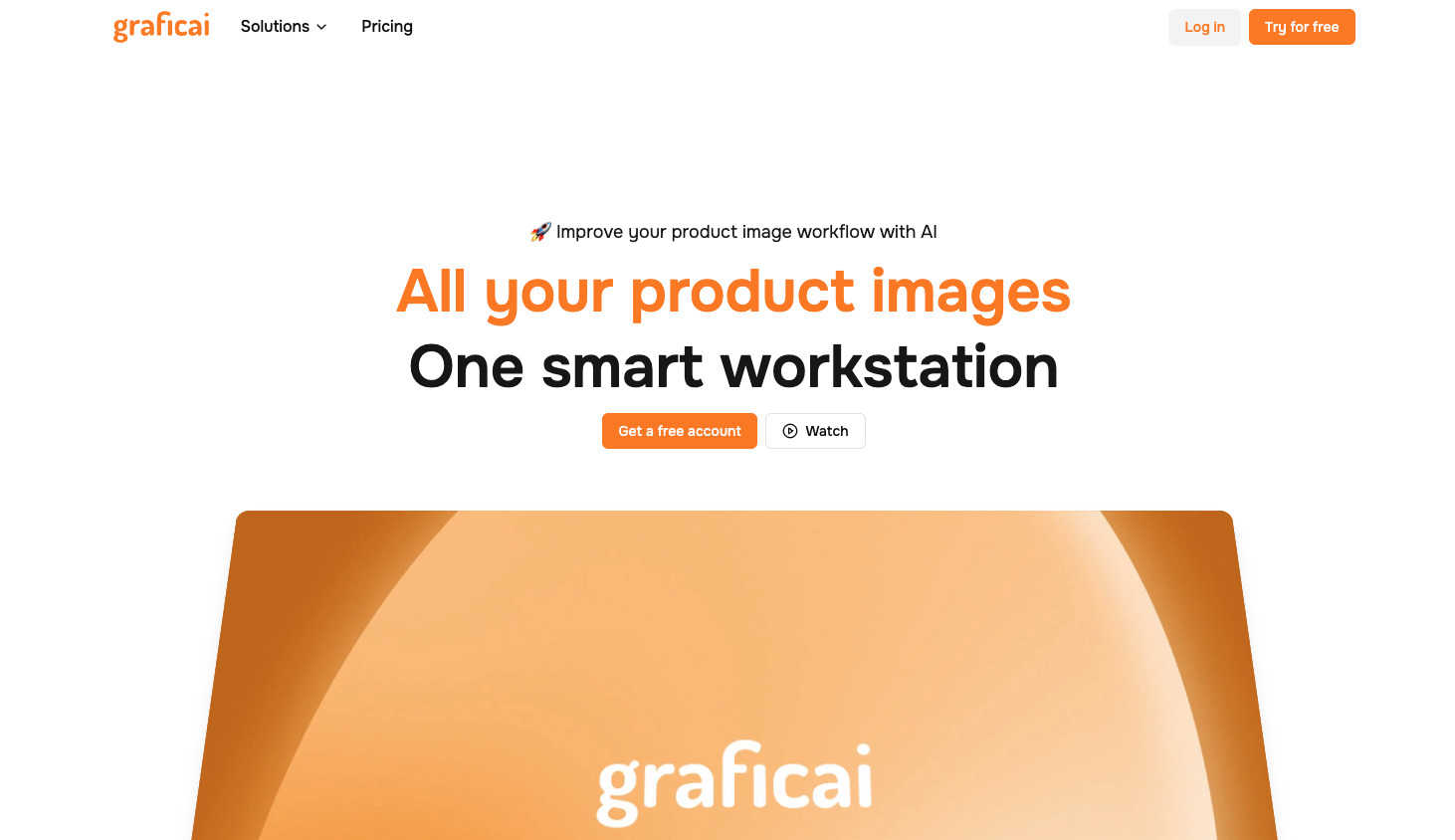
Graficai is your AI buddy for supercharging product images, crushing backgrounds, and nailing SEO in a snap.
Last updated: March 1, 2026
Text Remover
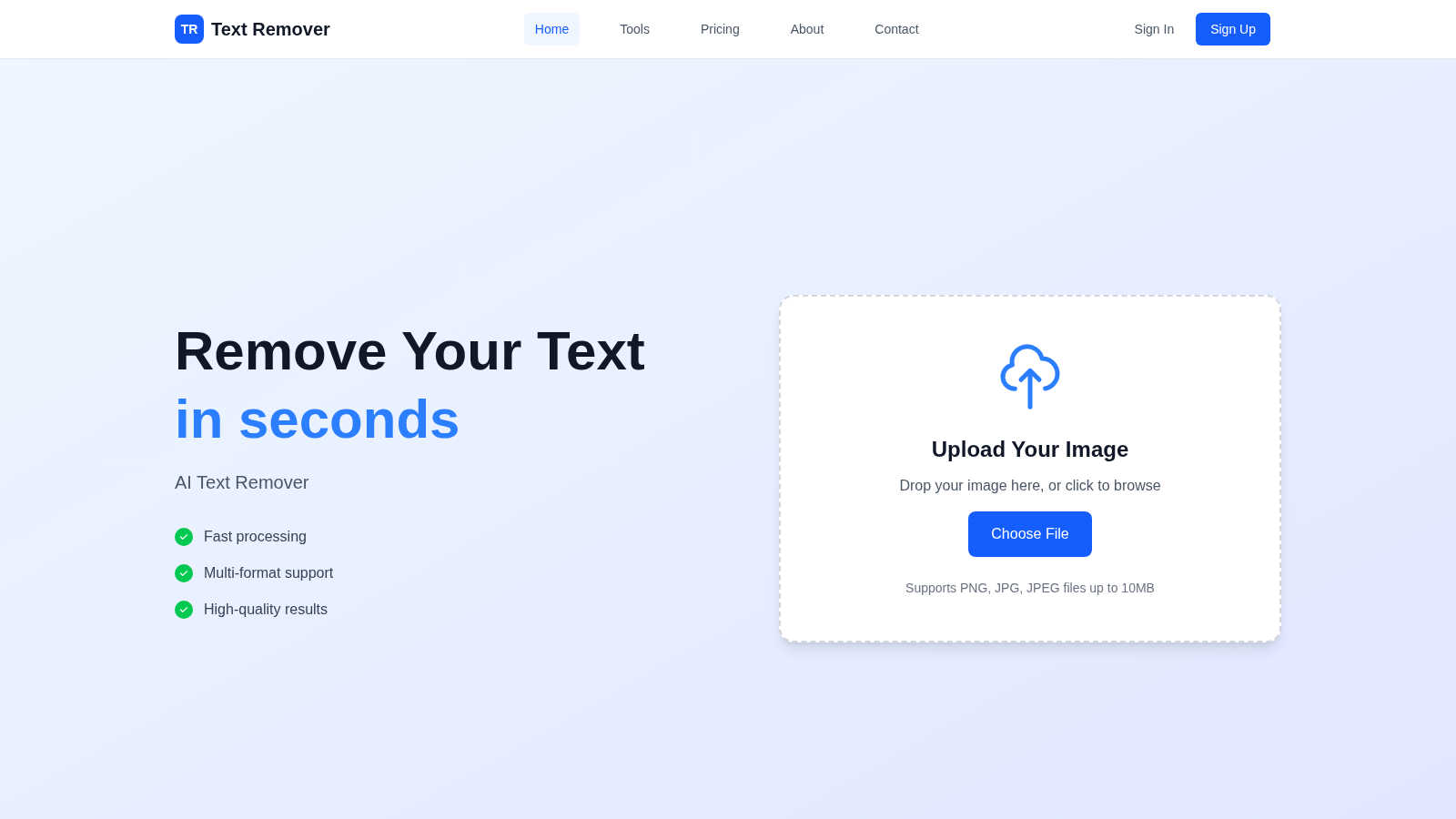
Instantly wipe away unwanted text from images for a clean, pro look in seconds with our easy AI Text Remover.
Last updated: March 1, 2026
Visual Comparison
graficai
Text Remover
Feature Comparison
graficai
Background Remover
This feature is a game changer! graficai’s background remover lets you zap away unwanted backgrounds in seconds. Just upload your images, and watch the magic happen as the AI meticulously separates your products from the chaos behind them, leaving you with crisp, professional-quality images ready for your listings.
Bulk Editing
Why edit one image at a time when you can bulk edit up to 50? This feature is perfect for the busy e-commerce warrior who needs efficiency. Say goodbye to repetitive tasks and hello to streamlined workflows—graficai lets you apply all your edits in one go, saving you hours of time and boosting your productivity.
SEO Optimization
With graficai, every image you edit is automatically optimized for web performance and search rankings. It compresses images without losing quality, converts formats seamlessly, and even generates descriptive ALT text using advanced AI. This means your visuals not only look great but also help boost your site’s visibility in search results.
Image Management
Keep your digital workspace tidy with graficai’s big storage and easy access features. You can store thousands of product images in a secure cloud environment, copy image links, generate public URLs, or download everything in a neat CSV file. No more messy folders or broken links—your images will always be organized and just a click away.
Text Remover
AI-Powered Accuracy
This tool uses cutting-edge AI technology to ensure that text removal is precise and doesn’t mess with your image’s background. It’s like having a pro editor on your team, ready to clean up your visuals!
Multiple Format Support
No need to worry about file types! Text Remover supports PNG, JPG, JPEG, and other popular image formats. This means you can work with whatever images you’ve got, making it super versatile for all your editing needs.
Batch Processing
Got a whole bunch of images that need some text TLC? No problem! With batch processing, you can remove text from multiple images at once, saving you tons of time and effort. Perfect for those busy days!
Privacy Focused
Your images are yours, and we get that! All processing happens securely without storing your images. You can remove text and keep your data safe, so you don’t have to worry about privacy issues while you edit.
Use Cases
graficai
E-commerce Sellers
For e-commerce sellers, graficai is an absolute lifesaver. Whether you’re managing a Shopify store, Amazon FBA, or Etsy shop, this tool helps you prep product images faster and more efficiently, enabling you to focus on sales instead of editing.
Social Media Marketers
Social media marketers can leverage graficai to create stunning visuals for their campaigns. With the ability to quickly edit and optimize images, you can maintain a consistent brand aesthetic across all platforms, attracting more followers and boosting engagement.
Fashion Retailers
Fashion retailers benefit immensely from graficai’s bulk editing features. With numerous items to showcase, the ability to seamlessly remove backgrounds and generate clean, white images can elevate your product listings and enhance the shopping experience for customers.
Content Creators
For content creators, having eye-catching images is crucial. graficai allows you to produce high-quality visuals for blogs, websites, and promotional materials without spending hours on editing. The AI handles the grunt work, so you can focus on creating awesome content.
Text Remover
Social Media Content
Say goodbye to watermarks, timestamps, or any unwanted text overlays that mess with your social media aesthetic. Text Remover helps you create stunning visuals that stand out in your feed without distractions.
Photography
Whether you're a pro photographer or just snapping pics for fun, this tool lets you clean up your images by removing price tags, labels, or any promotional text. Get that polished look without the fuss!
Meme Creation
Want to create a meme but the existing text is cramping your style? Use Text Remover to wipe the slate clean! Start fresh with your creative ideas and make memes that’ll have your friends rolling on the floor laughing.
Marketing Materials
Need to update your marketing materials? Use Text Remover to easily delete old text and make way for new content. Whether it’s for flyers, brochures, or digital ads, this tool helps you keep everything fresh and relevant.
Overview
About graficai
Alright, let’s get into the nitty-gritty of graficai. This bad boy is your ultimate sidekick in the world of e-commerce, designed to tackle the tedious task of editing product photos like a pro. Whether you're hustling on Shopify, Amazon, or Etsy, graficai swoops in to save your sanity by turning hours of mind-numbing photo editing into a speedy breeze. Imagine having an AI-powered platform that can automate background removals, slap on fresh white backgrounds, resize images for different platforms, and even generate smart alt text for SEO—all from one sleek dashboard. With the ability to batch process up to 50 images at a time, you can say goodbye to the Photoshop hell of endless tweaks and revisions. graficai empowers you to produce marketplace-ready visuals that look legit stunning, allowing you to focus on scaling your business instead of drowning in pixels. It's like having a supercharged editing team at your fingertips, making every seller’s life a whole lot easier.
About Text Remover
Yo, if you've ever taken a snap and thought, "Ugh, this text is ruining my vibe," then Text Remover is your new go-to tool! This AI-powered image editing wizard lets you zap away unwanted text in just a few clicks. Whether you’re a social media influencer looking to create that pristine aesthetic or a busy professional needing to clean up images for presentations, this tool has got your back. The magic lies in its advanced AI that analyzes your image and fills in the gaps seamlessly, keeping your backgrounds clean and your visuals top-notch. Perfect for removing distracting overlays, watermarks, or any text that doesn’t fit your style, Text Remover is all about enhancing your creativity without the hassle. Plus, it’s super easy to use! Just upload your image, select the text you want to ditch, and watch the magic unfold. You’ll be wondering how you ever got by without it!
Frequently Asked Questions
graficai FAQ
How does graficai work?
Great question! graficai uses advanced AI algorithms to automate the photo editing process. Just upload your images, select the edits you want, and the platform takes care of the rest, delivering polished images in minutes.
Can I edit images in bulk?
Absolutely! graficai allows you to edit up to 50 images at once, making it super efficient for busy e-commerce sellers who need to process large volumes of product photos.
Is graficai suitable for all e-commerce platforms?
Yes! graficai’s edits comply with the standards of major e-commerce platforms like Amazon, eBay, and Shopify, ensuring your images are always marketplace-ready.
Do I need any technical skills to use graficai?
Not at all! graficai is designed to be user-friendly, so you don’t need any technical know-how. Just upload your images and let the AI do its thing—easy peasy!
Text Remover FAQ
How does Text Remover work?
It’s super simple! Just upload your image, mark the text you want to remove, and let our AI do its thing. It analyzes the image and fills in the gaps like a pro, giving you a clean result in no time.
What file formats can I use?
Text Remover supports a variety of formats including PNG, JPG, and JPEG. You can easily upload images up to 10MB without any hassle.
Is my data safe when using Text Remover?
Absolutely! We prioritize your privacy. All processing happens securely, and we don’t store your images, so you can edit with peace of mind.
Can I remove text from multiple images at once?
Yes, you can! Our batch processing feature allows you to remove text from multiple images efficiently, perfect for saving time and getting your work done faster.
Alternatives
graficai Alternatives
Graficai is your go-to AI sidekick for bulk editing product images, designed specifically for the e-commerce world. It’s all about making life easier for store owners and sellers who need to churn out high-quality visuals quickly. However, users often find themselves searching for alternatives due to factors like pricing, specific feature requirements, or compatibility with their preferred platforms. When hunting for the perfect substitute, it’s crucial to consider the editing capabilities, ease of use, and whether the tool meets the stringent image standards of various e-commerce marketplaces. --- [{"question": "What is graficai?", "answer": "Graficai is an AI-powered platform that automates the bulk editing of product photos, focusing on background removal and SEO enhancements."},{"question": "Who is graficai for?", "answer": "Graficai is designed for e-commerce sellers, including Shopify store owners, Amazon FBA merchants, and Etsy creatives, who need to efficiently prepare product images."},{"question": "Is graficai free?", "answer": "Graficai does not offer a free version; users can choose from various pricing plans based on their needs."},{"question": "What are the main features of graficai?", "answer": "Key features of graficai include bulk editing of up to 50 images at once, e-commerce optimized edits, and automated SEO-friendly alt text generation."}]
Text Remover Alternatives
Text Remover is your go-to AI-powered tool for effortlessly zapping unwanted text from your images. It falls under the category of image editing and enhancement tools, ideal for anyone looking to keep their visuals clean and professional. Users often seek alternatives for a bunch of reasons, like pricing, feature sets, or compatibility with different platforms. Maybe they want something that fits their budget better or offers unique features that cater to their specific needs. When picking an alternative, keep an eye out for accuracy in text removal, support for various image formats, and any special features like batch processing. You’ll want something that not only gets the job done quickly but also maintains the quality of your images. Don’t forget to check user reviews and ratings to see how others feel about the options on the table. The right tool can make a world of difference in your image editing game.