
Hush Touch | Voice-to-Text for MacOS vs Image to Prompt
Side-by-side comparison to help you choose the right AI tool.

Hush Touch | Voice-to-Text for MacOS
Hush Touch turns your voice into text on Mac, learning your lingo offline for a flawless, no-subscription dictation.
Last updated: February 28, 2026

Image to Prompt
Turn any image into a high-quality AI prompt for Midjourney, Stable Diffusion, and more. Fast, accurate, privacy-friendly, and completely free with no
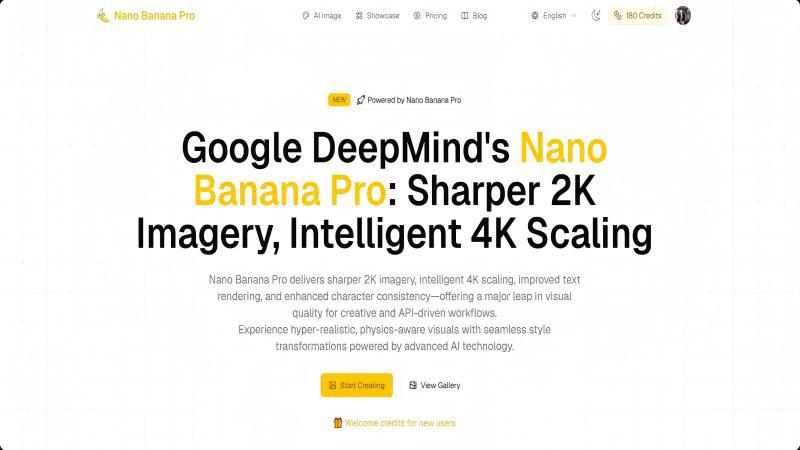
Visual Comparison
Hush Touch | Voice-to-Text for MacOS

Image to Prompt
Overview
About Hush Touch | Voice-to-Text for MacOS
Hush Touch is your new best friend for voice-to-text dictation on macOS, designed for those who crave speed, privacy, and a natural speaking experience. No more waiting for cloud processing or dealing with awkward misunderstandings. This app runs entirely on your device, ensuring your voice stays private while delivering spot-on transcription. It combines two powerful Apple transcription engines with a final touch from Apple Intelligence, making your text cleaner and more accurate than ever. With a lightweight footprint of just 5.5 MB, it seamlessly integrates into your daily writing routine, whether you're drafting emails, taking notes, or even coding. Plus, you can kick it off with a hotkey or just ask Siri to get started. Whether you’re a student, a busy professional, or just someone who loves to jot down ideas hands-free, Hush Touch is built just for you. Embrace a new way of writing that feels as natural as speaking, all without a subscription tether.
About Image to Prompt
Image to Prompt is a free, browser-based tool that converts any image into a detailed, high-quality prompt suitable for AI image models such as Midjourney, Stable Diffusion, and Flux. Simply upload an image or paste an image URL, then receive a structured, descriptive prompt covering subjects, style, composition, colors, and lighting. The tool supports multiple languages, offers optional structured prompts, and requires no account or payment. Images are used only for real-time analysis and are deleted immediately, protecting user privacy. Perfect for creators who want to replicate styles, refine details, or learn better prompt writing through clear, accurate descriptions.