
Image to Prompt vs SVG to 3D
Side-by-side comparison to help you choose the right AI tool.

Image to Prompt
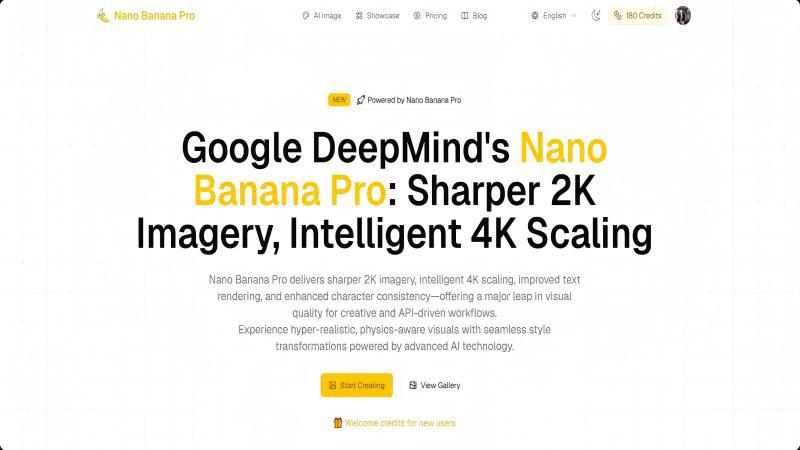
Turn any image into a high-quality AI prompt for Midjourney, Stable Diffusion, and more. Fast, accurate, privacy-friendly, and completely free with no
SVG to 3D
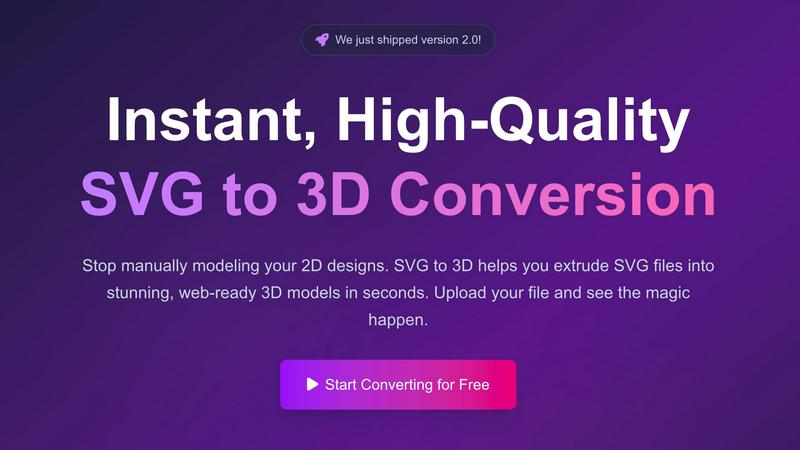
Stop modeling from scratch, just upload an SVG and get a sick 3D model in seconds.
Last updated: February 28, 2026
Visual Comparison
Image to Prompt
SVG to 3D
Overview
About Image to Prompt
Image to Prompt is a free, browser-based tool that converts any image into a detailed, high-quality prompt suitable for AI image models such as Midjourney, Stable Diffusion, and Flux. Simply upload an image or paste an image URL, then receive a structured, descriptive prompt covering subjects, style, composition, colors, and lighting. The tool supports multiple languages, offers optional structured prompts, and requires no account or payment. Images are used only for real-time analysis and are deleted immediately, protecting user privacy. Perfect for creators who want to replicate styles, refine details, or learn better prompt writing through clear, accurate descriptions.
About SVG to 3D
Alright, let's cut the fluff. SVG to 3D is your new secret weapon for turning flat, boring 2D graphics into absolute fire 3D models without the usual headache. Ever tried to open Blender just to make a simple 3D logo and immediately got lost in a maze of menus? Yeah, we've been there. That's the whole reason this tool exists. It's built for devs, designers, and 3D printing nerds who need results, not a software tutorial. You just drag in your SVG file—like a logo from Figma or an icon pack—and boom, you're looking at a 3D version in your browser in seconds. No downloads, no credit card, no sending your files off to some sketchy server. It's all about that instant gratification. The magic is in the control; you're not just getting a basic extrusion. You can tweak the thickness, add slick bevels, slap on some realistic PBR materials, and then export a perfectly clean, web-optimized GLB file ready for your Three.js project, or a solid STL for your 3D printer. It's the fastest lane from "cool idea" to "holy crap, that's a 3D model."