
JFIF to JPG Converter vs ShinePhoto
Side-by-side comparison to help you choose the right AI tool.

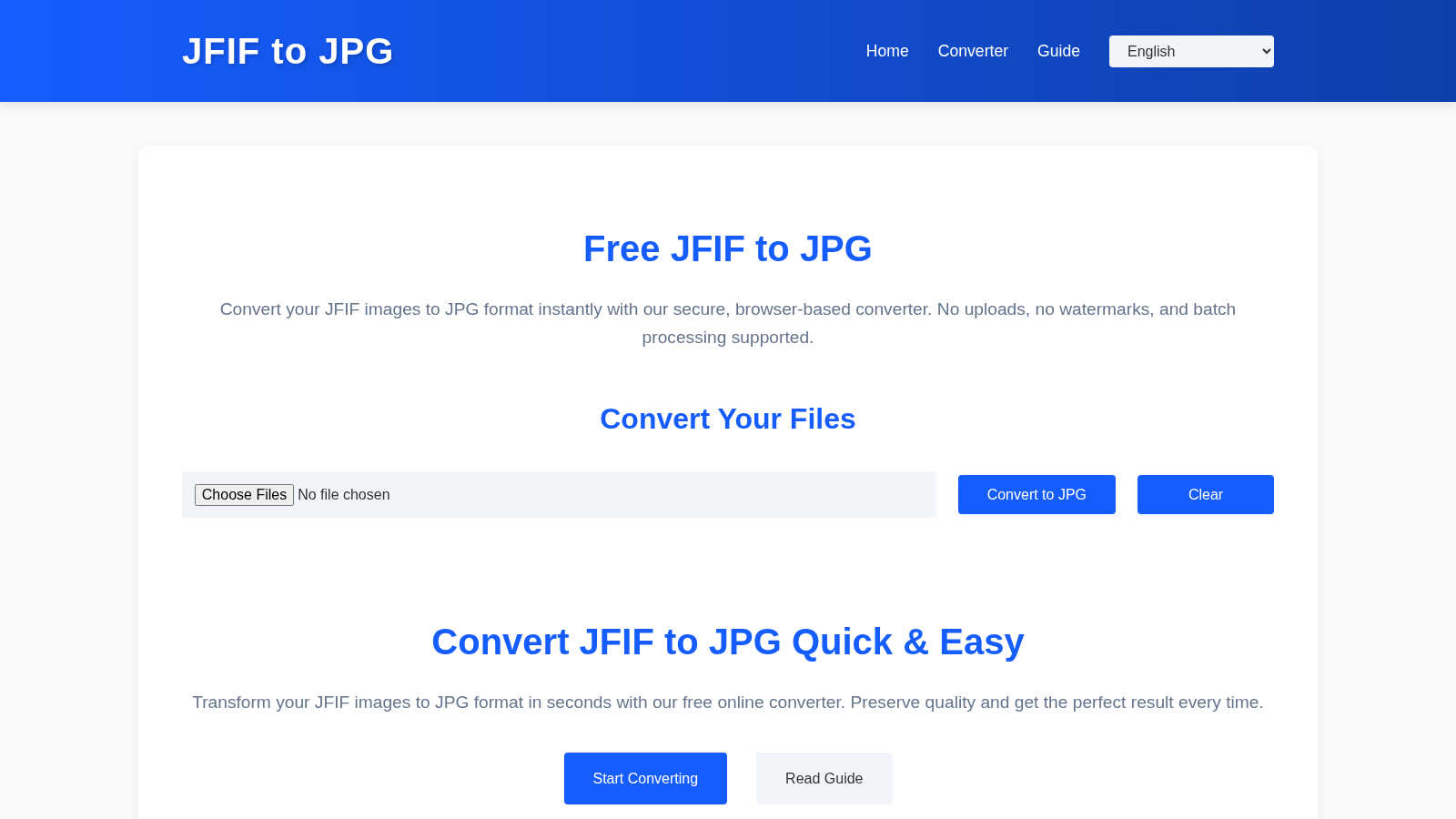
JFIF to JPG Converter
Convert your JFIF pics to JPG in your browser, no uploads and zero quality loss, fam.
Last updated: March 1, 2026

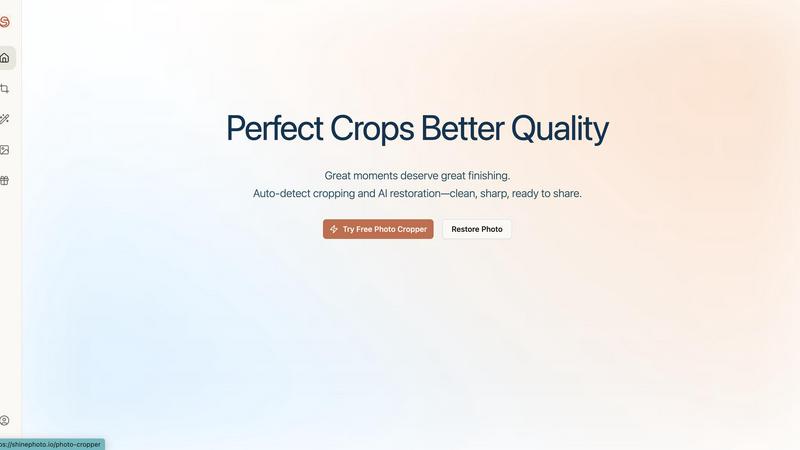
ShinePhoto
ShinePhoto transforms your pics with smart cropping and AI restoration for flawless, share-ready images every time.
Last updated: February 28, 2026
Visual Comparison
JFIF to JPG Converter
ShinePhoto
Feature Comparison
JFIF to JPG Converter
Zero-Quality Loss Conversion
This isn't your grandma's janky converter that smushes your pics into a pixelated mess. Our tool is smart. It doesn't recompress or alter your image data at all. Instead, it performs a slick container swap—it takes the perfect JPEG image data trapped inside the outdated JFIF wrapper and repackages it into a standard JPG file. Your photo's quality, sharpness, and detail stay 100% intact, like it never even happened (but in a good way).
Your Data Never Leaves Your Device
Privacy is a whole mood, and we get it. The entire conversion process is powered by your own browser's muscle. From the moment you drop your file to the second you hit download, your images chill locally on your computer. They are never uploaded to our servers or anywhere else on the internet. It's the digital equivalent of doing your laundry at home instead of sending your underwear to a stranger.
Batch Convert Like a Boss
Got a whole folder of JFIF files from a Windows screenshot spree? Don't convert them one by one like a peasant. Our batch mode lets you drag and drop a whole stack of images at once. Convert them all in a single click and download them individually or as one neat, tidy ZIP file. It's a massive time-saver for cleaning up big projects or photo dumps.
Metadata & EXIF Preservation
We keep the vibes (and the data) right. When we convert your file, we don't strip out the good stuff. All the original EXIF data—like the camera settings, date, and location—stays put. ICC color profiles also come along for the ride, ensuring your colors look exactly as intended. It's a full preservation package, not just a basic format flip.
ShinePhoto
Perfect Crops
ShinePhoto's perfect crop feature automatically detects subjects within your images, giving you a clean and precise crop every time. This means no more awkward framing or distracting backgrounds. You can trust the AI to find the sweet spot for your images!
Smart Photo Cropper with Manual Control
Not feeling the auto-crop? No problem! ShinePhoto allows you to manually adjust your crop area, so you can get the exact framing you want. This gives you the flexibility to maintain creative control over your photos while still benefiting from the smart tech behind the scenes.
Image Restoration
Say goodbye to blurry or damaged photos! With ShinePhoto's image restoration capabilities, you can clean up scratches, reduce noise, and restore clarity to your images. This feature ensures your photos not only look great but also preserve the original essence and mood.
Batch Processing
Got a ton of photos to edit? ShinePhoto's batch processing feature lets you upload multiple images at once and apply the same crop and restore settings across all of them. This saves you time and effort, making it a breeze to manage large photo collections!
Use Cases
JFIF to JPG Converter
Fixing Social Media Upload Fails
You just took the perfect screenshot meme or a fire selfie, but when you go to post it, the platform throws an error like "file type not supported." Major L. Our converter fixes that in seconds. Drop your JFIF, get a JPG, and upload without the platform giving you side-eye. Get those likes and shares without the technical drama.
Prepping Images for Websites & Blogs
Trying to upload product photos to your Shopify store or images to your WordPress blog, only to have the CMS reject them? That's a classic JFIF ambush. Use our tool to pre-convert all your images to proper JPGs before uploading. It ensures a smooth, professional workflow and keeps your site running without weird image errors for your visitors.
Standardizing Files for Creative Projects
Mixing JFIFs from Windows screenshots with JPGs from your camera or phone in one Photoshop or Canva project is a recipe for chaos and inconsistent behavior. Convert all your JFIFs to JPG first to create a uniform, hassle-free asset library. It makes archiving, sharing with teammates, and future-proofing your projects way easier.
Automating Dev & Design Workflows
If you're a developer or designer, your scripts and automation tools can be picky. They often check file headers and MIME types, and a JFIF can break your entire pipeline, causing errors and failed processes. Converting your source images to standard JPG upfront eliminates these gremlins, making your automation scripts run smoothly and reliably every single time.
ShinePhoto
Social Media Enthusiasts
If you're all about that Instagram life, ShinePhoto has your back! Use it to quickly edit your photos, enhance quality, and ensure that every shot is share-ready. Stand out in the feed with stunning visuals that grab attention!
Family Photo Restoration
Have a box of dusty old family photos? ShinePhoto makes it easy to digitize and restore them. With its AI tools, you can clean up scratches and blemishes, bringing those precious memories back to life for future generations to enjoy.
Amateur Photographers
For those just dipping their toes into photography, ShinePhoto offers a simple yet effective toolkit. Use the auto-cropping feature to improve the composition of your shots and the restoration tools to enhance clarity and detail without any advanced skills.
Content Creators and Bloggers
Need to spruce up your visuals for a blog or website? ShinePhoto's batch processing feature is perfect for content creators who need to edit multiple images quickly. Ensure your visuals are polished and professional with minimal effort!
Overview
About JFIF to JPG Converter
Alright, let's break it down. Ever downloaded a pic that looks fine on your PC but gets straight-up rejected when you try to upload it to Instagram, Discord, or your website? That's probably a JFIF file ghosting you. Our JFIF to JPG Converter is your digital exorcist for that exact problem. It's a free, browser-based tool that instantly flips those weird, compatibility-cursed JFIF images into universally accepted JPG files. Think of it as giving your image a new, universally understood passport without changing a single pixel of its soul. Whether you're a casual scroller, a content creator on the grind, or a dev trying to fix a broken image pipeline, this tool is your new bestie. The absolute best part? The whole magic show happens right inside your browser. Your pics never get uploaded to some sketchy server in the cloud, meaning your privacy is locked down tighter than a drum. No sign-ups, no watermarks, no nonsense. Just drag, drop, convert, and slay your day.
About ShinePhoto
ShinePhoto is your go-to buddy for all your photo editing needs, whether you're just starting your photography journey or you're a seasoned pro looking to give your images a fresh spin. This freemium AI photo toolkit is designed with simplicity in mind, making it super accessible for everyone. From casual social media users to those eager to digitize cherished family memories, ShinePhoto is here to help. Its standout feature? Speed and accuracy! The tool's batch subject auto-cropping feature ensures that you can swiftly eliminate distractions and focus on the key elements of your photos. Plus, the AI-powered image restoration capabilities breathe new life into your images, ensuring they remain sharp and true to their original vibe. With cool features like the AI Image Enhancer and Upscaler, you can easily revive old, faded photos or enhance scanned images. ShinePhoto effortlessly blends nostalgia with cutting-edge technology, so your memories can truly shine!
Frequently Asked Questions
JFIF to JPG Converter FAQ
Will converting from JFIF to JPG wreck my image quality?
Absolutely not, and that's the whole flex. The converter doesn't touch the actual image data. It just swaps the outdated JFIF container for a shiny new, standards-compliant JPG one. The pixels, colors, and details are copied exactly as they are. It's a lossless process, so your quality stays pristine, zero compression artifacts added.
Why can't I just rename the file from .jfif to .jpg?
Ah, the classic "rename trick." Sadly, that's like putting a "Sports Car" sticker on a golf cart and expecting it to go 150 mph. The problem is inside the file. The internal header still screams "I'm a JFIF!" to software and websites. Renaming just changes the label, not the contents. Our tool actually rewrites that internal structure so the file genuinely becomes a JPG, fooling even the strictest systems.
Are my images safe? Do you upload them?
Nope, and double nope. Your images are safer with us than a dragon guarding its gold. All the conversion magic happens locally inside your web browser using JavaScript. Your files never travel over the internet to our servers. Once you close the tab, it's like the conversion never even happened on our end. Total privacy, zero uploads.
Can I convert more than one file at a time?
For sure! We built this thing for efficiency. You can drag and drop a whole bunch of JFIF files onto the page—like, dozens of them. Hit "Convert to JPG," and it'll process the entire queue in a flash. You can then download each file individually or get a single ZIP archive with all your freshly converted JPGs. Batch power, activated.
ShinePhoto FAQ
What is ShinePhoto?
ShinePhoto is an AI-powered photo editing tool that combines a free photo cropper with advanced restoration features. It helps you enhance, crop, and upscale images, transforming everyday moments into polished memories.
Is ShinePhoto free to use?
Absolutely! ShinePhoto offers a free photo cropper that runs directly in your browser. You can get started right away without any downloads or hidden fees.
How does photo restoration work?
To restore a photo, simply upload your image and use the restoration tools to clean up issues like blur, noise, and damage. The effectiveness of these tools largely depends on the quality of the original image.
Can I choose the subject to crop?
Coming soon! ShinePhoto will allow users to specify the subject they want to crop, so you can get precise framing tailored to your needs. Keep an eye out for this feature!
Alternatives
JFIF to JPG Converter Alternatives
So, you've landed on the JFIF to JPG Converter, the ultimate browser-based wingman for flipping your JFIF files into standard, shareable JPGs without any quality loss. It's your no-fuss, in-browser hero in the wild world of image conversion tools. But hey, we get it—sometimes you gotta shop around. Maybe you need a tool that lives on your desktop, or you're hunting for a specific feature like editing on the side. Price can be a thing, too, if you're converting a mountain of files daily. It's all about finding the right vibe for your workflow. When you're on the hunt for another option, keep your eyes peeled for a few key things. Security is non-negotiable—you want your pics staying on your machine. Batch processing is a total game-changer if you've got loads of files. And obviously, you don't want your crispy high-res memes turning into a pixelated mess. Find something that ticks your boxes without the extra hassle.
ShinePhoto Alternatives
ShinePhoto is your go-to buddy for all things related to photo editing. This freemium AI photo toolkit is designed to make your images pop like never before! Perfect for everyone from casual snap-takers to hardcore memory preservers, ShinePhoto specializes in smart cropping and AI restoration, ensuring your pics are always share-ready. However, users often find themselves on the lookout for alternatives due to various reasons, like pricing options, feature sets, or specific platform compatibility. When you're hunting for a ShinePhoto alternative, consider what features are non-negotiable for you, be it batch processing capabilities, ease of use, or advanced AI tools. Make sure the alternative can handle your editing needs, whether that's enhancing old family photos or sprucing up that killer shot for Instagram. The right tool should not only fit your budget but should also empower your creativity without breaking a sweat.