
KKV AI vs Seedance 2 AI Video Generator
Side-by-side comparison to help you choose the right AI tool.

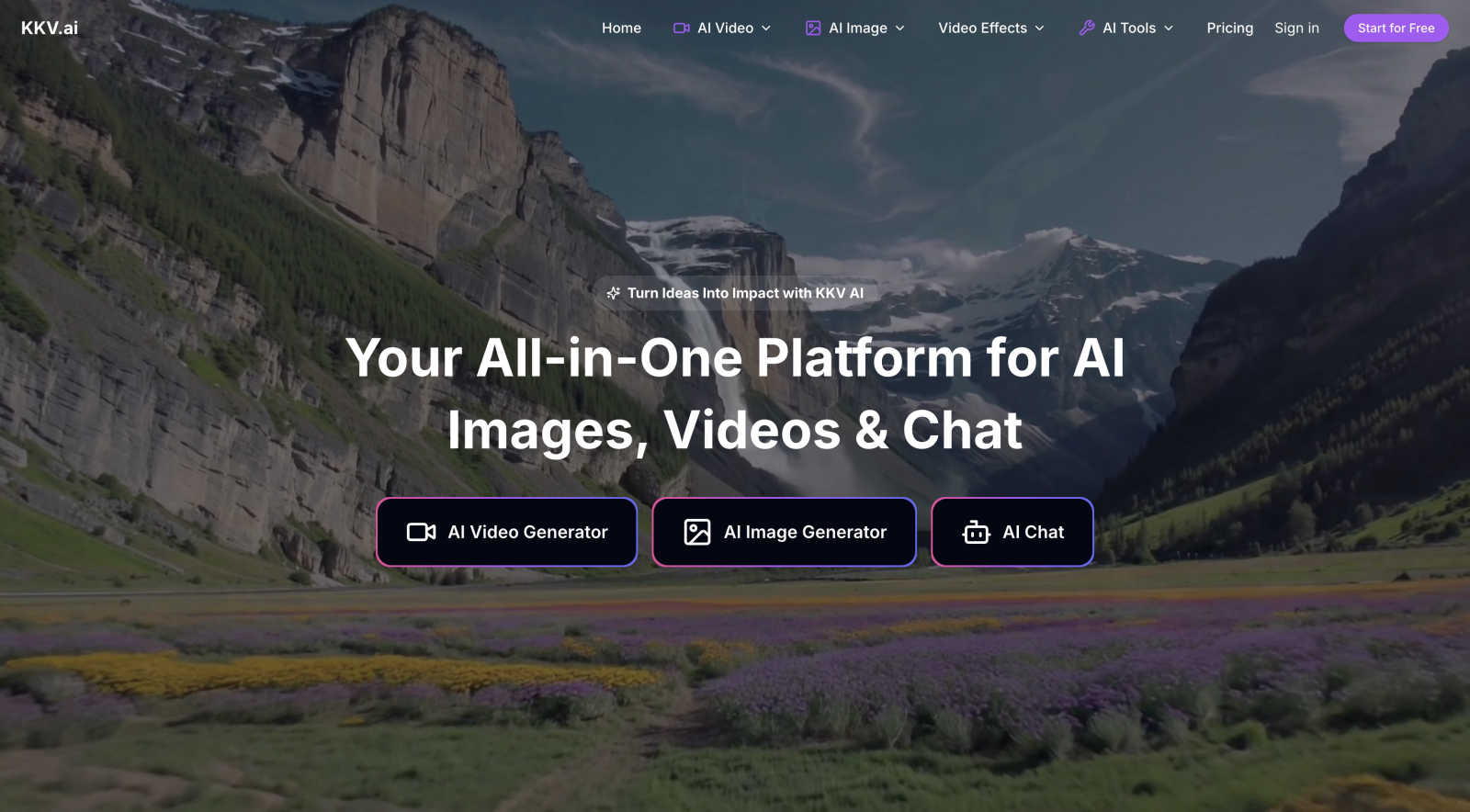
KKV AI is your one-stop shop for turning wild ideas into fire AI videos, images, and chats.
Last updated: March 1, 2026

Seedance 2 AI Video Generator
Transform text, images, or clips into stunning videos in a snap with Seedance 2.0's smooth, cinematic magic.
Last updated: March 1, 2026
Visual Comparison
KKV AI
Seedance 2 AI Video Generator

Feature Comparison
KKV AI
The Ultimate AI Model Hub
KKV AI isn't playing around with just one or two models. It's got the whole squad. We're talking access to over 100 top-tier AI models in one dashboard. Need Hollywood-level video? Fire up Veo 3 or Kling AI. Want the most photorealistic images? Jump into Flux or Stable Diffusion. Need to brainstorm with a genius? Claude Opus is waiting. It's like having the entire Avengers of AI at your fingertips, so you never have to leave the platform to find the perfect tool for the job.
Text-to-Everything Magic
This is where your wildest ideas come to life, no skills required. Type a sentence and watch it become a stunning video with their text-to-video tool. Describe a scene and get a photorealistic image seconds later with text-to-image. You can even upload a pic and tell the AI to reimagine it in a new style. It's pure creative alchemy, turning your brain's random notes into professional-grade visuals that actually look good.
AI Video Effects & Templates
Forget boring edits. KKV AI has a whole treasure chest of viral-ready video effects and templates to make content that pops. Instantly transform into a superhero like Venom or Wonder Woman, use the AI Pet Finger for hilarious pet videos, or try the Jojo style filter. There are templates for everything from graduation videos to epic "Earth zoom" effects. It's the easiest way to create shareable, engaging content that doesn't look like it was made by an amateur.
Pro-Level Image Editing Suite
This isn't just generating pics; it's a full-on photo lab. Their AI Photo Editor lets you do next-level stuff without Photoshop. Remove watermarks and unwanted objects with a click, swap backgrounds, colorize old photos, or generate perfect product images for your store. Plus, the Consistent Character feature is a game-changer for creators, keeping your original character looking the same across a whole comic or animation series.
Seedance 2 AI Video Generator
Text to Video
Transform your written ideas into visual narratives with Seedance 2's text-to-video feature. Just type in your prompt, and watch as the AI generates stunning clips that bring your words to life. You can control the duration and aspect ratio, ensuring your vision is perfectly captured.
Image to Video
Got a killer image? Seedance 2 can turn that into a dynamic video! Upload your reference pics, and the AI will maintain style consistency, creating a seamless visual experience. This feature is perfect for turning still images into engaging video content that grabs attention.
Video to Video
Ever wanted to remix your existing footage? With the video-to-video feature, you can restyle clips while keeping the essence intact. This function makes it easy to adapt your content for different audiences or platforms without starting from scratch, saving you tons of time.
Rapid Iteration
Need multiple versions of a video fast? Seedance 2 allows for rapid iteration, so you can generate various clips quickly without sacrificing quality. This feature is a game-changer for marketers and content creators who need to roll out fresh content for ads, social media, or product demos in record time.
Use Cases
KKV AI
For Content Creators & Influencers
You need to pump out eye-catching, original content daily without burning out. KKV AI is your secret weapon. Generate unique video concepts from text, create stunning thumbnails, use the wild AI filters for engaging Reels or TikTok trends, and upscale your video quality to look pro. It cuts production time from hours to minutes, so you can focus on being creative instead of just editing.
For Marketers & Small Businesses
Need a slick ad video, a professional logo, or product photos but have zero budget for a design team? KKV AI has your back. Generate marketing videos from a simple product description, create a full set of branded images, design logos, and edit product photos on the fly. It's like having an entire creative department in your pocket, ready to produce assets that make your brand look legit.
For Students & Project Makers
Working on a presentation or a school project that needs to stand out? Use KKV AI to generate custom illustrations, create short explainer videos from your report text, or design a cool poster. It turns dry information into visually compelling content that will impress your teachers or classmates without requiring any design skills.
For Just Having Fun & Exploring
Maybe you're not a pro, you just wanna see what AI can do. KKV AI is the perfect playground. Turn your friend into a Lego figure, make a video of a dragonboat race with your face on it, see what you'd look like as an anime character, or have a deep convo with an AI. It's the ultimate tool for satisfying your curiosity and creating hilarious, shareable moments with the latest tech.
Seedance 2 AI Video Generator
Social Media Marketing
Level up your social media presence by creating eye-catching videos from text or images. Seedance 2 lets you generate quick, stunning videos that can be shared across platforms, helping you engage your audience like never before.
Product Demos
Need to showcase your product in action? Use Seedance 2 to transform your footage into polished demo videos. This tool allows you to highlight features and benefits in a visually appealing way that will grab potential customers' attention.
Creative Projects
Whether you're a filmmaker, artist, or content creator, Seedance 2 is perfect for experimentation. Easily create unique cinematic pieces by combining text, images, and footage, pushing the boundaries of your creativity with minimal effort.
Educational Content
Educators can utilize Seedance 2 to create informative videos that are both engaging and visually stimulating. Turn lecture notes into animated clips or visually driven presentations that keep students interested and focused on the material.
Overview
About KKV AI
Alright, let's get into it. KKV AI is basically that one friend who's weirdly good at everything creative, but in platform form. Think of it as your ultimate digital Swiss Army knife for anything visual and AI-powered. Stuck trying to make a viral video from a text idea? KKV's got you. Need a fire logo or a mind-blowing image for your project? Say less. Want to turn your selfie into a Lego masterpiece or chat with a top-tier AI to brainstorm? You get the picture. It’s the all-in-one spot where you stop juggling a million different AI apps and subscriptions. KKV AI brings over 100 of the craziest, most powerful models—like Google's Veo 3 for video, Flux for images, and Claude Opus for brainy chat—under one roof. No more tab-hopping. Whether you're a content creator trying to up your game, a marketer needing slick assets fast, a student working on a project, or just someone who wants to mess around with the coolest tech, this is your playground. The main vibe? Turning your random "what if" ideas into real, impactful content without needing a PhD in prompt engineering or a Hollywood budget. It's your one-stop shop to turn ideas into impact.
About Seedance 2 AI Video Generator
Yo, if you're lookin' to level up your video game, Seedance 2 AI Video Generator is where it's at! This bad boy lets you whip up cinematic videos in no time flat. Whether you're throwing in text prompts, uploading some dope reference images, or using existing footage, the magic happens with style. It's built for creators, marketers, and agencies who crave quick video output without drowning in heavy editing. With Seedance 2, you can create stunning clips that look smooth and professional, making your content pop on any platform. The streamlined workflow means you can focus on creativity while Seedance handles the heavy lifting. Say goodbye to guesswork and hello to fast, gorgeous videos that shine!
Frequently Asked Questions
KKV AI FAQ
Is KKV AI free?
Yep, you can start for free! Once you register, you get free credits to test drive the image generator, video maker, and AI chat features. It's a great way to get a feel for the platform and see the magic for yourself before deciding if you need more power.
Can I use the images generated by KKV AI for commercial purposes?
Absolutely, 100%. KKV AI provides full commercial licensing and compliance guarantees. That means any fire logo, product image, or video you create on the platform is yours to use in your projects, on social media, or even sell. They make sure your work is safe and secure.
Do I need professional skills to use KKV AI?
Not at all! That's the whole point. KKV AI is built for everyone. The tools are designed to be super intuitive. You just describe what you want, pick a style or template, and let the AI handle the complicated stuff. No PhD in prompt engineering or video editing experience required.
What kind of AI models does KKV AI have?
They've got the absolute best in the game. For video, think heavy hitters like Google's Veo 3, Kling AI, and Pika. For images, you get access to models like Flux, DALL-E, Ideogram, and Stable Diffusion. For chatting and brainstorming, they've integrated top models like Claude Opus. It's a curated collection of the most powerful tools out there.
Seedance 2 AI Video Generator FAQ
How does Seedance 2 generate videos?
Seedance 2 uses advanced AI algorithms to transform text prompts, images, and existing footage into polished videos. You can customize your output by adjusting various parameters like duration and aspect ratio.
What formats does Seedance 2 support?
Seedance 2 outputs videos in MP4 format using H.264 compression, ensuring compatibility with all platforms and devices, making it super easy to share your creations.
Can I generate videos in different languages?
Absolutely! Seedance 2 supports multilingual lip-sync capabilities, allowing you to create videos in over 10 languages, including English, Chinese, Japanese, and Korean.
Is there a limit on video length?
Yes, videos generated with Seedance 2 can range from 5 to 10 seconds per generation, but you also have the option to extend the duration for longer clips as needed, giving you flexibility for various projects.
Alternatives
KKV AI Alternatives
KKV AI is that all-in-one creative powerhouse in the AI assistant world, bundling over 100 top models for video, images, and chat into a single, easy-to-use playground. It's your go-to for turning wild "what if" ideas into fire content without the tab-hopping chaos. But let's keep it a buck, even the dopest platforms aren't a one-size-fits-all. People hunt for alternatives for all sorts of reasons—maybe the pricing isn't hitting right, they need a specific feature KKV doesn't have, or they're just platform-loyal to something else. It's all about finding what vibes with your specific workflow and budget. When you're on the hunt for something else, think about your main squeeze. Are you all about that video life, or do you live in the image generation lane? Check the model roster, see if the pricing is transparent, and make sure the interface doesn't make you want to yeet your laptop. The goal is finding a tool that feels like an extension of your brain, not a chore.
Seedance 2 AI Video Generator Alternatives
If you haven’t heard of Seedance 2 AI Video Generator, it’s basically the cool kid on the block when it comes to whipping up cinematic videos in a snap. This bad boy takes your text, images, and video clips and transforms them into slick, polished content, all while keeping the workflow smooth and user-friendly. It’s like having a mini film studio in your pocket, but sometimes, folks want to explore other options for reasons like pricing, specific features, or platform compatibility. When you’re on the hunt for alternatives, think about what you really need. Are you looking for something that’s budget-friendly or does it need to pack more features? Maybe you want a platform that’s super intuitive or one that integrates with your current tools. Whatever it is, make sure the alternative you choose checks off all those boxes to keep your creative flow going strong.