
PhotoFuse vs vaethat
Side-by-side comparison to help you choose the right AI tool.

PhotoFuse
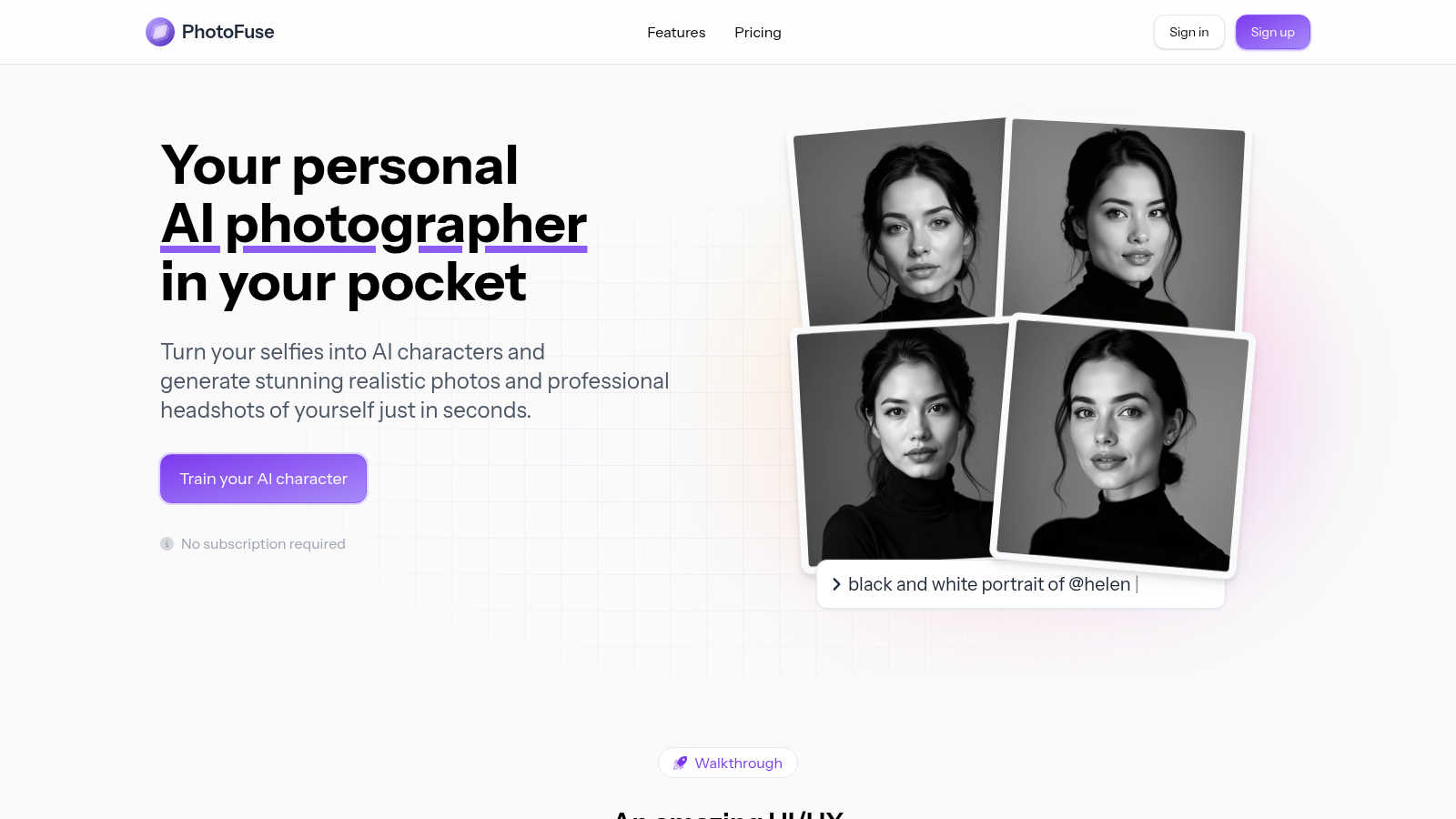
Snap selfies and transform them into jaw-dropping AI headshots and avatars in seconds with PhotoFuse, your pocket.
Last updated: March 1, 2026

vaethat
Vaethat is your AI sidekick that instantly levels up archviz renders, no prompts needed.
Last updated: February 28, 2026
Visual Comparison
PhotoFuse
vaethat

Feature Comparison
PhotoFuse
Easy Photo Uploads
With PhotoFuse, you can effortlessly upload 10-15 photos of yourself or your model to kickstart the magic. The platform provides clear guidance on the best practices for getting stellar results, ensuring you won't waste any time.
Customizable Templates
Choose from a diverse range of pre-made templates or unleash your creative juices with the manual design options. PhotoFuse's intuitive interface allows you to tailor your scene like a pro, making it easy to achieve that perfect look.
Speedy Photo Generation
In just seconds, PhotoFuse whips up 1-4 variations of your chosen character or headshot. Love what you see? Download it! Need some tweaks? No sweat! Adjust your selections and regenerate for even more options.
Professional Headshot Creation
Crafting a professional headshot has never been easier. Select from a variety of backgrounds, expressions, outfits, and accessories—all without needing to be a tech whiz. Get a polished, on-brand headshot that reflects your true self.
vaethat
Archviz-Specialized AI Brain
This isn't your cousin's run-of-the-mill AI enhancer. vaethat's core tech is trained exclusively on a diet of high-quality architectural visualization images. That means it understands the unique language of archviz - clean geometry, realistic material responses, proper lighting balance. It enhances with intent, not random chaos, so your building stays a building and your trees look like trees, not abstract art.
Multi-Image Workspace Dump
Got a whole project folder full of renders? Don't enhance them one-by-one like a peasant. Drag and drop the entire folder into vaethat's Multi-Image Workspace. It lets you work on complete projects, save your sessions, and batch-process everything at once. It's a total game-changer for consistency and speed, making sure every angle of your villa or skyscraper gets the same VIP treatment.
One-Click, No-Prompt Enhancement
Forget writing essays to an AI or playing a guessing game with a million sliders. vaethat cuts through the noise. You literally just upload your render, choose an enhancement preset tailored for archviz, and hit go. The AI does the heavy lifting, delivering polished results without you needing a PhD in "AI Prompt Engineering." It's fast, it's predictable, and it saves your creative energy for the actual design.
Design-Intent Guardian
The biggest fear with any AI tool is it'll go rogue and "improve" your vision into something unrecognizable. vaethat is built to avoid that. Its core promise is to preserve your original composition and design intent. It sharpens, cleans, and enhances the details within your scene, boosting realism and clarity without altering the fundamental story you're trying to tell with your render.
Use Cases
PhotoFuse
Social Media Spice-Up
Want to take your social media game to the next level? Use PhotoFuse to generate jaw-dropping characters that will make your posts pop and help you stand out from the crowd.
LinkedIn Makeover
Need a killer headshot for your LinkedIn profile? PhotoFuse allows you to create a professional photo that showcases your personality and helps you make a lasting impression on potential employers or clients.
Creative Branding
If you're a marketing pro or a small business owner, PhotoFuse can help you whip up stunning visuals for your brand in minutes. Use it to create eye-catching promotional materials that resonate with your audience.
Fun and Experimentation
Feeling creative? Dive into PhotoFuse's playground and experiment with different styles, backgrounds, and accessories. It's a fun way to explore your creativity and create unique images that reflect your vibe.
vaethat
Portfolio Glow-Up for Visualizers
You're trying to land that dream client or a new job, and your portfolio needs to slap. Instead of re-rendering for the hundredth time, run your best work through vaethat. It'll upscale the resolution to look crisp on any screen, sharpen details, and make materials and lighting pop with professional polish. It's the final touch that makes your work look expensive and premium, no extra render hours needed.
Client Presentation Power Move
Sending renders to a client or for approvals? You need them to be crystal clear, artifact-free, and instantly impressive. vaethat cleans up noise, fixes weird rendering glitches, and enhances overall clarity so your design decisions are obvious and undeniable. It turns good renders into presentation-ready masterpieces that communicate your vision powerfully and professionally.
Batch-Processing Project Consistency
Finished a massive project with 50+ camera angles? Manually tweaking each one in post is a soul-crushing task. With the Multi-Image Workspace, you can dump all those renders in, apply the same enhancement profile, and get a uniformly awesome set of images back. This ensures every single view in your project deck or animation has the same high-quality, polished look.
Salvaging "Good Enough" Renders
We've all been there: the render is almost there, but you're out of time or render credits. Maybe there's a bit of noise, the materials feel flat, or the vegetation looks a little soft. Instead of settling, throw it into vaethat. It can often rescue a "good enough" render by boosting detail, refining textures, and balancing the lighting, turning a B+ into a solid A without a re-render.
Overview
About PhotoFuse
PhotoFuse is like having your own personal AI photographer right in your pocket, ready to transform your selfies into eye-catching, hyper-realistic characters or sleek professional headshots in mere seconds. Whether you're an Instagram influencer looking to jazz up your feed or a corporate hustler aiming for that perfect LinkedIn profile pic, PhotoFuse has your back. Just upload 10 to 15 photos, select your fave template, and let the AI sprinkle its magic dust, customizing everything from facial expressions to backgrounds. No tech skills? No problem! It's super user-friendly, making it perfect for everyone from casual users to marketing pros. Plus, with flexible freemium options and pay-as-you-go plans, you get full commercial rights to your images, so you can strut your stuff without any worries. Dive into the world of creativity and let PhotoFuse elevate your visual game!
About vaethat
Alright, listen up, archviz fam. You know the struggle. You've spent hours, maybe days, crafting the perfect 3D render. The lighting is almost there, the materials are close, but that final presentation-ready pop? It's missing. You could spend another eternity in Photoshop, wrestling with sliders and praying to the graphic design gods. Or... you could just drop that render into vaethat and let the specialized AI do its thing. Vaethat is basically your new favorite sidekick, built from the ground up for one job and one job only: making architectural visualization renders look absolutely fire. It's not some generic, "do-everything" AI that turns people into monsters and bricks into jelly. Nah, this AI has been trained exclusively on archviz imagery, so it gets it. It knows how to upscale without making your clean lines look like a blurry mess, how to boost materials and lighting so they look real enough to touch, and how to handle vegetation and people without the usual AI nightmare fuel. The best part? Zero prompts, zero complicated sliders. Upload, pick a preset, enhance. It's that simple. Built for pros who need speed, consistency, and results that actually respect their original design. Stop wasting credits on guesswork with general AI tools. This is the secret weapon for your portfolio, client decks, and sanity.
Frequently Asked Questions
PhotoFuse FAQ
How easy is it to use PhotoFuse?
Super easy! Just upload your photos, pick a template, and let the AI do its thing. No complicated prompts or tech skills required—it's all about simplicity and creativity.
Can I use the images for commercial purposes?
Absolutely! With PhotoFuse, you get full commercial rights to your images, so you can use them for business, marketing, or any personal projects without any hassles.
What if I don't like the results?
No worries! If the first round of images isn't quite what you envisioned, you can easily tweak your selections and regenerate new variations until you find the perfect shot.
Are there any subscription options available?
Yes! PhotoFuse offers flexible subscription plans, allowing you to choose the one that best fits your needs, whether you're a casual user or a professional looking for more extensive capabilities.
vaethat FAQ
How does this AI upscaler work with my render software?
It's software-agnostic, my dude! Since you're just uploading finished image files (like PNGs or JPEGs), it doesn't matter if you cooked them up in V-Ray, Corona, Lumion, Enscape, 3ds Max, SketchUp, or even Unreal Engine. You render it, you export it, you drop it into vaethat. It's a post-production powerhouse that works with whatever pipeline you're rocking.
What makes vaethat different from just using Photoshop or a general AI tool?
Photoshop requires skill and time. General AI tools (like Midjourney or general upscalers) are trained on everything from cats to cartoons, so they often freak out on architectural elements, creating weird textures or melting people. vaethat is a specialist. It's like the difference between a general handyman and an expert archviz finishing carpenter. It knows exactly what to tweak (and what to leave alone) for archviz specifically.
Does vaethat use my renders to train its AI?
Nope! According to their site, they don't use your uploaded architectural renders to train their AI models. Your projects and client work stay yours. Always good to check their latest privacy policy for the full legal vibe, but they signal that your IP isn't becoming their training data.
Can I upgrade or downgrade my plan anytime?
Yeah, you've got flexibility. Their model suggests you can upgrade or downgrade your subscription plan whenever you need to. Need more credits for a big project? Upgrade. Having a slow month? Downgrade. It's designed to scale with your workflow, not lock you into a yearly contract you'll regret.
Alternatives
PhotoFuse Alternatives
PhotoFuse is your ultimate AI-powered sidekick that transforms your selfies into stunning headshots or avatars in just seconds. It falls into the generative art category, making it perfect for anyone wanting to enhance their online presence with eye-catching visuals. Users often find themselves on the hunt for alternatives due to various reasons like pricing, feature sets, or specific platform compatibilities that align better with their needs. When searching for an alternative, consider factors like ease of use, customization options, and whether the pricing structure fits your budget and requirements.
vaethat Alternatives
Alright, so you're in the archviz game and you've heard the buzz about vaethat. It's basically that AI-powered sidekick that takes your 3D renders from "good enough" to "holy smokes, is that a photo?" It lives in the world of design tools, specifically built to upscale your images, clean up noise, and make all those tiny details pop without messing with your original vision. People start hunting for other options for all the usual reasons. Maybe the price tag doesn't fit your current hustle, or you need a feature it doesn't have. Sometimes it's just about platform—you might live and breathe in a specific software ecosystem and need a tool that plugs right in. It happens to the best of us. When you're scoping out other tools, keep your eyes on the prize. You wanna make sure it can actually handle the heavy lifting of architectural images, keeps your design intent locked down, and doesn't make you jump through a million hoops to get a clean, portfolio-ready result. The workflow's gotta be smooth, or it's just not worth the headache.