
Picture to Drawing vs ShinePhoto
Side-by-side comparison to help you choose the right AI tool.

Picture to Drawing
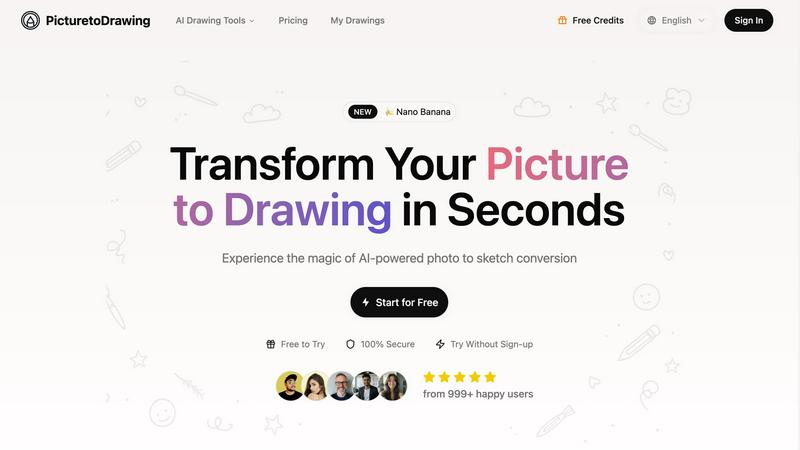
Turn your pics into stunning hand-drawn art in seconds with our AI magic, no skills needed!.
Last updated: February 28, 2026

ShinePhoto
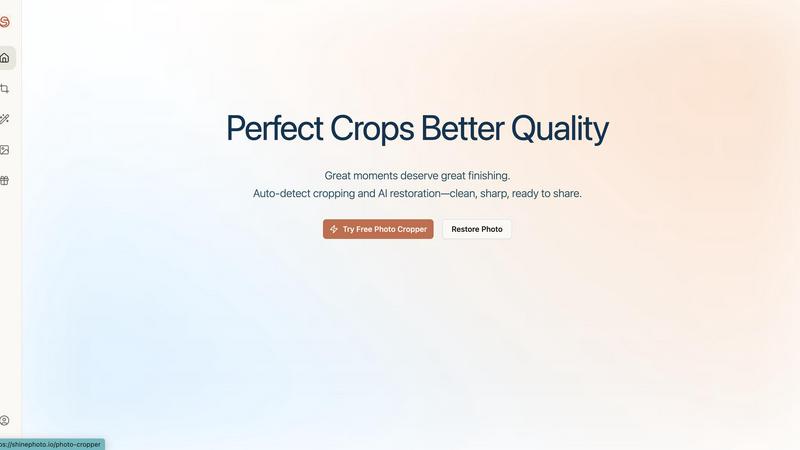
ShinePhoto transforms your pics with smart cropping and AI restoration for flawless, share-ready images every time.
Last updated: February 28, 2026
Visual Comparison
Picture to Drawing
ShinePhoto
Feature Comparison
Picture to Drawing
Advanced AI Technology
Picture to Drawing utilizes cutting-edge AI that meticulously analyzes your photos, ensuring that every detail is preserved in the conversion. This means you get an authentic artistic representation that captures the original's essence, emotions, and textures. It’s like having a personal artist at your fingertips!
Multiple Artistic Styles
Feeling creative? With Picture to Drawing, you can choose from a diverse collection of artistic styles, including pencil sketches, watercolor paintings, and more. Each style offers a unique flair, allowing you to express your creativity and match the artwork to the vibe you’re going for. Say goodbye to generic filters!
High-Resolution Output
Once your photo is transformed into an art piece, you can download it in crisp high resolution. This feature is perfect for those who want to print, frame, or share their artwork on social media platforms without sacrificing quality. Your art deserves to look its best!
Privacy Protection
Worried about your personal images being stored or misused? Picture to Drawing has got your back! All photos are processed securely and automatically deleted after conversion. Your privacy is a top priority, so you can create art worry-free.
ShinePhoto
Perfect Crops
ShinePhoto's perfect crop feature automatically detects subjects within your images, giving you a clean and precise crop every time. This means no more awkward framing or distracting backgrounds. You can trust the AI to find the sweet spot for your images!
Smart Photo Cropper with Manual Control
Not feeling the auto-crop? No problem! ShinePhoto allows you to manually adjust your crop area, so you can get the exact framing you want. This gives you the flexibility to maintain creative control over your photos while still benefiting from the smart tech behind the scenes.
Image Restoration
Say goodbye to blurry or damaged photos! With ShinePhoto's image restoration capabilities, you can clean up scratches, reduce noise, and restore clarity to your images. This feature ensures your photos not only look great but also preserve the original essence and mood.
Batch Processing
Got a ton of photos to edit? ShinePhoto's batch processing feature lets you upload multiple images at once and apply the same crop and restore settings across all of them. This saves you time and effort, making it a breeze to manage large photo collections!
Use Cases
Picture to Drawing
Personalized Gifts
Need a unique gift? Transform cherished family photos into artistic drawings that make for heartfelt presents. Whether it’s for anniversaries, birthdays, or just because, these custom artworks will be a hit!
Social Media Content
Want to stand out on Instagram or Facebook? Use Picture to Drawing to create eye-catching artistic content that captures attention and drives engagement. Your followers will love the fresh, creative vibe!
Marketing Materials
Elevate your brochures, websites, and advertisements with distinctive artwork. Picture to Drawing helps you create memorable visual branding that sets you apart from the competition and leaves a lasting impression.
Home Decoration
Transform your favorite memories into stunning wall art that reflects your style. With Picture to Drawing, you can create cohesive home decor that’s both personalized and visually appealing. Your walls will thank you!
ShinePhoto
Social Media Enthusiasts
If you're all about that Instagram life, ShinePhoto has your back! Use it to quickly edit your photos, enhance quality, and ensure that every shot is share-ready. Stand out in the feed with stunning visuals that grab attention!
Family Photo Restoration
Have a box of dusty old family photos? ShinePhoto makes it easy to digitize and restore them. With its AI tools, you can clean up scratches and blemishes, bringing those precious memories back to life for future generations to enjoy.
Amateur Photographers
For those just dipping their toes into photography, ShinePhoto offers a simple yet effective toolkit. Use the auto-cropping feature to improve the composition of your shots and the restoration tools to enhance clarity and detail without any advanced skills.
Content Creators and Bloggers
Need to spruce up your visuals for a blog or website? ShinePhoto's batch processing feature is perfect for content creators who need to edit multiple images quickly. Ensure your visuals are polished and professional with minimal effort!
Overview
About Picture to Drawing
Picture to Drawing is like your personal art studio, but without the mess and paint stains. This AI-powered platform takes your regular photos and turns them into stunning artistic drawings in just seconds. Whether you're looking to transform a family portrait into a timeless pencil sketch or create a vibrant watercolor painting, this tool has got you covered. It's designed for everyone—from casual users wanting to spice up their social media feeds to professionals needing high-quality artwork for marketing materials. The main value proposition? You get authentic, hand-drawn conversions that keep the essence and emotion of your original photo while making it look like a masterpiece. No need to be an art wizard; just upload your image and watch the magic happen!
About ShinePhoto
ShinePhoto is your go-to buddy for all your photo editing needs, whether you're just starting your photography journey or you're a seasoned pro looking to give your images a fresh spin. This freemium AI photo toolkit is designed with simplicity in mind, making it super accessible for everyone. From casual social media users to those eager to digitize cherished family memories, ShinePhoto is here to help. Its standout feature? Speed and accuracy! The tool's batch subject auto-cropping feature ensures that you can swiftly eliminate distractions and focus on the key elements of your photos. Plus, the AI-powered image restoration capabilities breathe new life into your images, ensuring they remain sharp and true to their original vibe. With cool features like the AI Image Enhancer and Upscaler, you can easily revive old, faded photos or enhance scanned images. ShinePhoto effortlessly blends nostalgia with cutting-edge technology, so your memories can truly shine!
Frequently Asked Questions
Picture to Drawing FAQ
How does Picture to Drawing work?
Picture to Drawing employs advanced AI algorithms that analyze your uploaded images and convert them into various artistic styles. Just upload a photo, select a style, and watch the transformation in real-time!
What types of images can I upload?
You can upload images in JPG, PNG, WEBP, or HEIC formats. No matter what kind of photo you have, Picture to Drawing can help you turn it into a work of art.
Is there a limit to how many images I can convert?
You can use Picture to Drawing daily for free, with options for additional credits. This means you can experiment with different styles and images without breaking the bank!
Can I use my converted images for commercial purposes?
Absolutely! Once you download your artwork, you have full rights to use it. Whether it’s for personal projects or professional marketing materials, feel free to showcase your unique creations!
ShinePhoto FAQ
What is ShinePhoto?
ShinePhoto is an AI-powered photo editing tool that combines a free photo cropper with advanced restoration features. It helps you enhance, crop, and upscale images, transforming everyday moments into polished memories.
Is ShinePhoto free to use?
Absolutely! ShinePhoto offers a free photo cropper that runs directly in your browser. You can get started right away without any downloads or hidden fees.
How does photo restoration work?
To restore a photo, simply upload your image and use the restoration tools to clean up issues like blur, noise, and damage. The effectiveness of these tools largely depends on the quality of the original image.
Can I choose the subject to crop?
Coming soon! ShinePhoto will allow users to specify the subject they want to crop, so you can get precise framing tailored to your needs. Keep an eye out for this feature!
Alternatives
Picture to Drawing Alternatives
Picture to Drawing is this super cool AI-powered platform that takes your average pics and turns them into jaw-dropping artistic drawings in just seconds. It falls under the category of AI Assistants and Image & Photo, making it a must-try for anyone looking to give their snapshots a creative twist. Now, you might be wondering why folks are on the hunt for alternatives. Maybe they’re looking to save a few bucks, or perhaps they need features that fit their unique style. Others might be searching for platforms that work better on their devices or offer different artistic styles. When you're on the lookout for an alternative, keep an eye out for pricing, ease of use, and the variety of styles available to make sure you find the perfect fit for your creative vibes.
ShinePhoto Alternatives
ShinePhoto is your go-to buddy for all things related to photo editing. This freemium AI photo toolkit is designed to make your images pop like never before! Perfect for everyone from casual snap-takers to hardcore memory preservers, ShinePhoto specializes in smart cropping and AI restoration, ensuring your pics are always share-ready. However, users often find themselves on the lookout for alternatives due to various reasons, like pricing options, feature sets, or specific platform compatibility. When you're hunting for a ShinePhoto alternative, consider what features are non-negotiable for you, be it batch processing capabilities, ease of use, or advanced AI tools. Make sure the alternative can handle your editing needs, whether that's enhancing old family photos or sprucing up that killer shot for Instagram. The right tool should not only fit your budget but should also empower your creativity without breaking a sweat.