
Dividend Data vs RedBison
Side-by-side comparison to help you choose the right AI tool.

Dividend Data
Stop copy-pasting stock data and just use a formula to get dividends and financials instantly in your spreadsheet.
Last updated: March 11, 2026

RedBison
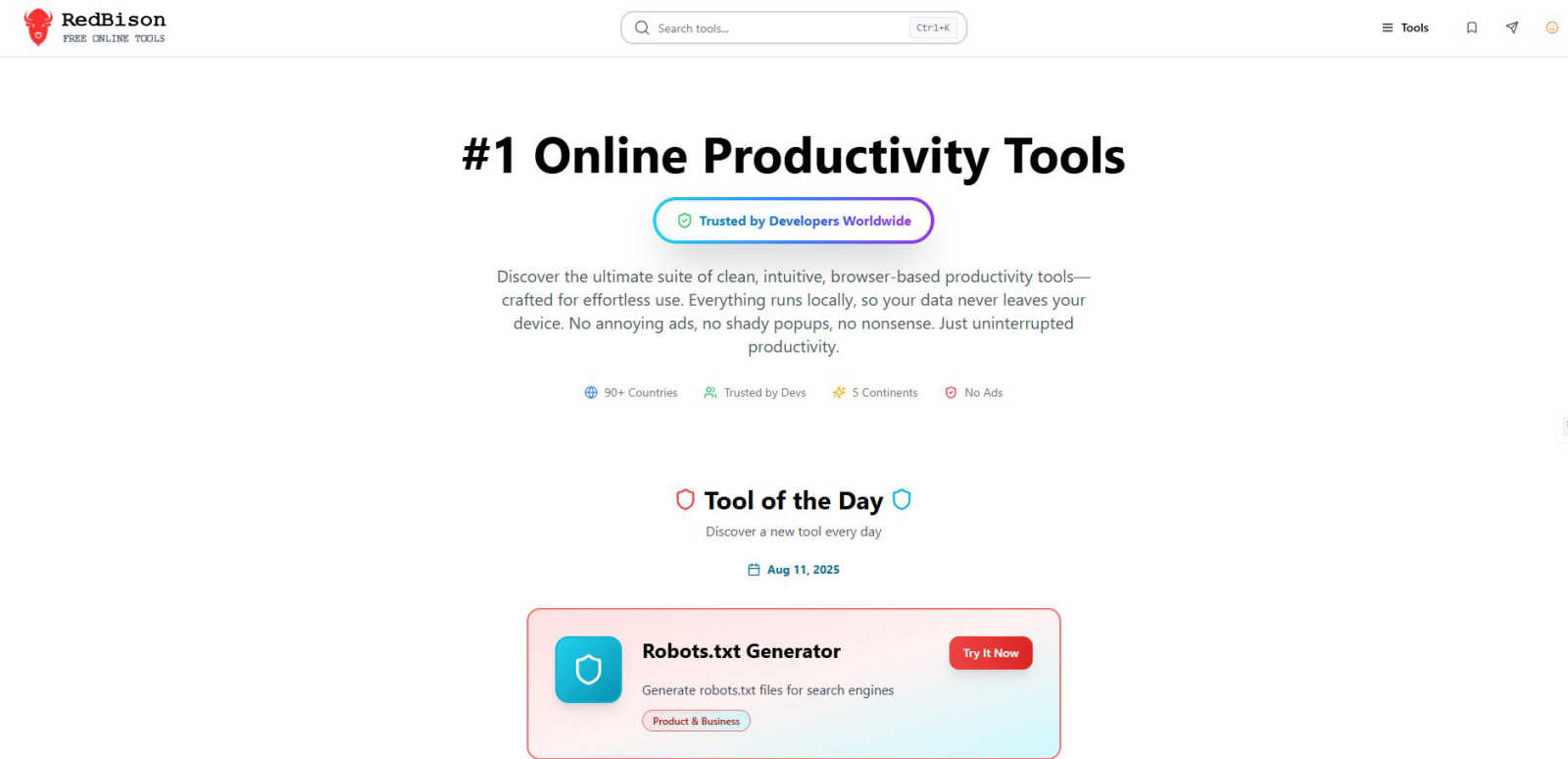
RedBison is your ad-free, local-only toolkit for getting stuff done online without the sketchy data stuff.
Last updated: March 1, 2026
Visual Comparison
Dividend Data

RedBison
Feature Comparison
Dividend Data
Spreadsheet Superpowers
This is the core magic. The add-in gives you a library of custom functions (like DIVIDENDDATA_DIVIDENDS, DIVIDENDDATA_RATIOS, etc.) that work directly in your cells. No more tab-hopping to finance sites. You build your own live, updating financial models and dashboards right inside the comfort of Google Sheets or Excel. It automates the tedious data-grunt work so you can focus on the actual analysis.
Deep Dividend & Fundamental Data Dive
Built for the income-focused crowd, it delivers the specific metrics you crave. Get forward dividends, yields, ex-dates, payout ratios, and dividend growth rates instantly. But it doesn't stop there; you also get the full context with PE ratios, EPS, revenue, balance sheet items, and over 100 other fundamental metrics. It's like having a direct feed from the market's brain into your spreadsheet.
30+ Years of Historical Context
You can't make smart decisions with just today's data. Dividend Data hooks you up with decades of historical data for those 80,000+ tickers. This lets you backtest strategies, analyze long-term trends, calculate compound growth rates, and see how a company performed through different market cycles. It's your financial time machine, no DeLorean required.
AI-Powered Research Assistant (Pro Terminal)
Beyond the spreadsheets, their flagship web app, the Dividend Data Terminal, includes an AI Analyst. This is your on-demand research buddy. Chat with it to get summaries, ask complex questions about stocks, and generate insights without digging through 10-Ks yourself. It supercharges your initial research phase before you even build your spreadsheet model.
RedBison
Massive, No-BS Tool Library
We're not playing around with a handful of basic converters. RedBison packs a serious punch with over 200 meticulously crafted tools. From hardcore tech utilities like Regex testers and Hash generators to productivity power-ups like Kanban boards and SWOT analyzers, all the way to niche gems like Favicon generators and TAM calculators. It's a one-stop-shop, so you can stop Googling "free online [tool name]" and hoping for the best. The depth and breadth here are unmatched, covering Tech, Startup, Productivity, Creative, Finance, and even Wellness.
100% Local & Private Operation
This is the core magic. Unlike most online tool sites that process your data on their servers (yikes), every single RedBison tool runs directly in your browser. Your data, your SQL, your business ideas, your passwords—they all stay on your machine. No creepy tracking, no data selling, no risk of leaks. It's the ultimate peace of mind for pros handling sensitive information. You get the convenience of a web app with the security of a desktop application.
Zero Ads, Zero Distractions
Let's be real: ads and pop-ups are productivity kryptonite. They slow you down, break your focus, and just generally kill the vibe. RedBison is built on a promise of a clean, minimalist, and distraction-free experience. No banner ads, no video pop-ups, no "special offers" cluttering the interface. It's just you and the tool, working in harmony. This focus on a clean UI means you spend less time fighting the website and more time crushing your tasks.
Curated Discovery & Daily Gems
With 200+ tools, finding the perfect one can be a journey. RedBison makes it easy with smart categorization and a killer "Tool of the Day" feature. Discover a new, awesome tool every single day, like a surprise digital gift. Plus, sections like "Most Useful Tools" and "Quick Utilities" highlight the community favorites and fastest helpers, so you can instantly access what you need most without any decision fatigue. It’s like having a savvy co-worker point you to the right resource every time.
Use Cases
Dividend Data
Building a Dynamic Dividend Dashboard
Create a master spreadsheet that tracks your entire watchlist or portfolio. Use formulas to pull in live dividend yields, next ex-dates, payout ratios, and stock prices. Watch it update automatically, giving you a real-time snapshot of your income investments without manual refreshes. Perfect for tracking your dividend calendar.
Screening for Dividend Aristocrats & Growers
Use the historical data functions to screen for stocks with a proven track record. Build formulas that check for consecutive years of dividend growth, analyze growth rates over 5 or 10 years, and filter by safe payout ratios. You can create a powerful, custom stock screener that lives right in your Sheets or Excel.
Performing Deep-Dive Company Analysis
When you find a interesting stock, go deep. Pull 10 years of income statements, balance sheets, and cash flow statements directly into a sheet to build your own financial models and ratio analysis. Calculate trends in debt, margins, and returns on equity without ever leaving your workbook.
Automating Portfolio Performance Reports
Link your portfolio holdings and use Dividend Data to automatically pull in current prices, dividend amounts, and YTD performance metrics. Combine this with your share counts to calculate total portfolio value, projected annual income, and overall yield. Automate your monthly or quarterly performance review reports.
RedBison
The Developer's Debugging Sidekick
You're in the zone, code is flowing, and then bam—a JSON API response is a mangled mess, or your regex isn't capturing that group. Instead of breaking your flow to hunt down separate, ad-infested websites, you pop open RedBison. Instantly format and validate that JSON, test and debug your regex pattern, generate a secure hash, or compare two data lists. All your dev utilities are in one pristine, private tab, keeping you in the coding groove and solving problems in seconds.
The Startup Founder's Strategy Hub
From the first spark of an idea to pitching for funding, RedBison has your back. Use the Idea Validation Framework to pressure-test your concept, then build out your business model with the Lean Canvas Generator. Crunch the numbers with the LTV-CAC and TAM Calculators to nail your market sizing and unit economics. Need user feedback? Whip up a pro survey with the User Survey Designer. It's like having a free, on-demand startup consultancy right in your browser, helping you move from "what if" to "here's the plan."
The Product Manager's Swiss Army Knife
Juggling specs, roadmaps, and team alignment is tough. RedBison smooths it all out. Map out complex features with the powerful Diagram Tool (powered by Excalidraw). Organize your team's tasks with a drag-and-drop Kanban Board. Use The Decision Maker tool to weigh feature pros and cons objectively, and run a SWOT Analysis on a competitor. Even manage your meeting notes with the Note Taker. It consolidates a dozen different SaaS tools into one free, private dashboard for ultimate clarity and organization.
The Personal Productivity Power-Up
Beyond work, RedBison helps you optimize your life. Plan your finances with the Budget Planner and Compound Interest Calculator. Take care of your health by tracking calories, calculating BMI, or using the Mental Wellness Tool. Get creative by generating QR codes or placeholder content for a side project. Even gain perspective with the unique "Life in Weeks" visualizer. It's the ultimate toolkit for anyone looking to streamline their personal projects, health, and finances without compromising their privacy.
Overview
About Dividend Data
Alright, let's cut through the Wall Street jargon. Dividend Data is your new bestie for stock analysis, but it lives where you already work: your spreadsheet. Think of it as a magic wand for Google Sheets and Microsoft Excel that summons decades of stock market intel with a simple formula. Done with copying and pasting data from sketchy websites or wrestling with complex API keys? This tool is built for that exact pain point. It's specifically crafted for dividend and fundamental investors who are tired of paying Bloomberg Terminal prices but still want that institutional-grade data. We're talking instant access to dividends, yields, payout ratios, growth rates, full financial statements, earnings, key ratios, price history, and over 100 other metrics. The best part? You just type something like =DIVIDENDDATA_DIVIDENDS("MSFT") and bam, the data appears live. It's got a legit free tier that doesn't ghost you after a trial (2,500 credits monthly, forever), covers over 80,000 tickers with 30+ years of history, and was built by a dividend investor who actually gets what you need. This is for the investor who wants to level up their research game without the institutional price tag or headache.
About RedBison
Alright, let's cut through the noise. RedBison is your new digital bestie, a massive toolbox stuffed with over 200 ultra-cool, browser-based tools for anyone who lives and breathes tech. We're talking developers, product managers, startup founders, and basically anyone who's tired of their workflow being a hot mess. Imagine a clean, ad-free zone where you can just get stuff done without a million tabs, sketchy pop-ups, or your data getting farmed to some random server farm. That's the RedBison vibe. Everything runs locally in your browser, meaning your sensitive info—passwords, SQL queries, business models—never leaves your device. It's like having a Swiss Army knife for your digital life, trusted by devs in over 90 countries. Need to format some JSON at 2 AM? Generate a banger of a lean canvas? Or just figure out what to do with your life via a "Life in Weeks" visualizer? RedBison's got your back. It's all about ditching the clutter and unlocking that sweet, sweet state of flow.
Frequently Asked Questions
Dividend Data FAQ
Is there really a free plan?
Yes, for real! The free plan gives you 2,500 credits every single month, and it never expires. No credit card needed to start. It's perfect for individual investors doing periodic research. You're not getting a 7-day trial that forces you to pay; you get a permanently useful free tier.
How do I get started? Is it complicated?
Not at all. If you use Google Sheets, just install the add-on from the Google Workspace Marketplace. For Excel, get it from Microsoft AppSource. Once installed, a sidebar will appear, and you can start typing the =DIVIDENDDATA... formulas directly into your cells. No coding, no API key setup.
What's the difference between the Spreadsheet add-in and the Pro Terminal?
The Spreadsheet add-in is about getting data into your existing workflow (Sheets/Excel). The Pro Terminal is their full web application with advanced data visualizations, the AI Analyst for chat-based research, and automated portfolio tracking tools. They complement each other; many users start with the spreadsheets and upgrade to the Terminal for deeper analysis.
What counts as a "credit"?
A credit is typically used each time you call a formula that fetches new data. For example, using =DIVIDENDDATA_QUOTE("AAPL", "price") might cost 1 credit. Pulling a longer history might cost a few more. The system is designed so the 2,500 free credits are plenty for substantial individual use.
RedBison FAQ
Is RedBison really free? What's the catch?
Yes, it's 100% free, and honestly, the "catch" is that we hate ads and data farming as much as you do. RedBison is built as a passion project for the tech community. There are no hidden fees, no premium tiers, and no plans to start charging for the core tools. We believe powerful, private productivity tools should be accessible to everyone. You get the entire suite, no strings attached.
How does the "local processing" work? Do I need to install anything?
Nope, no installation needed! "Local processing" means that when you use a tool—like generating a password or formatting JSON—all the calculations and processing happen directly within your web browser (like Chrome, Firefox, or Safari) on your computer or phone. Your data is never sent over the internet to our servers. It's the same technology that lets you play some games offline in your browser. Just visit the site and start using tools; your browser does all the heavy lifting securely on-device.
Can I use RedBison offline?
This is a bit of a "sort of" situation. Because the website itself needs to load initially, you need an internet connection to visit redbison.com for the first time in a session. However, once the site is loaded in your browser tab, many of the individual tools (especially calculators, generators, and text-based utilities) will continue to function perfectly if you lose your connection, as they're already running locally. For full, reliable access, we recommend an online connection.
Do you add new tools? Can I request one?
Absolutely, we're constantly adding new tools based on what the community finds useful! The library is always growing. While we don't have a formal public request board yet, seeing which tools are popular helps guide our development. The best way to signal what you'd like is to use the tools you love and share RedBison with other builders. We're always scouting for the next essential tool to add to the pack.
Alternatives
Dividend Data Alternatives
So you've heard about Dividend Data, the tool that slaps 30+ years of stock market intel for 80k+ tickers straight into your Sheets or Excel. No API keys, no coding, just simple formulas. It's basically the cheat code for dividend and fundamental investors who want deep data without the Wall Street price tag. People hunt for alternatives for all the usual suspects. Maybe the pricing feels off, they need a feature that's missing, or their workflow lives on a different platform entirely. It's all about finding the right fit for your specific investing grind. When you're scoping out other options, keep your non-negotiables front of mind. Think about your budget (free tiers are a vibe), the specific data points you absolutely need, whether it plays nice with your spreadsheet of choice, and if the historical data goes back far enough for your strategy. Don't sleep on the user experience either—if it's clunky, you just won't use it.
RedBison Alternatives
So you've heard about RedBison, the all-in-one digital toolbox for techies that's basically a productivity power-up. It's a business and finance toolkit that packs over 200 dev and workflow tools into one slick, ad-free browser experience. It's all about keeping your data on lockdown while you get stuff done. People hunt for alternatives for all sorts of reasons. Maybe the vibe isn't quite right, the feature wishlist is missing that one specific thing, or the platform just needs to fit into a different workflow or budget. It's totally normal to shop around. When you're scouting for other options, keep your non-negotiables in mind. Think about data security—where's your info actually living? Check the tool range and quality to see if they match your daily grind. And of course, the overall user experience; you want something that feels smooth, not like a chore.