
Alternatives to Picture Enhancer
Explore the best alternatives and competitors to Picture Enhancer.
Explore 20 alternatives to Picture Enhancer. Compare features, pricing, and find the best fit for your needs.
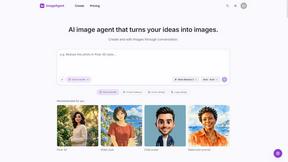
ImageAgent
Create and edit AI images through conversation, using text or reference images and refining results in chat.
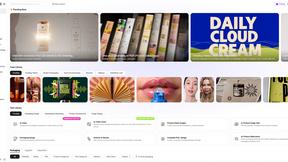
Rhinobird
AI video ads, UGC-style videos, and product visuals for cross-border sellers and e-commerce brands.
GenX
All-in-one AI workspace to generate images, videos, and audio with multiple leading AI models.

AppIconGenerator
Generate iOS and Android app icons from any image and export all platform sizes for free.
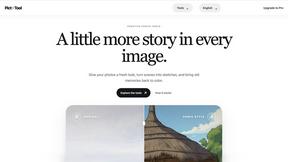


Design.com AI Image Generator
Turn text prompts into polished, copyright-safe visuals that plug directly into branded templates
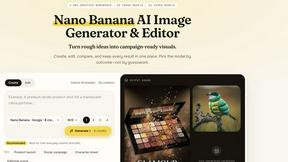
Nano AI
Create and edit AI images, generate videos, and compare models in one creative workbench.

Ozil AI
Ozil AI turns one photo into the famous Ozil goal video. You chip the keeper and score in a 15 second vertical clip with sound and no watermark.

FreeVideoGenerator
Free AI video generator: turn text prompts and photos into video clips with Sora 2, Veo 3.1, Wan and more. Free starter credits, no watermark download
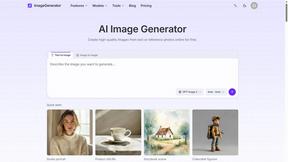
ImageGenerator
Create and edit AI images online with multiple models, text-to-image, image-to-image, background removal, and upscaling.
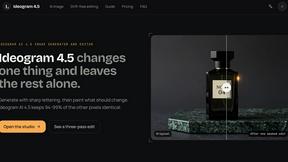
Ideogram 4.5
AI image generation and editing with precise typography, native 2K output, and localized edits.
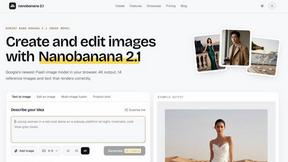
nanobanana 21
Fast, simple AI image studio for creating and editing high-quality images with readable text, consistent characters, and up to 14 reference images.
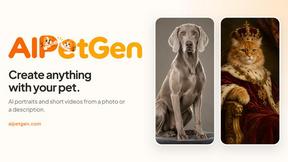
AIPetGen
AIPetGen turns a photo of your dog, cat, or other pet, or a written description, into a new picture or a short animation.
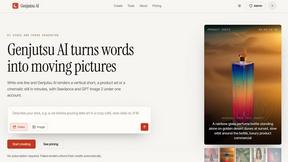
Genjutsu AI
Genjutsu AI turns your ideas into cinematic videos, product ads, social media shorts, and high-quality images in minutes.

ImageGPT
ImageGPT is an all-in-one AI creative platform for generating, editing and transforming images and videos using AI.
AI Album Cover Maker
Create release-ready album covers from a prompt or photo. Generate, refine, and export art for singles, EPs, mixtapes, and playlists.
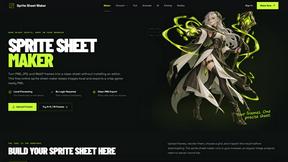
Sprite Sheet Maker
A free browser-based toolkit for creating, cutting, converting, and previewing sprite sheet animations.


About Picture Enhancer Alternatives
Picture Enhancer is basically your go-to browser-based AI tool for fixing up blurry, low-res, or busted-looking photos without downloading a single thing. It lives in the Image Generation category, but really it’s all about restoration and sharpening—think deblurring that shaky shot, upscaling a tiny product pic, or restoring an old family photo that’s seen better days. It’s super handy for creators, sellers, and anyone who needs crisp images fast, with a free trial that gives you three lifetime tries per IP and a credit system that only charges you when the job actually works. But let’s be real, sometimes you hit a wall: maybe you need more than ten images in a batch without paying, or the credit-per-success model feels too restrictive for heavy use, or you just want a tool that doesn’t cap your intensity levels behind a paywall. That’s why folks start shopping around. When you’re scoping out an alternative, keep an eye on what matters most for your workflow. First, check the pricing vibe—do they offer a generous free tier or a one-time purchase instead of recurring credits? Look at the feature set too: can you upscale to higher resolutions than the Super tier, or do they support more file types like TIFF or HEIC? Also, consider platform flexibility—some tools might have desktop apps for offline use, mobile apps for on-the-go editing, or API access for automation. And don’t sleep on the quality of the AI; you want something that handles noise reduction, color correction, and detail enhancement without making faces look waxy. Ultimately, the best alternative fits your budget, your batch size needs, and your preferred vibe of “set it and forget it” versus manual tweaking.
FAQs about Picture Enhancer Alternatives
What is Picture Enhancer?
Picture Enhancer is a free online AI photo enhancer that lives in your browser, letting you deblur, upscale, and restore images without installing any software. You just upload a JPG, PNG, or WebP photo, choose an enhancement mode like Deblur or Upscale, pick an intensity level, and preview the result before downloading a watermark-free version. It uses a credit system where you’re only charged when the enhancement succeeds, making it a low-risk tool for quick fixes.
Who is Picture Enhancer for?
Picture Enhancer is built for creators, sellers, and everyday users who need sharper images fast—think social media managers polishing posts, e-commerce sellers cleaning up product photos, or anyone fixing screenshots or family pictures. It’s designed to be dead simple, so you don’t need any editing skills; just upload, pick your settings, and grab the result. The free trial with three lifetime tries per IP also makes it a solid test-drive for casual users who aren’t ready to commit to a paid plan.
Is Picture Enhancer free?
Yes, Picture Enhancer offers a free tier where guests get three lifetime tries per IP with no signup required—no credit card, no download. After that, you can sign in to use credits, with new accounts receiving starter credits to get you going. Credits are only charged on successful enhancements, so you’re not wasting them on failed jobs, and paid plans unlock Super intensity tiers, batch processing up to 10 images, and monthly or permanent credit packs.
What are the main features of Picture Enhancer?
The main features include three enhancement modes: Deblur for fixing blurry shots, Upscale for boosting resolution, and Restore for repairing damaged or low-quality photos. You can choose from Standard, Strong, or Super intensity levels, with a before-and-after preview to see the difference before downloading. Paid users get batch enhance (up to 10 images at once), Super tier access, and flexible credit options like monthly plans that refill or permanent packs that never expire.