
Alternatives to ScanNerd
Explore the best alternatives and competitors to ScanNerd.
Explore 20 alternatives to ScanNerd. Compare features, pricing, and find the best fit for your needs.
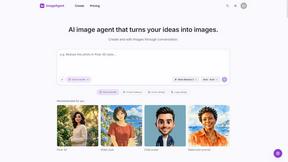
ImageAgent
Create and edit AI images through conversation, using text or reference images and refining results in chat.


Uniclip
Clip pages, take full-page screenshots and batch-capture list data to Notion, Feishu, Obsidian, Markdown, CSV or JSON.

TroveKey
Search tabs, Chrome bookmarks and history, run browser commands, and save webpages and social posts locally—no account.

AppIconGenerator
Generate iOS and Android app icons from any image and export all platform sizes for free.
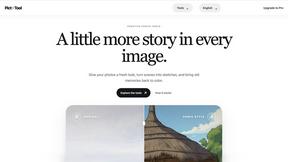

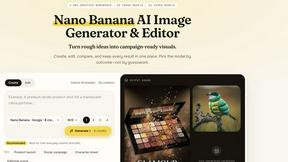
Nano AI
Create and edit AI images, generate videos, and compare models in one creative workbench.
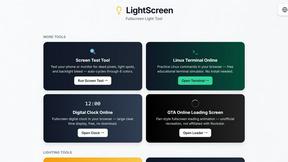
LightScreen
Free light screen tool online. Turn any display into a flashlight, ambient light, or solid-color screen. No download or sign-up.
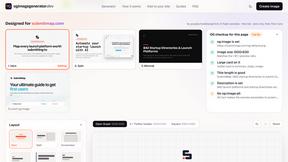
ogimagegenerator.dev
Paste a URL and AI designs on-brand Open Graph images from your page's colours, fonts and logo. Free, no sign-up.
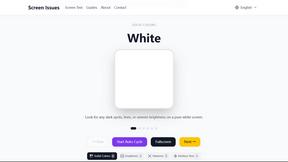
Screen Issues
Free Online Screen Test Tool - Instantly diagnose dead pixels, lines, color issues, and flickering. Multiple test modes, no download needed.
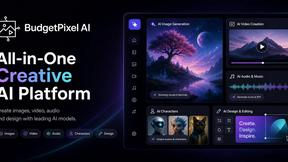
Budgetpixel AI
Create and edit AI images, videos, music, and designs in one workspace, with multiple models, reusable characters, and API access.

Context Board
Context Board brings your numbers, docs, clients, content and day into one workspace that Claude and Codex can read and update.

Tip Toe AI
Upload a Dancer photo and a Partner photo and get your own AI Tip Toe barn-dance video. Free 5s preview, 12s HD from $4.90. No subscription.

Ozil AI
Ozil AI turns one photo into the famous Ozil goal video. You chip the keeper and score in a 15 second vertical clip with sound and no watermark.

@fuck.it - email with attitude
Private email. Pure. Secure. Exclusive. No ads, no tracking, no data selling. GDPR compliant, EU-hosted.
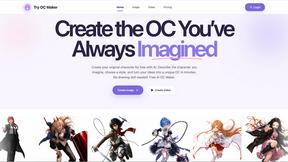
Try OC Maker
Create OCs from text or images, customize their look, and turn them into animated videos with AI.

FreeVideoGenerator
Free AI video generator: turn text prompts and photos into video clips with Sora 2, Veo 3.1, Wan and more. Free starter credits, no watermark download
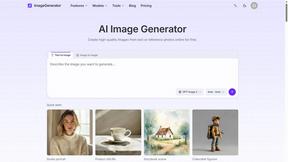
ImageGenerator
Create and edit AI images online with multiple models, text-to-image, image-to-image, background removal, and upscaling.
About ScanNerd Alternatives
ScanNerd is a nifty tool that fits snugly in the design tools category, helping users effortlessly convert their PDFs and images into high-quality scanned copies. It’s like having a scanner in your pocket, minus the bulky hardware. Users often seek alternatives for various reasons such as wanting different features, needing specific platform compatibility, or simply searching for budget-friendly options. When you’re on the hunt for an alternative, consider what features matter most to you, the ease of use, and whether it meets your privacy and security standards. Choosing the right alternative means looking for user-friendliness, local processing capabilities, and a solid reputation for security. After all, nobody wants to compromise on their private files. So, whether you’re a student needing quick document conversion or a professional looking to enhance your presentations, finding a tool that ticks all your boxes will make your life a whole lot easier.
FAQs about ScanNerd Alternatives
What is ScanNerd?
ScanNerd is a free tool that converts PDFs and images into high-quality scanned copies, making document handling a breeze.
Who is ScanNerd for?
ScanNerd is perfect for students, professionals, or anyone who needs to quickly transform digital documents into stylish scanned formats.
Is ScanNerd free?
Yes, ScanNerd is completely free to use, with no hidden fees or subscriptions.
What are the main features of ScanNerd?
ScanNerd offers instant PDF conversion, local processing for privacy, no sign-ups required, and cross-device compatibility.