
Alternatives to Spark Robin
Explore the best alternatives and competitors to Spark Robin.
Explore 20 alternatives to Spark Robin. Compare features, pricing, and find the best fit for your needs.

Crazy Frog AI
Turn 1–2 photos into the viral Crazy Frog invisible-moped chase video in seconds.
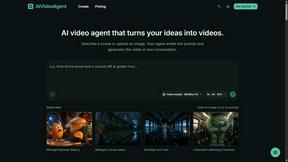
AIVideoAgent
Turn text ideas or reference images into videos through conversation, with agent-assisted prompts and a choice of video models.
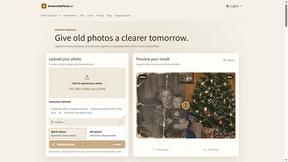
RestoreOldPhoto
Restore old photos with RestoreOldPhoto.ai: repair scratches, creases and fading, sharpen faces and details, and optionally colorize family memories.
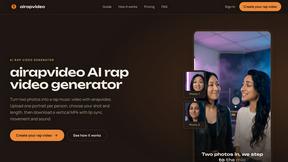
airapvideo
AI rap video generator that turns two portraits into a vertical, lip-synced rap music video. Pick framing and length, get a shareable MP4.
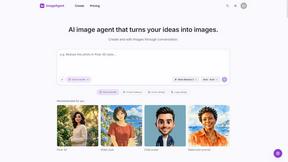
ImageAgent
Create and edit AI images through conversation, using text or reference images and refining results in chat.
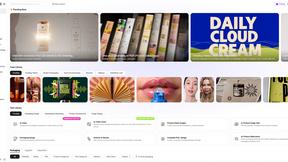
Rhinobird
AI video ads, UGC-style videos, and product visuals for cross-border sellers and e-commerce brands.
GenX
All-in-one AI workspace to generate images, videos, and audio with multiple leading AI models.
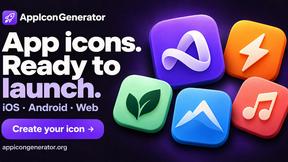
AppIconGenerator
Generate iOS and Android app icons from any image and export all platform sizes for free.
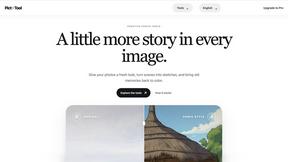

Design.com AI Image Generator
Turn text prompts into polished, copyright-safe visuals that plug directly into branded templates
Nano AI
Create and edit AI images, generate videos, and compare models in one creative workbench.

Gas Station Dance AI Generator
Recreate the viral gas station dance from 1 to 3 photos, no filming.


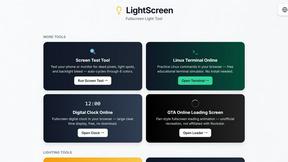
LightScreen
Free light screen tool online. Turn any display into a flashlight, ambient light, or solid-color screen. No download or sign-up.

Genjutsu AI
AI video-to-video: Motion Transfer & Object Swap. Preview the credit cost, pay once. No subscription.
About Spark Robin Alternatives
Alright, so you’ve been vibing with Spark Robin, right? It’s that slick AI video generator that takes your text prompts or still images and spins them into short, shareable bangers perfect for TikTok, Reels, or product showcases. It’s basically your no-experience-required shortcut to making cinematic or social-ready clips in minutes by tweaking format, motion, and audio. But let’s be real—sometimes the hype wears off, and you start side-eyeing the price tag, the feature set, or the fact that it might not mesh with your specific platform needs. Maybe you’re looking for something that goes harder on customization, has a free tier that doesn’t cap you, or just vibes better with your workflow. That’s totally normal—every creator hits that wall. So when you’re hunting for a replacement, don’t just grab the first shiny tool you see. You gotta look under the hood: check if the AI actually slaps with your content style, if the export options let you post everywhere without drama, and if the pricing doesn’t make your wallet cry. Also, peep the motion controls and audio library—are they giving you that cinematic sauce or just basic beats? And for the love of the algorithm, make sure it handles vertical, square, and horizontal formats like a champ. You want something that scales with your hustle, not something that locks you into a one-trick pony situation. Keep it casual, keep it real, and don’t settle for less than the vibe you need.
FAQs about Spark Robin Alternatives
What is Spark Robin?
Spark Robin is an AI-powered video generator that transforms text prompts or uploaded images into short, shareable videos. It’s designed for creating social media content like TikTok clips, Reels, and product showcases without needing any editing experience. Users can adjust format, motion, and audio to produce cinematic or social-ready videos in just a few minutes.
Who is Spark Robin for?
Spark Robin is perfect for content creators, social media managers, small business owners, and anyone who needs to pump out short-form video content quickly. It’s especially useful for people who want professional-looking results but don’t have time to learn complex editing software. Whether you’re promoting a product or just trying to go viral, this tool is built for hustle culture.
Is Spark Robin free?
Spark Robin typically offers a freemium model, meaning there’s a basic free tier with limited features or watermarks, and paid plans for full access. The free version is great for testing the waters, but to unlock higher quality exports, longer clips, and more customization options, you’ll likely need to upgrade. Always check their current pricing page for the latest details, as offers can change.
What are the main features of Spark Robin?
Spark Robin lets you generate videos from text or images with adjustable format, motion effects, and audio tracks. It supports multiple aspect ratios for platforms like TikTok, Instagram Reels, and YouTube Shorts. The AI handles the heavy lifting, so you just input your content and get a professional-looking video in minutes—no editing skills required.