
Practical AI (Practical AI for SMB) vs Prompt Builder
Side-by-side comparison to help you choose the right AI tool.

Practical AI (Practical AI for SMB)
Unlock the power of AI with easy guides that help small businesses automate tasks and save time, no coding needed.
Last updated: April 4, 2026

Prompt Builder
Generate, optimize, test, and manage AI prompts in one place. Turn an idea into a ready-to-use prompt in seconds.
Visual Comparison
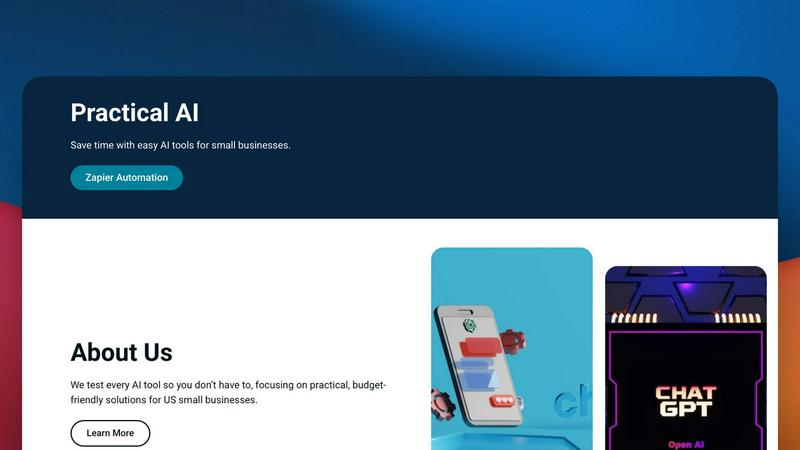
Practical AI (Practical AI for SMB)
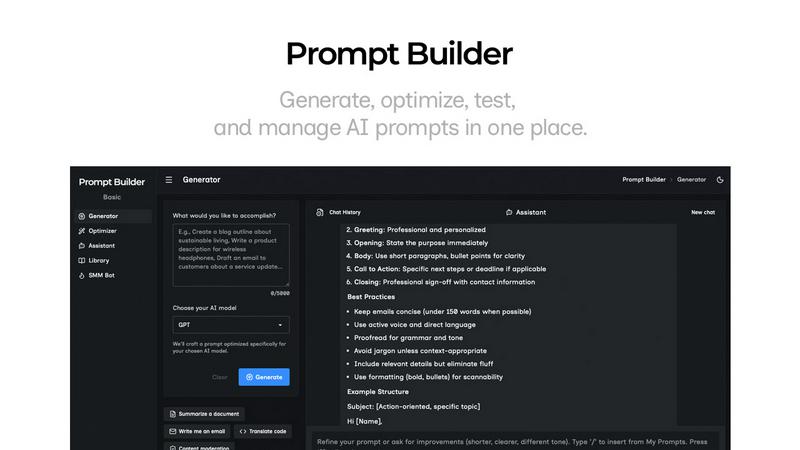
Prompt Builder
Overview
About Practical AI (Practical AI for SMB)
Practical AI is your go-to hub for all things AI, specifically tailored for small and medium-sized businesses (SMBs) in the US. We get it, the world of AI can feel like a chaotic carnival of buzzwords and hype. That’s why we’re here to cut through the noise and deliver the real deal. Our mission? To provide thoroughly tested tools and straightforward, step-by-step guides that make AI accessible to everyone, regardless of tech skills or budget. From automating mundane tasks to enhancing your marketing game, we’ve got you covered. Whether you're a local courier, laundromat owner, or landscaper, our guides are crafted to help you streamline operations, boost efficiency, and improve customer service. Led by automation wizard Aapt Dubey, who’s built over 800 workflows, Practical AI is all about practical solutions that actually work in the real world. Say goodbye to complexity and hello to smarter, easier business operations!
About Prompt Builder
Prompt Builder is a prompt engineering workspace for writing, testing, and saving prompts. Describe the task in plain English, and it helps you create a prompt that matches the model you choose. Start with a draft, refine it in chat, save or pin versions, then run them when you are ready. It works with GPT, Claude, Gemini, Llama, Mistral, DeepSeek, Grok, Perplexity, and more. You also get an Optimizer, an assistant for quick tests, and a library of reusable prompts and templates from the community. Turn an idea into a ready-to-use prompt in seconds. Refine it in chat, save it to your Library, and run it anytime.