
GenSong vs Singify AI Vocal Remover
Side-by-side comparison to help you choose the right AI tool.

GenSong
Turn your ideas into catchy, royalty-free songs in any genre with GenSong's lightning-fast AI music generator.
Last updated: March 11, 2026

Singify AI Vocal Remover
Singify AI Vocal Remover lets you instantly strip vocals from any track, turning your karaoke fantasies into reality!.
Last updated: March 1, 2026
Visual Comparison
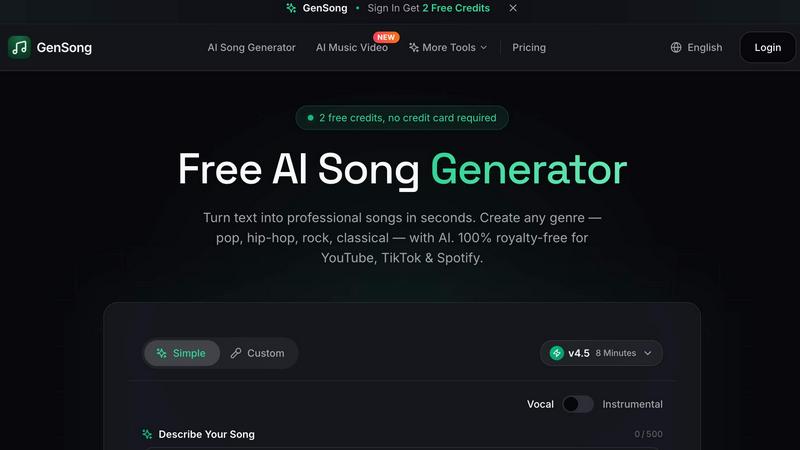
GenSong
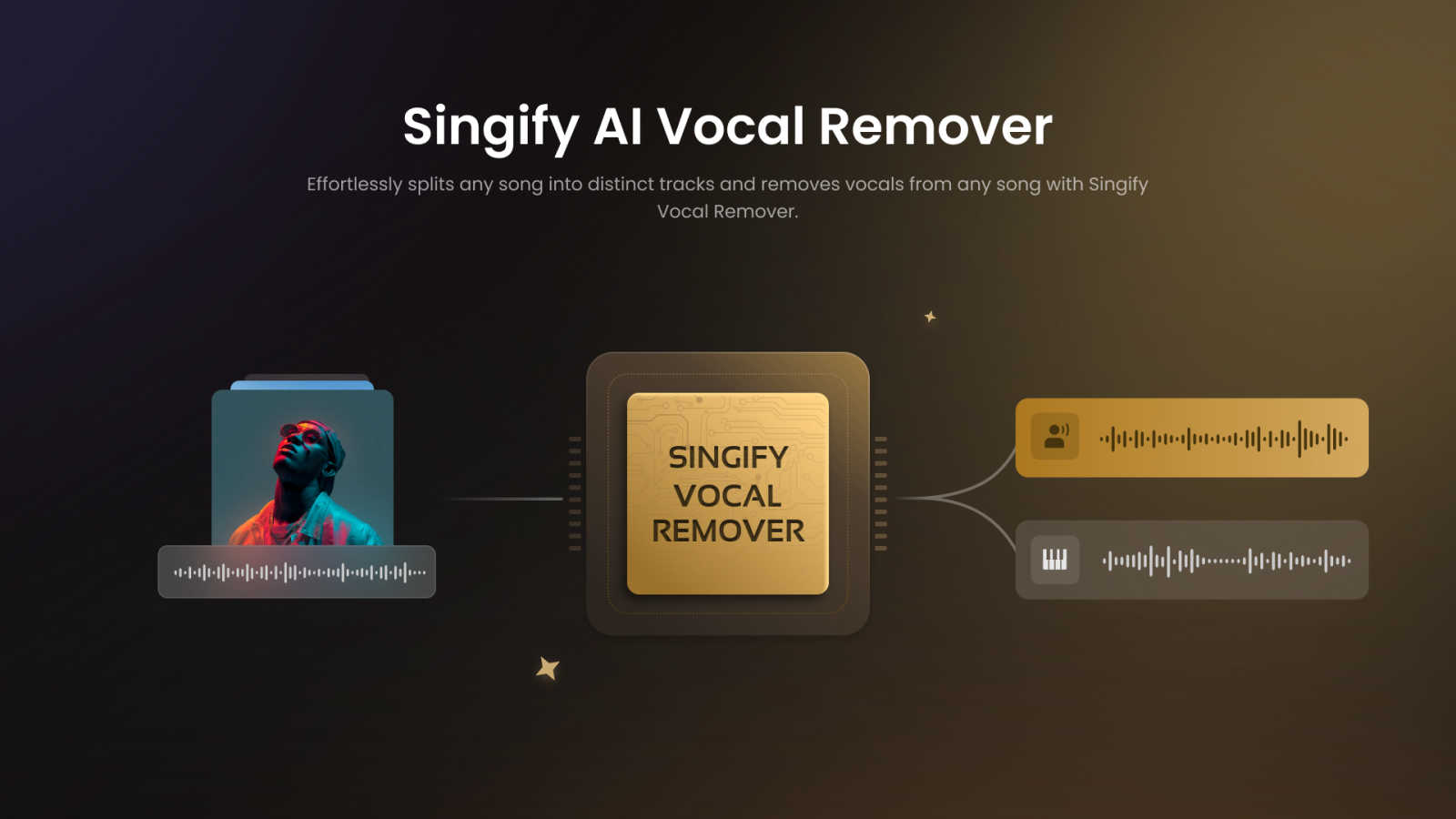
Singify AI Vocal Remover
Feature Comparison
GenSong
Instant Song Generation
With GenSong, you can generate songs in under a minute! Just describe your idea, and the AI will whip up a complete track, including vocals and instruments, in no time. It's like having a professional music studio in your pocket.
Studio-Quality Sound
The audio quality of tracks produced by GenSong is top-notch. You can expect high-fidelity sound that rivals what you'd hear from a professional studio. This ensures that your creations sound just as good as anything you'd hear on the radio.
Multiple Genre Options
Whether you're feeling the beats of hip-hop, the grooves of funk, or the melodies of classical, GenSong can create it. Choose from a wide range of genres and styles, ensuring that whatever vibe you’re after, the AI can deliver.
100% Royalty-Free
Every track generated is completely royalty-free, meaning you can use it commercially without any legal headaches. Need a jingle for your YouTube channel or background music for a podcast? GenSong's got you covered with tracks that are ready for monetization.
Singify AI Vocal Remover
8-Stem Separation Technology
Singify's cutting-edge 8-stem separation technology allows you to extract individual elements from your favorite tracks. Whether it’s vocals, drums, bass, or synths, this feature ensures that you get clear, high-quality sound without any distortion. It’s perfect for those detailed audio projects where every instrument matters.
Effortless and Free to Use
No hidden fees or complicated processes here! Singify makes audio separation accessible to everyone, providing a seamless experience that lets you focus on your creativity. Just upload your track, and let the AI do the heavy lifting. It’s as simple as that!
High-Quality Multi-Format Audio Output
Export your separated tracks in various formats like MP3, WAV, M4A, and more. This flexibility allows you to choose the best format for your needs, whether you're sharing your creations online or using them in professional settings. Quality is never compromised with Singify!
Cross-Platform Support
No matter what device you’re using, Singify has got your back! It works flawlessly on any browser or operating system, including web, iOS, Android, and macOS. This means you can create and remix music on the go, without being tied down to a specific setup.
Use Cases
GenSong
Content Creation
Content creators can leverage GenSong to produce catchy jingles or background music for their videos. Imagine having a unique soundtrack that perfectly fits your vibe without spending hours or cash on a composer.
Game Development
Indie game developers can find a treasure trove of audio assets with GenSong. Need atmospheric music or action-packed tracks? Just describe the scene, and boom—you have the perfect soundtrack to enhance your gameplay.
Podcast Production
Podcasters can spice up their shows with custom music that resonates with their themes. GenSong allows creators to generate unique intro and outro music, making their podcasts stand out in a crowded market.
Personal Projects
Whether you're writing a short film, creating a presentation, or just want to have some fun, GenSong is perfect for personal projects. Generate unique tracks that fit your specific needs, all while enjoying the creative process.
Singify AI Vocal Remover
Create Karaoke Tracks
Want to belt out your favorite songs at home or during a party? Use Singify to remove vocals and create your very own karaoke tracks. It’s perfect for gatherings where everyone wants to show off their singing skills without the original artist stealing the spotlight.
Remix Your Favorite Songs
For DJs and music producers, Singify is a game changer. You can effortlessly isolate instrumentals and remix tracks to create new, unique versions of your favorite songs. It opens up endless possibilities for creativity and innovation in your music projects.
Music Practice and Learning
If you're a musician looking to practice, Singify lets you isolate specific instruments. This way, you can play along with just the drums or bass, making it easier to learn your favorite tunes and improve your skills without distractions.
Analyze Music for Production
Music producers can use Singify to dissect tracks and understand their structure better. By isolating different elements, you can analyze how a song is built, which can inspire your own productions and help you develop your sound.
Overview
About GenSong
GenSong is your go-to AI song generator that transforms your wildest musical dreams into reality. Whether you're an aspiring musician, a content creator, or just someone who loves to jam, GenSong has got your back. With just a few clicks, you can whip up original tracks across any genre—from pop and rock to hip-hop and jazz. This tool takes your song concept, including mood, tempo, and even lyrics, and creates a full professional-quality track in a matter of minutes. No need to be a music expert or have fancy equipment; GenSong’s straightforward interface makes it super easy for anyone to dive into music creation. Plus, everything generated is 100% royalty-free, so you can use your new tunes on platforms like YouTube, TikTok, and Spotify without breaking a sweat. It's like having a personal band at your fingertips, ready to rock out your next hit!
About Singify AI Vocal Remover
Yo, music aficionados! Let’s dive into the world of Singify AI Vocal Remover, the ultimate tool for anyone looking to remix or create music like a pro. This innovative software uses advanced AI technology to separate vocals from any track, giving you the freedom to work with just the instrumentals or isolate different elements like drums, bass, or synths. It's perfect for DJs, music producers, and even casual creators who just want to jam out to their favorite tunes without the original vocals getting in the way. The beauty of Singify lies in its user-friendly interface and lightning-fast processing, making it ridiculously easy to achieve high-quality results without any complicated setup. Say goodbye to clunky software and hello to effortless creativity! Whether you want to create karaoke tracks, remixes, or just explore the music you love, Singify AI Vocal Remover is your go-to solution for high-quality audio manipulation.
Frequently Asked Questions
GenSong FAQ
How do I start using GenSong?
Getting started with GenSong is super easy! Just sign up for an account, and you’ll receive 2 free credits to try out the AI song generator. No credit card is required!
Can I use the songs I create commercially?
Absolutely! Every song created with GenSong is 100% royalty-free. You can use them on commercial platforms like YouTube, Spotify, and TikTok without any worries about copyright issues.
What genres can I create with GenSong?
You can create music in a wide variety of genres, including pop, rock, hip-hop, classical, jazz, reggae, and more. Whatever vibe you're after, GenSong has the tools to bring it to life.
How fast can I generate a song?
With GenSong, you can expect to generate a complete song in under a minute. The AI works lightning-fast, allowing you to focus on your creativity rather than waiting around.
Singify AI Vocal Remover FAQ
How does Singify AI Vocal Remover work?
Singify uses advanced AI models to analyze and separate audio tracks into distinct elements. By employing sophisticated algorithms, it can effectively remove vocals or isolate instruments while preserving audio quality.
Are there any limits on file size or duration?
Yes, you can upload audio files with a maximum duration of 20 minutes and a maximum file size of 30MB. This ensures that you can work with most songs without hassle while keeping the processing efficient.
Can I remove vocals from YouTube videos?
Absolutely! Just paste the YouTube video URL into Singify, and it will extract the audio for you. This feature makes it super easy to access and manipulate music tracks from your favorite online videos.
Is Singify free to use?
Yes, Singify is free to use! There are no hidden charges, and the process is straightforward. Just upload your track and start creating without worrying about costs or complicated software.
Alternatives
GenSong Alternatives
GenSong is this super cool AI-powered tool that whips up original music tracks just from your text prompts. Whether you're vibing with pop, rock, or even some chill lo-fi beats, GenSong can turn your ideas into royalty-free jams that are ready to go in minutes. It falls under the Audio & Music category, making it a go-to for creators looking to add a unique soundtrack to their projects without the hassle of traditional music production. But hey, not everyone finds their perfect match with GenSong. Users often dive into the search for alternatives because they might be looking for different pricing options, specific features that fit their workflow, or even compatibility with their favorite platforms. When scouting for an alternative, think about what you really need—like ease of use, genre flexibility, and whether you want something aimed at pros or casual creators. Finding the right fit can make all the difference in your music-making journey!
Singify AI Vocal Remover Alternatives
Singify AI Vocal Remover is a cutting-edge tool designed for music enthusiasts and creators, enabling users to effortlessly extract vocals or isolate instruments from any track. It falls into the audio and music category, making it a popular choice for DJs, producers, and anyone looking to enhance their audio projects. However, users often seek alternatives due to various reasons such as pricing, feature sets, or compatibility with their preferred platforms. When searching for an alternative, consider factors like processing speed, audio quality, user interface, and the range of supported file formats. It’s essential to find a tool that matches your specific needs, whether you're looking for something budget-friendly, packed with features, or simply easy to navigate.